
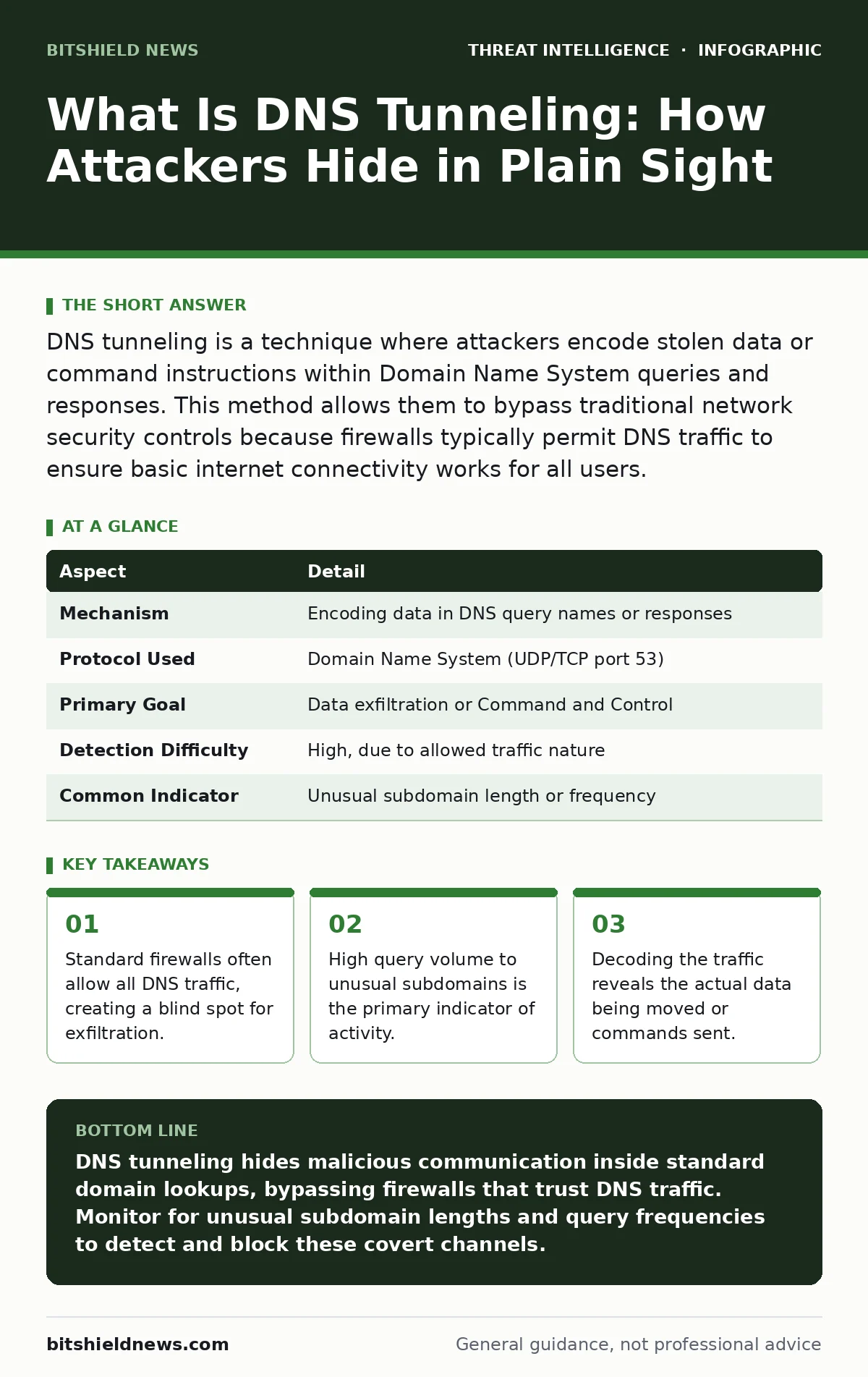
DNS tunneling is a technique where attackers encode stolen data or command instructions within Domain Name System queries and responses. This method allows them to bypass traditional network security controls because firewalls typically permit DNS traffic to ensure basic internet connectivity works for all users.
What Is DNS Tunneling
Imagine you are trying to smuggle contraband into a high-security facility. Instead of hiding items in your pockets, you write the information on thousands of individual sticky notes. You then attach these notes to envelopes addressed to a legitimate-looking company. The guards check the envelopes, see a valid address, and let them through without opening them. DNS tunneling operates on this exact principle.
What is DNS tunneling? It is a method that uses the Domain Name System to create a covert communication channel. The Domain Name System translates human-readable domain names into machine-readable IP addresses. Attackers abuse this protocol to move data out of a network or to send commands into it. They hide this traffic inside standard DNS queries and responses.
Because almost every network allows DNS traffic to function, this method bypasses perimeter defenses. Firewalls are configured to let DNS requests pass to ensure users can access websites. Attackers exploit this trust. They do not need to open new ports or use unusual protocols. They simply use the channel that is already open.
At a Glance
| Aspect | Detail |
|---|---|
| Mechanism | Encoding data in DNS query names or responses |
| Protocol Used | Domain Name System (UDP/TCP port 53) |
| Primary Goal | Data exfiltration or Command and Control |
| Detection Difficulty | High, due to allowed traffic nature |
| Common Indicator | Unusual subdomain length or frequency |
How The Mechanism Works
The Domain Name System has specific limits and structures that attackers manipulate. A standard domain name has a maximum length of 253 characters. Each label within the name can be up to 63 characters long. Attackers take the data they want to send, such as a stolen file or a command, and convert it into a string of text.
They often use Base64 encoding to transform binary data into alphanumeric characters. This encoded string becomes part of the subdomain in a DNS query. For example, a query might look like aGVsbG8gd29ybGQ.evil-domain.com. The part aGVsbG8gd29ybGQ contains the hidden message. The domain evil-domain.com is controlled by the attacker.
When the victim machine sends this query, it travels through the firewall. The firewall sees a DNS request for a domain owned by the attacker. It does not inspect the content of the subdomain labels deeply. The attacker’s server receives the query, decodes the subdomain, and retrieves the data. To send commands back, the attacker uses the DNS response. They can place encoded instructions in the TXT record or other fields of the response.
This process creates a persistent connection. The attacker does not need to maintain an open socket connection, which many intrusion detection systems monitor closely. Instead, they use short, bursty queries that look like normal user behavior. The trade-off is speed. DNS tunneling is slow compared to direct connections. It is suitable for low-volume commands or small data sets, not for streaming video or large file transfers.
Who Is At Risk
Any organization that relies on the internet for connectivity is at risk. The mechanism does not care about industry or size. However, certain environments are more attractive targets. Organizations with strict outbound firewalls are prime candidates. If a firewall blocks all outbound traffic except for specific ports, attackers look for the exceptions. DNS is almost always an exception.
Internal networks with limited egress filtering are vulnerable. If the network allows any DNS query to leave, an attacker can exfiltrate data to any external server they control. This affects corporate offices, healthcare providers, and educational institutions equally. The attack does not require a sophisticated network layout. It only requires that DNS traffic is permitted to reach the internet.
Remote workers are also a vector. If a user connects to a public Wi-Fi network that allows open DNS resolution, the attacker can use that connection to tunnel data. The local network security policies may not apply to the remote device in the same way. This expands the attack surface beyond the physical office walls.
What People Usually Get Wrong
Many security teams assume that monitoring port 53 is sufficient. They check for DNS traffic on the standard port and assume it is safe. Attackers know this. They can sometimes bind DNS traffic to other ports or use DNS over HTTPS. DNS over HTTPS encrypts the DNS queries inside standard HTTPS traffic. This makes it invisible to traditional network monitors that only inspect port 53.
Another common error is focusing only on known malicious domains. Attackers can register new domains quickly. They can also use fast-flux DNS techniques to change the IP address of a domain rapidly. This makes blacklisting ineffective. The domain name itself may look legitimate or randomly generated. The pattern of usage is the indicator, not the domain name.
Teams often ignore DNS traffic from internal servers. They focus on user workstations. However, compromised servers can generate high volumes of DNS traffic. A server exfiltrating data via DNS can look like a misconfigured application. Without baseline monitoring, this activity blends into background noise.
See also: Stop DNS Amplification Attacks: Practical Prevention Steps · How Do Honeypots Work: Mechanism, Failures, and Detection Data
Detection And Response Strategies
Detecting DNS tunneling requires analyzing patterns, not just content. You must establish a baseline of normal DNS behavior for your network. Normal traffic has a predictable distribution of query types and lengths. Tunneling traffic often exhibits high entropy. Entropy measures the randomness of the data. Randomly generated subdomains have high entropy.
Monitor for long subdomain labels. Standard subdomains are usually short. Labels longer than 30 characters are suspicious. Also watch for high query frequency to a single domain. A single host sending hundreds of queries to one domain in a short period is a red flag. This indicates automated activity, not human browsing.
Use security telemetry to aggregate DNS logs. Centralized logging allows you to correlate events. You can see if a specific host is communicating with a domain that has no other legitimate traffic. Integrate this data with your network detection and response tools. These tools can automatically isolate hosts that exhibit tunneling behavior.
Response involves blocking the malicious domain and investigating the source host. You must determine how the attacker gained access. This is often part of incident triage. The tunneling is a symptom, not the root cause. The root cause is usually a compromised credential or a vulnerable application.
Preventing Future Attacks
Prevention focuses on restricting where DNS traffic can go. Deploy a local DNS resolver that only forwards queries to trusted upstream providers. Block all outbound DNS traffic from workstations that does not go through this resolver. This forces all DNS traffic into a monitored channel.
Implement DNS security extensions where possible. DNS security extensions provide authentication of DNS data. This prevents attackers from spoofing responses. While it does not stop tunneling directly, it reduces the attack surface for related attacks like cache poisoning.
Educate users about the risks of unauthorized software. Many DNS tunneling tools are installed by malware or remote access tools. Users should not install unapproved applications. Endpoint protection platforms can detect known tunneling tools. Keep these signatures updated.
Regularly review your network enumeration results. Ensure that no unexpected services are listening for DNS traffic internally. Attackers sometimes set up internal DNS servers to capture traffic. Removing these unauthorized services reduces the risk of internal interception.
The Broader Context
DNS tunneling is often part of a larger attack chain. Attackers may use it after gaining initial access via phishing or exploiting a vulnerability. It serves as a reliable backdoor. Understanding this helps in threat intelligence sharing. Sharing indicators of compromise related to DNS tunneling helps other organizations detect similar attacks.
Consider the role of honeypots in detection. A honeypot that mimics a DNS server can attract attackers. Analyzing the queries sent to the honeypot reveals the attacker’s tools and techniques. This information improves your defensive posture.
Remember that no single control stops all attacks. Layer your defenses. Combine DNS monitoring with endpoint protection and user training. This depth makes it difficult for attackers to maintain access. The goal is to increase the cost and risk for the attacker while reducing your exposure.
Key takeaways
- Standard firewalls often allow all DNS traffic, creating a blind spot for exfiltration.
- High query volume to unusual subdomains is the primary indicator of activity.
- Decoding the traffic reveals the actual data being moved or commands sent.
DNS tunneling hides malicious communication inside standard domain lookups, bypassing firewalls that trust DNS traffic. Monitor for unusual subdomain lengths and query frequencies to detect and block these covert channels.
Frequently asked questions
Can DNS tunneling be used to download large files?
No, DNS tunneling is slow and inefficient for large transfers. It is typically used for small commands or sensitive data exfiltration, not bulk file downloads.
Does using a public DNS resolver like 8.8.8.8 prevent tunneling?
No, using a public resolver does not prevent tunneling. Attackers can still encode data in queries sent to any resolver. You must monitor the content and patterns of the queries.
Is DNS over HTTPS more secure against tunneling?
DNS over HTTPS encrypts the traffic, making it harder to inspect. This can hide tunneling from traditional network monitors. You need endpoint-based monitoring to detect it.
How do I know if my DNS logs are being tampered with?
Use secure log forwarding to a remote, write-once storage system. This prevents attackers from deleting logs on the local DNS server to cover their tracks.
How this guide was produced: written by the BitShield News editorial team with AI assistance, checked against the public references listed below, and reviewed when the facts change. See our editorial policy or report an error.