
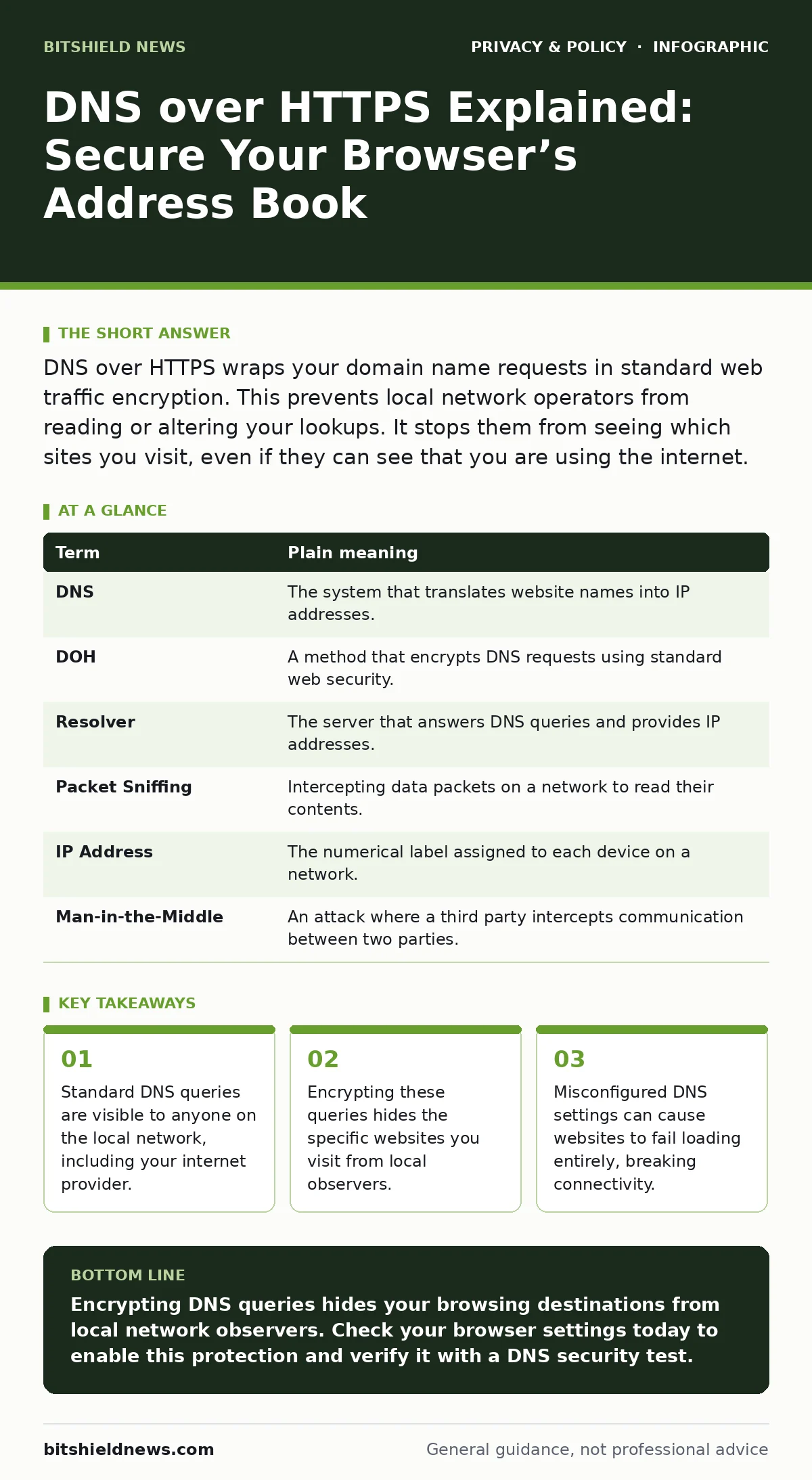
DNS over HTTPS wraps your domain name requests in standard web traffic encryption. This prevents local network operators from reading or altering your lookups. It stops them from seeing which sites you visit, even if they can see that you are using the internet.
The Post Office Analogy
Imagine you are sending a letter. The address on the envelope is visible to everyone who handles it. The postal workers, the sorting facility staff, and even the truck driver can read the destination. This is how standard DNS works. When you type a website address, your device asks a server for the actual location, like a postal code. That request travels in plain text.
Now imagine putting that letter inside a sealed, opaque package. The postal workers can still see the package is moving, but they cannot read the address inside. They only know a package is being delivered. This is what DNS over HTTPS does. It hides the specific destination inside encrypted web traffic.
Why Plain DNS Is Transparent
Your device needs to translate human-readable names into numbers computers understand. This translation service is called DNS. By default, these requests are sent over a protocol that does not encrypt the content. Any device on the same network can intercept and read them. Your internet service provider, your workplace network, or the cafe Wi-Fi owner can see every site you look up.
This visibility creates a privacy gap. You might use a secure browser connection to load a page, but the initial request to find that page is exposed. It is like locking the door to your house but leaving the key under the mat. The connection to the site is secure, but the act of finding it is not.
How DOH Changes the Flow
DNS over HTTPS, often abbreviated as DOH, sends these translation requests through standard HTTPS connections. HTTPS is the secure protocol used by most websites today. By routing DNS queries through this same encrypted channel, the content of the request becomes unreadable to intermediate parties.
The local network still sees that you are communicating with a DNS provider. However, it cannot see which specific domain you are querying. This adds a layer of confidentiality that standard DNS lacks. It ensures that the path from your device to the DNS resolver is protected from eavesdropping.
The Trade-Off of Privacy
Encrypting DNS traffic introduces a new dependency. You are no longer using the DNS server provided by your local network. Instead, you are using one you or your browser selects. This gives you control over who sees your data. It also means you must trust that resolver to handle your requests correctly and privately.
There is a hidden cost to this shift. If the chosen resolver goes down or blocks certain domains, your connectivity suffers. Traditional DNS allows local networks to filter content or redirect errors. With DOH, those local controls are bypassed. This can be a benefit for privacy, but it complicates network management for organizations that rely on local filtering.
A Mini Glossary for Clarity
| Term | Plain meaning |
|---|---|
| DNS | The system that translates website names into IP addresses. |
| DOH | A method that encrypts DNS requests using standard web security. |
| Resolver | The server that answers DNS queries and provides IP addresses. |
| Packet Sniffing | Intercepting data packets on a network to read their contents. |
| IP Address | The numerical label assigned to each device on a network. |
| Man-in-the-Middle | An attack where a third party intercepts communication between two parties. |
See also: Smart home privacy risks prevention checklist for your network · Citrix NetScaler Mistakes That Leave Your Network Open
Practical Steps to Enable DOH
You can start using this protection immediately. Most modern browsers support DOH by default or with a simple toggle. Here is how to verify and enable it.
- Open your browser settings and look for the privacy or security section.
- Find the option labeled "Secure DNS" or "Use DNS over HTTPS."
- Toggle the setting to "On" or "Enabled" and select a trusted provider.
After enabling, test your connection by visiting a site that checks your DNS security status. If the setting is active, your queries are now encrypted. This simple change reduces the amount of metadata available to local network operators.
Beyond Browser Settings
This protection is specific to the application you configure. Your operating system and other apps may still use standard DNS. For broader protection, you need to configure DOH at the system level or use a firewall that enforces it. This ensures that all network traffic, not just browser traffic, benefits from the encryption.
Consider how this relates to other privacy tools. Just as tracker blockers stop scripts from following you across sites, DOH stops network operators from seeing where you go. Combining these tools creates a stronger defense. It addresses both the content of the page and the metadata of the connection.
Understanding the Limits
DOH is not a complete shield. It protects the translation step, not the data you send or receive. It does not hide your identity from the websites you visit. It also does not prevent your internet provider from seeing that you are using the internet at all. It simply hides the specific domains you are looking up.
This distinction matters for privacy strategy. You should view DOH as one part of a larger approach. It works alongside measures like app permission management to limit data access. It complements file metadata scrubbing to ensure you are not leaking information through documents. Each tool addresses a different vector of exposure.
Key takeaways
- Standard DNS queries are visible to anyone on the local network, including your internet provider.
- Encrypting these queries hides the specific websites you visit from local observers.
- Misconfigured DNS settings can cause websites to fail loading entirely, breaking connectivity.
Encrypting DNS queries hides your browsing destinations from local network observers. Check your browser settings today to enable this protection and verify it with a DNS security test.
Frequently asked questions
Does DNS over HTTPS slow down my internet?
There may be a negligible increase in latency due to the encryption overhead. Most users will not notice any difference in page load times.
Can my employer still monitor my activity with DOH?
They can see that you are using the internet, but they cannot see which specific sites you visit if DOH is enabled. They may block DOH entirely to regain visibility.
Is DOH available on all devices?
It is supported by most modern browsers and operating systems. Older devices or legacy systems may not support the protocol.
What happens if the DOH server is down?
Your browser may fall back to standard DNS, depending on the settings. This could expose your queries again until the service is restored.
How this guide was produced: written by the BitShield News editorial team with AI assistance, checked against the public references listed below, and reviewed when the facts change. See our editorial policy or report an error.