
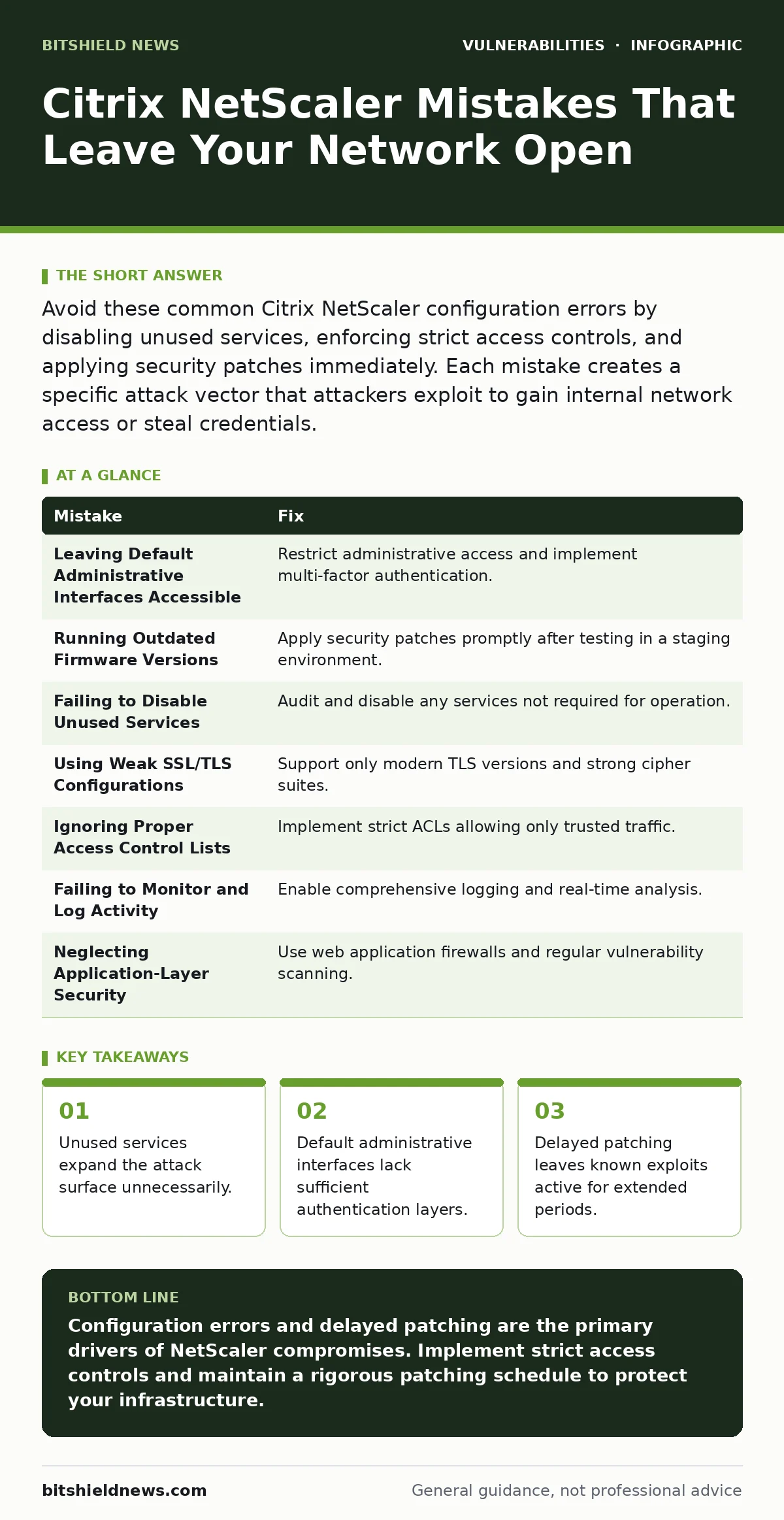
Avoid these common Citrix NetScaler configuration errors by disabling unused services, enforcing strict access controls, and applying security patches immediately. Each mistake creates a specific attack vector that attackers exploit to gain internal network access or steal credentials.
Mistake 1: Leaving Default Administrative Interfaces Accessible
You expose the management interface to the public internet without additional authentication barriers. This practice allows attackers to attempt brute-force login attempts directly against the administrative portal. The administrative interface manages the entire appliance configuration, making it a high-value target.
Why it hurts: Attackers scan for open administrative ports and exploit default credentials or weak password policies. They gain full control over the appliance, allowing them to modify routing, intercept traffic, or install backdoors. This compromise bypasses application-level security entirely.
The fix: Restrict administrative access to specific internal IP addresses using firewall rules. Implement multi-factor authentication for all administrative accounts. Disable remote management features that are not strictly required for daily operations. This limits the number of potential attackers who can reach the interface.
Mistake 2: Running Outdated Firmware Versions
You delay applying security patches to the NetScaler appliance due to fear of service disruption. This hesitation leaves known vulnerabilities active on the system. Attackers monitor release notes for new fixes and immediately develop exploits for the previous versions.
Why it hurts: Unpatched systems contain known flaws that attackers can exploit with publicly available tools. These exploits often allow remote code execution or credential theft. The longer you wait, the higher the probability that an automated bot has already scanned and exploited your system.
The fix: Establish a rigorous patch management process that tests updates in a staging environment before production deployment. Schedule maintenance windows to apply critical security updates promptly. Regular firmware updates close known holes and improve overall system stability. This reduces the window of exposure for each vulnerability.
Mistake 3: Failing to Disable Unused Services
You enable multiple services on the NetScaler appliance without reviewing their necessity. This includes features like SNMP, SSH, and HTTP management interfaces that may not be used in your specific deployment. Each enabled service adds a potential entry point for attackers.
Why it hurts: Unused services often have their own vulnerabilities that are not patched as frequently as the core application. Attackers exploit these lesser-known services to gain initial access. They then use this foothold to pivot deeper into your network. Disabling these services removes entire categories of risk.
The fix: Audit all enabled services on the NetScaler appliance and disable any that are not required for operation. Use the principle of least privilege to ensure only necessary functions are active. Regular reviews help identify new services that may have been enabled during upgrades or configuration changes. This minimizes the attack surface significantly.
Mistake 4: Using Weak SSL/TLS Configurations
You configure the NetScaler to support older SSL/TLS protocols or weak cipher suites for backward compatibility. This practice compromises the security of encrypted traffic passing through the appliance. Attackers can exploit these weaknesses to decrypt sensitive data or perform man-in-the-middle attacks.
Why it hurts: Weak cryptographic configurations allow attackers to intercept and read sensitive information such as login credentials or financial data. They can also modify traffic in transit without detection. This undermines the trust users place in the secure connection provided by the NetScaler.
The fix: Configure the NetScaler to support only modern, secure TLS versions and strong cipher suites. Disable legacy protocols like SSLv3 and TLS 1.0. Regularly review and update cryptographic settings to align with current security standards. This ensures that data in transit remains protected against known cryptographic attacks.
Mistake 5: Ignoring Proper Access Control Lists
You configure broad access control lists that allow excessive traffic through the NetScaler appliance. This includes permitting traffic from unknown or untrusted sources without proper validation. Attackers exploit these loose rules to bypass security controls and access internal resources.
Why it hurts: Overly permissive access controls allow malicious traffic to reach internal systems that should be protected. Attackers can use this access to launch further attacks against vulnerable internal applications. This mistake undermines the entire security architecture of your network.
The fix: Implement strict access control lists that only allow traffic from known and trusted sources. Regularly review and update these rules to reflect changes in your network environment. Use geolocation filtering and IP reputation services to block traffic from high-risk regions. This adds an additional layer of defense against unauthorized access.
See also: 7 ARP Spoofing Mistakes That Expose Your Network Traffic
Mistake 6: Failing to Monitor and Log Activity
You do not enable comprehensive logging and monitoring on the NetScaler appliance. This lack of visibility makes it difficult to detect and respond to security incidents. Attackers can operate undetected for extended periods, causing significant damage before being discovered.
Why it hurts: Without proper logging, you cannot identify suspicious activity or trace the actions of an attacker. This delays incident response and allows attackers to persist in your network. Comprehensive logs are essential for forensic analysis and improving security posture.
The fix: Enable detailed logging for all administrative actions and traffic passing through the NetScaler. Use a security information and event management system to analyze logs in real-time. Set up alerts for suspicious activities such as failed login attempts or unusual traffic patterns. This ensures rapid detection and response to security incidents.
Mistake 7: Neglecting Application-Layer Security
You rely solely on network-level security controls and neglect application-layer protections on the NetScaler. This leaves vulnerabilities in the applications themselves exposed to attackers. Attackers exploit these weaknesses to bypass network defenses and access sensitive data.
Why it hurts: Application-layer vulnerabilities such as SQL injection or cross-site scripting are not detected by network firewalls. Attackers use these flaws to execute malicious code on the server or steal user data. This mistake exposes your organization to significant data breach risks.
The fix: Implement web application firewalls to protect against common application-layer attacks. Regularly scan applications for vulnerabilities and patch them promptly. Educate developers on secure coding practices to prevent future vulnerabilities. This adds a critical layer of defense against sophisticated application attacks.
| Mistake | Fix |
|---|---|
| Leaving Default Administrative Interfaces Accessible | Restrict administrative access and implement multi-factor authentication. |
| Running Outdated Firmware Versions | Apply security patches promptly after testing in a staging environment. |
| Failing to Disable Unused Services | Audit and disable any services not required for operation. |
| Using Weak SSL/TLS Configurations | Support only modern TLS versions and strong cipher suites. |
| Ignoring Proper Access Control Lists | Implement strict ACLs allowing only trusted traffic. |
| Failing to Monitor and Log Activity | Enable comprehensive logging and real-time analysis. |
| Neglecting Application-Layer Security | Use web application firewalls and regular vulnerability scanning. |
Key takeaways
- Unused services expand the attack surface unnecessarily.
- Default administrative interfaces lack sufficient authentication layers.
- Delayed patching leaves known exploits active for extended periods.
Configuration errors and delayed patching are the primary drivers of NetScaler compromises. Implement strict access controls and maintain a rigorous patching schedule to protect your infrastructure.
Frequently asked questions
How often should I update NetScaler firmware?
Apply critical security patches immediately after testing in a staging environment. Schedule regular maintenance windows for non-critical updates.
Can web application firewalls prevent all NetScaler attacks?
Web application firewalls protect against application-layer attacks but do not replace network-level security or proper configuration. They are part of a layered defense strategy.
What is the biggest risk of leaving default interfaces open?
Default interfaces provide easy access for attackers to gain administrative control. This allows them to modify configurations and intercept traffic without detection.
How do I know if my NetScaler has been compromised?
Look for unusual traffic patterns, unexpected configuration changes, or failed login attempts. Comprehensive logging and monitoring are essential for detection.
How this guide was produced: written by the BitShield News editorial team with AI assistance, checked against the public references listed below, and reviewed when the facts change. See our editorial policy or report an error.