
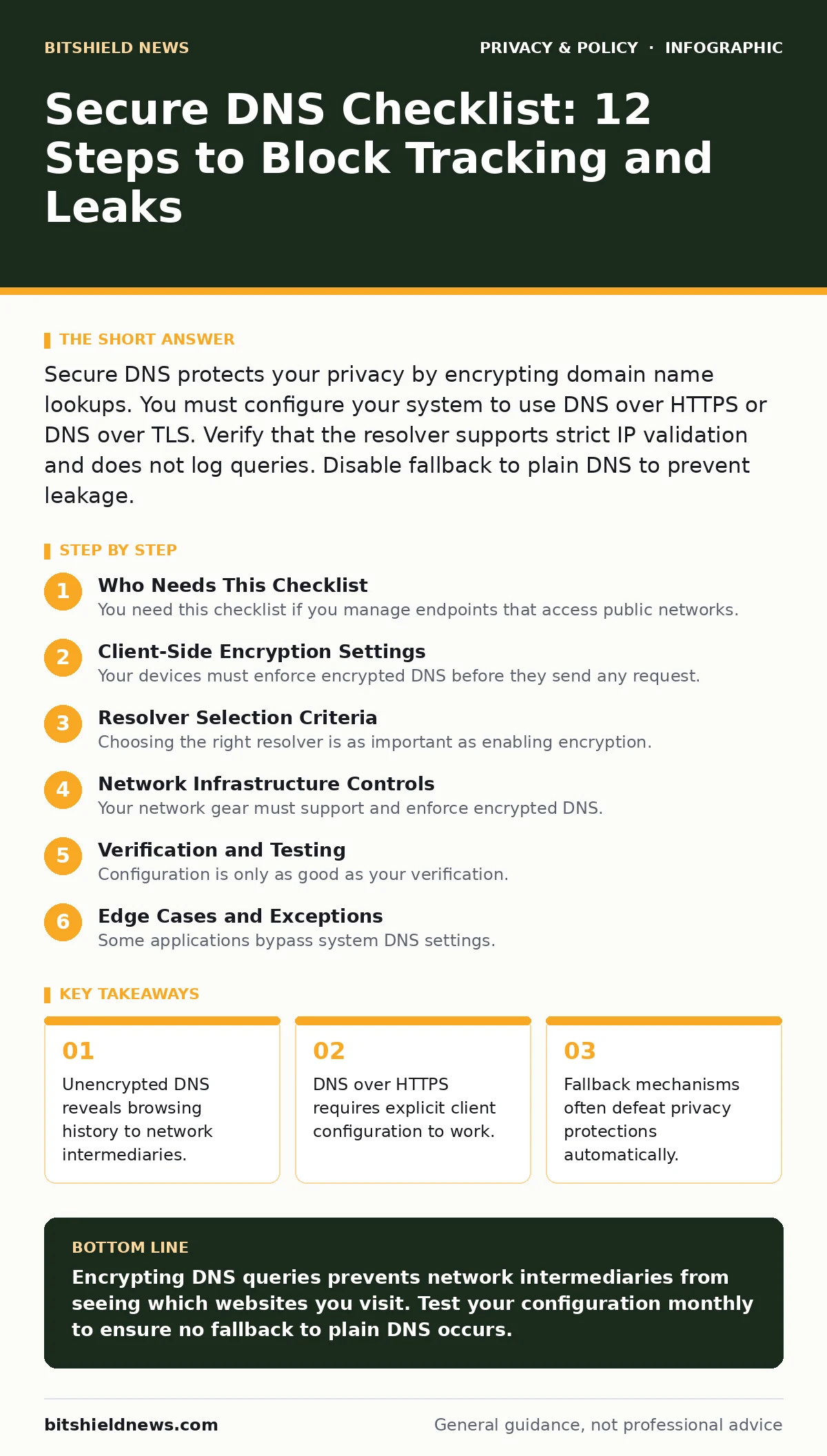
Secure DNS protects your privacy by encrypting domain name lookups. You must configure your system to use DNS over HTTPS or DNS over TLS. Verify that the resolver supports strict IP validation and does not log queries. Disable fallback to plain DNS to prevent leakage.
Who Needs This Checklist
You need this checklist if you manage endpoints that access public networks. Standard DNS transmits domain names in plain text. Any device on the network path can read these queries. This includes your internet service provider, coffee shop routers, and corporate firewalls. Encrypting these lookups hides your browsing habits from passive observers.
Client-Side Encryption Settings
Your devices must enforce encrypted DNS before they send any request. Plain DNS uses port 53 and sends data in clear text. You must switch to encrypted protocols.
- Enable DNS over HTTPS on all endpoints: DOH wraps DNS queries in standard HTTPS traffic, hiding them from network inspectors.
- Enable DNS over TLS on legacy systems: DOT uses a dedicated port with TLS encryption, offering strong protection for older devices.
- Disable plain DNS fallback mechanisms: Fallback to unencrypted DNS defeats privacy goals when the encrypted connection fails.
- Verify certificate pinning for resolvers: Pinning ensures your device connects only to the intended resolver, preventing man-in-the-middle attacks.
Resolver Selection Criteria
Choosing the right resolver is as important as enabling encryption. Not all resolvers respect your privacy equally. Some sell aggregated data. Others log queries for security analysis. You must define what level of logging is acceptable for your use case.
- Select a resolver with a strict no-log policy: A no-log policy ensures the provider does not retain records of your queries.
- Verify the resolver supports EDNS Client Subnet: ECS can leak your approximate location if not configured correctly on the client side.
- Check for DNSSEC validation support: DNSSEC prevents attackers from spoofing domain responses, ensuring you reach the correct server.
- Confirm the resolver blocks known malicious domains: Blocking malicious domains at the resolver level adds a layer of security without endpoint software.
Network Infrastructure Controls
Your network gear must support and enforce encrypted DNS. Firewalls and proxies often intercept DNS traffic. If they cannot handle encrypted protocols, they may block them or force decryption. This breaks the privacy chain.
- Configure firewalls to allow outbound DOH traffic: Blocking DOH forces devices to use plain DNS, exposing your query history.
- Disable transparent DNS proxying: Proxying decrypts and re-encrypts traffic, allowing the proxy to see all queries.
- Set DNS timeouts for encrypted connections: Short timeouts prevent devices from hanging when encrypted resolvers are unreachable.
- Monitor for DNS tunneling attempts: Tunneling hides malicious data inside DNS queries, bypassing standard security controls.
Verification and Testing
Configuration is only as good as your verification. You must test that your devices actually use the encrypted resolver. Many systems silently fall back to plain DNS if the primary resolver is slow.
- Use packet capture tools to verify traffic: Capturing packets proves that DNS queries are encrypted and not sent in plain text.
- Check for DNS leaks on public Wi-Fi: Public networks often push their own DNS servers, overriding your secure settings.
- Validate resolver response times: Slow resolvers cause timeouts, which may trigger fallback to plain DNS on some devices.
- Test with privacy-focused browsers: Browsers like Tor Browser or those with strict tracking protection may override system DNS settings.
Edge Cases and Exceptions
Some applications bypass system DNS settings. They may use their own resolvers or ignore encrypted configurations. This creates blind spots in your security posture.
- Identify applications with embedded DNS resolvers: Some apps use their own DNS logic, bypassing your secure DNS configuration entirely.
- Check for hardcoded DNS servers in software: Hardcoded servers may send queries in plain text, ignoring your system settings.
- Verify that encrypted messaging apps do not leak DNS: Apps that rely on DNS for server discovery may expose your location if not configured correctly.
- Ensure file metadata does not contain DNS traces: Metadata in documents can sometimes reveal network configurations or resolver addresses.
Maintenance and Updates
Secure DNS is not a one-time setup. Resolvers change their policies. Protocols evolve. Your configuration must adapt.
- Review resolver privacy policies annually: Policies change, and a resolver that was private may start logging data later.
- Update DNS client software regularly: Updates often include security fixes for new DNS-based attack vectors.
- Monitor for new DNS-based attack methods: Attackers constantly develop new ways to exploit DNS, requiring updated defenses.
- Test right to be forgotten requests with resolvers: If a resolver logs data, verify you can request deletion of your query history.
Key takeaways
- Unencrypted DNS reveals browsing history to network intermediaries.
- DNS over HTTPS requires explicit client configuration to work.
- Fallback mechanisms often defeat privacy protections automatically.
Encrypting DNS queries prevents network intermediaries from seeing which websites you visit. Test your configuration monthly to ensure no fallback to plain DNS occurs.
Frequently asked questions
Does secure DNS hide my IP address?
No. Secure DNS only encrypts the domain name lookup. Your IP address is still visible to the destination server and your internet provider.
Can I use secure DNS with Tor Browser?
Tor Browser handles DNS internally through the Tor network. You should not configure separate DNS settings for Tor, as it may break anonymity.
Does secure DNS speed up my internet?
It may. DNS over HTTPS can reuse existing HTTP connections, reducing latency compared to traditional DNS lookups.
What if my employer blocks secure DNS?
Your employer likely requires visibility into network traffic for security. You must comply with their policies, which may include plain DNS.
How this guide was produced: written by the BitShield News editorial team with AI assistance, checked against the public references listed below, and reviewed when the facts change. See our editorial policy or report an error.