
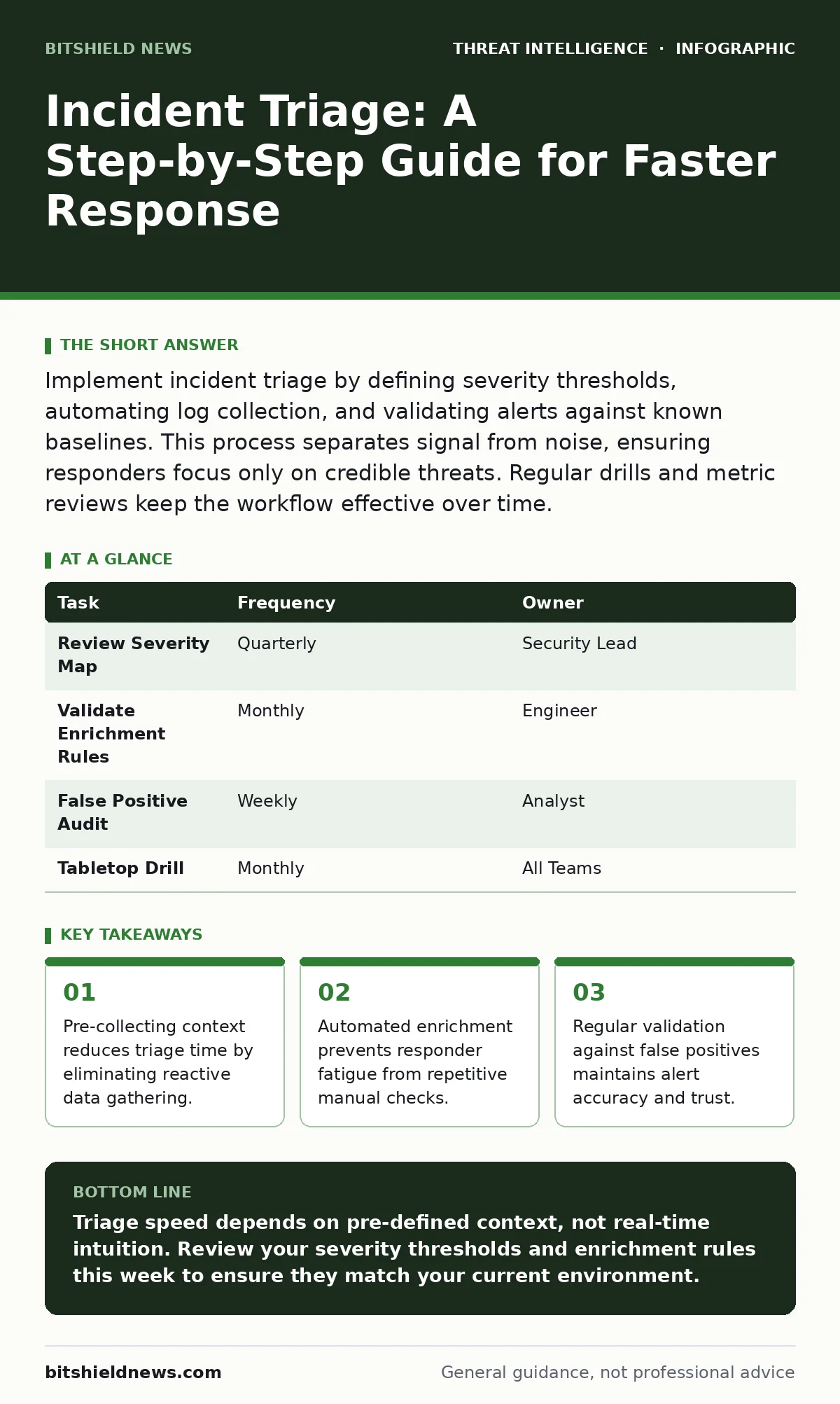
Implement incident triage by defining severity thresholds, automating log collection, and validating alerts against known baselines. This process separates signal from noise, ensuring responders focus only on credible threats. Regular drills and metric reviews keep the workflow effective over time.
Define Severity Thresholds Before Fire
You cannot triage what you have not defined. Before an alert triggers, you must decide what constitutes a low, medium, or high severity event. This definition drives every subsequent action. If you leave severity to individual judgment, you create inconsistency and delay.
Start by mapping potential indicators of compromise to business impact. A failed login attempt is low severity. The same attempt from an impossible location is medium. That same attempt followed by a privilege escalation is high. You must document these mappings explicitly.
This step removes ambiguity. Responders do not debate importance; they follow the map. You save minutes that compound into hours during a crisis. The map also helps you prioritize resource allocation during peak load events.
Automate Context Collection
Manual data gathering is the primary bottleneck in triage. When an alert fires, a responder should not open multiple consoles to find IP addresses or user details. The system must provide this context automatically.
Configure your security telemetry to enrich alerts with relevant metadata. Include user identity, device location, and recent activity history. This enrichment happens in the background, before the human sees the alert. You are trading storage and processing power for speed.
Imagine a phishing alert arrives. Instead of asking "who clicked?", the system states "User X clicked at 14:00 from IP Y." This pre-packaged context allows for immediate decision-making. You reduce cognitive load on the analyst.
Step 1: Map Data Sources to Alert Types
Identify which logs correspond to which alert types. Network flows map to lateral movement alerts. Authentication logs map to access anomalies. Create rules that pull specific fields from these sources when their related alert triggers.
How to tell it worked: The alert dashboard displays enriched fields without manual query. The responder sees the full context in the initial notification. If you have to click "expand" to see basic user info, the automation is incomplete.
Step 2: Set Noise Filters
Not every deviation is a threat. You must filter out known benign activities to prevent alert fatigue. Define exclusions for scheduled maintenance, automated backup jobs, and known third-party scanners.
How to tell it worked: The volume of low-severity alerts drops significantly. Responders spend less time closing false positives. You can measure this by tracking the ratio of closed-to-investigated alerts over a standard period.
Validate Against Baselines
Context is useless without a baseline. You must know what "normal" looks like to spot the abnormal. A login from a new device is only suspicious if that device was not previously registered or expected.
Compare incoming alerts against historical behavior. Use automated checks to verify if the activity aligns with standard user patterns. This step prevents panic over routine changes. It also highlights subtle deviations that static rules miss.
For example, a user logging in at 3 AM is normal for a night shift worker. The same login for a day-shift accountant is suspicious. Your triage process must account for role-based norms. This nuance prevents unnecessary escalation.
Step 3: Implement Automated Enrichment Checks
Create scripts or workflows that run automatically when an alert hits. These checks query your identity provider, endpoint management system, and network logs. They return a summary of the entity's status.
How to tell it worked: The enrichment time is near zero. The responder receives a single page with all necessary data. If the responder has to copy-paste IDs into other tools, the check failed.
Prioritize and Assign
Once context is gathered and validated, you must assign the ticket. Priority determines who works on it and when. Use your severity thresholds to route tickets to the appropriate team level.
Low-severity items go to automated remediation or junior staff. High-severity items go to senior investigators immediately. Clear ownership prevents tasks from falling through the cracks. It also ensures that critical threats get the expertise they need.
Do not rely on email for assignment. Use a ticketing system that integrates with your alerting pipeline. This ensures a single source of truth. You can track progress and handoffs without confusion.
Step 4: Route Based on Severity and Expertise
Configure your ticketing system to auto-assign based on the severity level defined in Step 1. Link severity to specific teams or individuals. Ensure that high-severity alerts bypass standard queues and trigger immediate notifications.
How to tell it worked: Mean time to assignment drops. Responders receive tickets that match their skill set. There is no debate about who owns the incident. The routing logic is transparent and auditable.
Verify and Iterate
Triage is not a set-and-forget process. You must regularly test the workflow to ensure it remains effective. Changes in infrastructure, user behavior, or threat tactics can render old rules obsolete.
Run tabletop exercises that simulate specific attack scenarios. Test your triage workflow against these simulations. Identify bottlenecks where responders hesitated or lacked data. Update your thresholds and automation accordingly.
Review your false positive rate weekly. If it rises, your filters are too loose. If it drops to zero, you may be missing true threats. Balance is key. You want a signal-to-noise ratio that supports rapid action without overwhelming your team.
Step 5: Conduct Monthly Workflow Drills
Simulate a high-severity incident involving lateral movement. Execute the full triage workflow from alert to assignment. Time each step. Record where delays occurred.
How to tell it worked: The drill completes faster than the previous month. Responders report feeling confident in the data provided. You identify and fix one bottleneck per drill. The process improves incrementally.
See also: How Do Honeypots Work: Mechanism, Failures, and Detection Data · How Do I Know If Sysmon Is Installed: Verification and Blind Spots
Maintenance and Upkeep
Your triage process degrades if ignored. New applications, new users, and new threats change the baseline. You must schedule regular reviews of your data sources and enrichment rules.
Check that your log collectors are still sending data. Verify that your exclusions are still valid. Remove stale rules that no longer apply. Keep your severity map aligned with current business priorities.
This upkeep is boring but necessary. A broken triage process is worse than no process. It creates false confidence. You think you are protected, but you are blind to the actual risk.
| Task | Frequency | Owner |
|---|---|---|
| Review Severity Map | Quarterly | Security Lead |
| Validate Enrichment Rules | Monthly | Engineer |
| False Positive Audit | Weekly | Analyst |
| Tabletop Drill | Monthly | All Teams |
Final Verification Checklist
Use this checklist to audit your triage implementation. Mark each item as complete or pending. Do not proceed until all critical items are verified.
- Severity thresholds are documented and accessible.
- Alerts are enriched with user and device context automatically.
- Noise filters exclude known benign activities.
- Ticketing system routes alerts based on severity.
- Monthly drills are scheduled and recorded.
- False positive rate is tracked and reviewed.
Key takeaways
- Pre-collecting context reduces triage time by eliminating reactive data gathering.
- Automated enrichment prevents responder fatigue from repetitive manual checks.
- Regular validation against false positives maintains alert accuracy and trust.
Triage speed depends on pre-defined context, not real-time intuition. Review your severity thresholds and enrichment rules this week to ensure they match your current environment.
Frequently asked questions
How do I handle triage for zero-day threats?
Zero-day threats often lack specific signatures. Rely on behavioral anomalies and unexpected privilege escalations. Your baseline checks will highlight deviations from normal activity, even without a known signature.
What if my tools do not support automation?
Manual triage is slower and error-prone. Prioritize integrating tools that allow API access or log forwarding. Even simple scripts can automate context gathering if native automation is unavailable.
How often should I update my severity map?
Update it quarterly or after major infrastructure changes. Business priorities shift, and what was high severity last year may be low severity today. Keep it aligned with current risk appetite.
Can I use triage for internal threats?
Yes. Internal threats often look like normal activity. Focus on deviations from user baselines, such as unusual data access patterns or off-hours activity. Context is even more critical for internal cases.
How this guide was produced: written by the BitShield News editorial team with AI assistance, checked against the public references listed below, and reviewed when the facts change. See our editorial policy or report an error.