
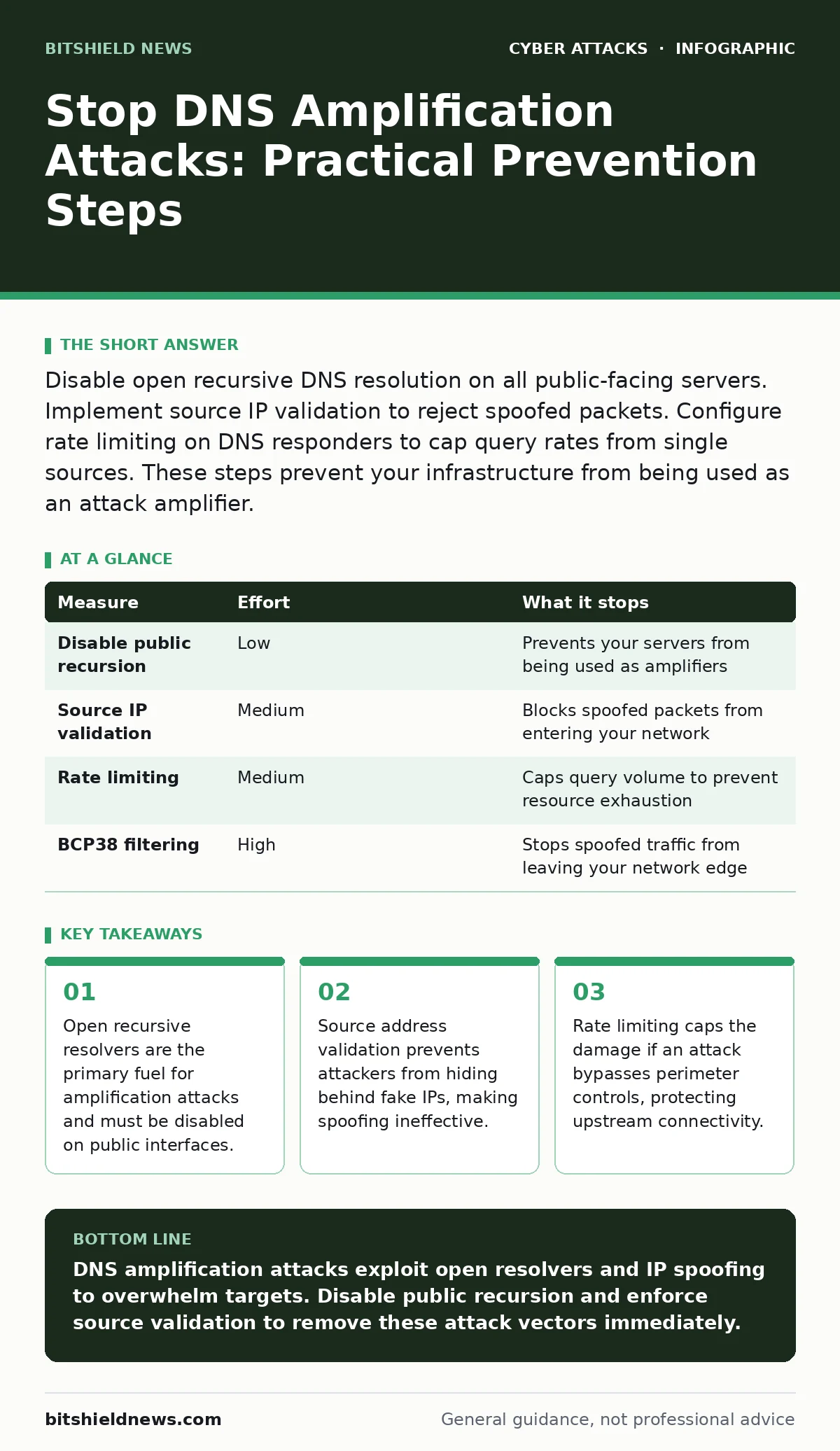
Disable open recursive DNS resolution on all public-facing servers. Implement source IP validation to reject spoofed packets. Configure rate limiting on DNS responders to cap query rates from single sources. These steps prevent your infrastructure from being used as an attack amplifier.
The Mechanics of Amplification
DNS amplification attacks rely on the asymmetry between query size and response size. An attacker sends a small request to a public DNS server. That server replies with a much larger answer. The attacker spoofs the source IP address to match your network. Your servers receive the large response, not the small request. This floods your bandwidth with unsolicited traffic. The attack does not target your DNS server directly. It uses legitimate DNS infrastructure to overwhelm your connection. Understanding this flow is the first step to breaking the attack chain. You cannot stop traffic that never leaves the attacker’s control if you do not address the reflection mechanism.
Disable Public Recursive Resolution
The single most effective defense is ensuring your DNS servers do not answer queries from the internet. Recursive resolution allows any user to ask your server to look up any domain on the web. This feature is necessary for internal networks but dangerous on public interfaces. Attackers scan for open resolvers to use as amplifiers. If your server answers, it becomes a weapon. Configure your DNS software to allow recursion only for trusted internal IP ranges. Block all other sources from initiating recursive lookups. This removes your infrastructure from the pool of available amplifiers. It stops the attack at the source of the reflection.
| Measure | Effort | What it stops |
|---|---|---|
| Disable public recursion | Low | Prevents your servers from being used as amplifiers |
| Source IP validation | Medium | Blocks spoofed packets from entering your network |
| Rate limiting | Medium | Caps query volume to prevent resource exhaustion |
| BCP38 filtering | High | Stops spoofed traffic from leaving your network edge |
Enforce Source Address Validation
Attackers succeed because they hide their true identity. They forge the source IP address in the packet header. Your server sees the request coming from your own IP. It sends the large response back to you. This is called IP spoofing. To stop this, implement ingress filtering at your network edge. This is often referred to as BCP38 or uRPF.
The router checks if the source IP matches the expected routing path. If a packet claims to come from your network but enters from the internet, the router drops it. This makes spoofing difficult or impossible. Without spoofing, the attacker must use their own IP. Their limited bandwidth cannot sustain a large attack. This shifts the burden from your network to the attacker’s.
Implement Rate Limiting on Responders
Even with strict access controls, misconfigurations happen. A server might accidentally expose recursion to a small range of public IPs. Rate limiting adds a second layer of protection. It caps the number of queries a single IP can send in a given time. If an IP exceeds the threshold, the server drops subsequent requests. This prevents a single source from consuming all your DNS resources. It also slows down the rate of amplification if an attacker finds a loophole. Configure your DNS software to limit responses to spoofed or suspicious sources. This measure does not stop the attack entirely. It reduces the peak volume, giving your firewall time to react.
Configure Response Rate Limiting
Standard rate limiting looks at query frequency. Response Rate Limiting (RRL) looks at response frequency. RRL is more effective against amplification. It limits how many identical responses your server sends to a specific IP. If an attacker sends many queries for the same domain, your server answers the first few. It then slows down or stops answering duplicates. This prevents the server from generating massive volumes of traffic for repeated requests. RRL is built into many modern DNS server configurations. Enable it to protect against both amplification and cache poisoning attempts. It works silently in the background, reducing load without blocking legitimate users.
See also: Detect Fast Flux DNS: Network Signals and Hidden Indicators · How Hacktivism Works: The Step-by-Step Attack Lifecycle
Monitor for Anomalous Traffic Patterns
Prevention is primary, but detection is necessary. DNS traffic has predictable patterns. Sudden spikes in outbound DNS queries from your network indicate a problem. Sudden spikes in inbound DNS responses indicate an attack. Monitor your network edges for these anomalies. Look for high volumes of traffic from known DNS port 53. Alert your team when thresholds are exceeded. This allows you to trigger automated responses, such as blackholing traffic. Monitoring does not stop the attack. It helps you respond faster, reducing downtime and data loss. Combine monitoring with automated playbooks for rapid mitigation.
What Does Not Work
Many administrators believe that firewalls alone can stop amplification attacks. This is a dangerous misconception. Firewalls filter traffic based on IP and port. They do not understand the context of DNS queries. An attacker’s spoofed packets look like legitimate DNS responses. Your firewall allows them through because they are expected traffic. Blocking port 53 entirely breaks internet connectivity. You cannot simply drop all DNS traffic. You must use application-aware controls. Relying on perimeter firewalls without DNS-specific protections leaves you vulnerable. You need deep packet inspection or DNS-specific filtering rules.
Immediate Action Checklist
You must act now to secure your DNS infrastructure. Delaying increases your risk of being used as an attack source. Follow these three steps to harden your position.
- Audit all public-facing DNS servers. Disable recursion for any IP range outside your trusted internal networks.
- Verify that ingress filtering is enabled on all edge routers. Ensure that spoofed packets cannot enter or leave your network.
- Enable Response Rate Limiting on all DNS servers. Configure thresholds to drop duplicate responses to single IPs.
These steps remove the most significant risks. They are standard practices in network security. Implementing them correctly takes minimal effort but provides maximum protection. Do not wait for an attack to validate your configuration. Proactive defense is always cheaper than reactive mitigation.
Key takeaways
- Open recursive resolvers are the primary fuel for amplification attacks and must be disabled on public interfaces.
- Source address validation prevents attackers from hiding behind fake IPs, making spoofing ineffective.
- Rate limiting caps the damage if an attack bypasses perimeter controls, protecting upstream connectivity.
DNS amplification attacks exploit open resolvers and IP spoofing to overwhelm targets. Disable public recursion and enforce source validation to remove these attack vectors immediately.
Frequently asked questions
Can I stop DNS amplification attacks with a firewall?
No. Firewalls cannot easily distinguish between legitimate DNS responses and amplified attack traffic. You need DNS-specific controls like RRL and recursion restrictions.
Do I need to change my DNS provider?
Not necessarily. Most major providers allow you to configure recursion settings. Ensure your public servers do not allow recursive queries from untrusted sources.
How do I know if my server is an open resolver?
Use external DNS testing tools to query your server from the internet. If it returns full recursive answers, it is open and vulnerable to abuse.
Does encryption prevent DNS amplification?
No. Amplification attacks exploit the volume of unencrypted DNS traffic. While **encrypted email** or DNS-over-HTTPS improves privacy, it does not stop the reflection mechanism of amplification attacks.
How this guide was produced: written by the BitShield News editorial team with AI assistance, checked against the public references listed below, and reviewed when the facts change. See our editorial policy or report an error.