
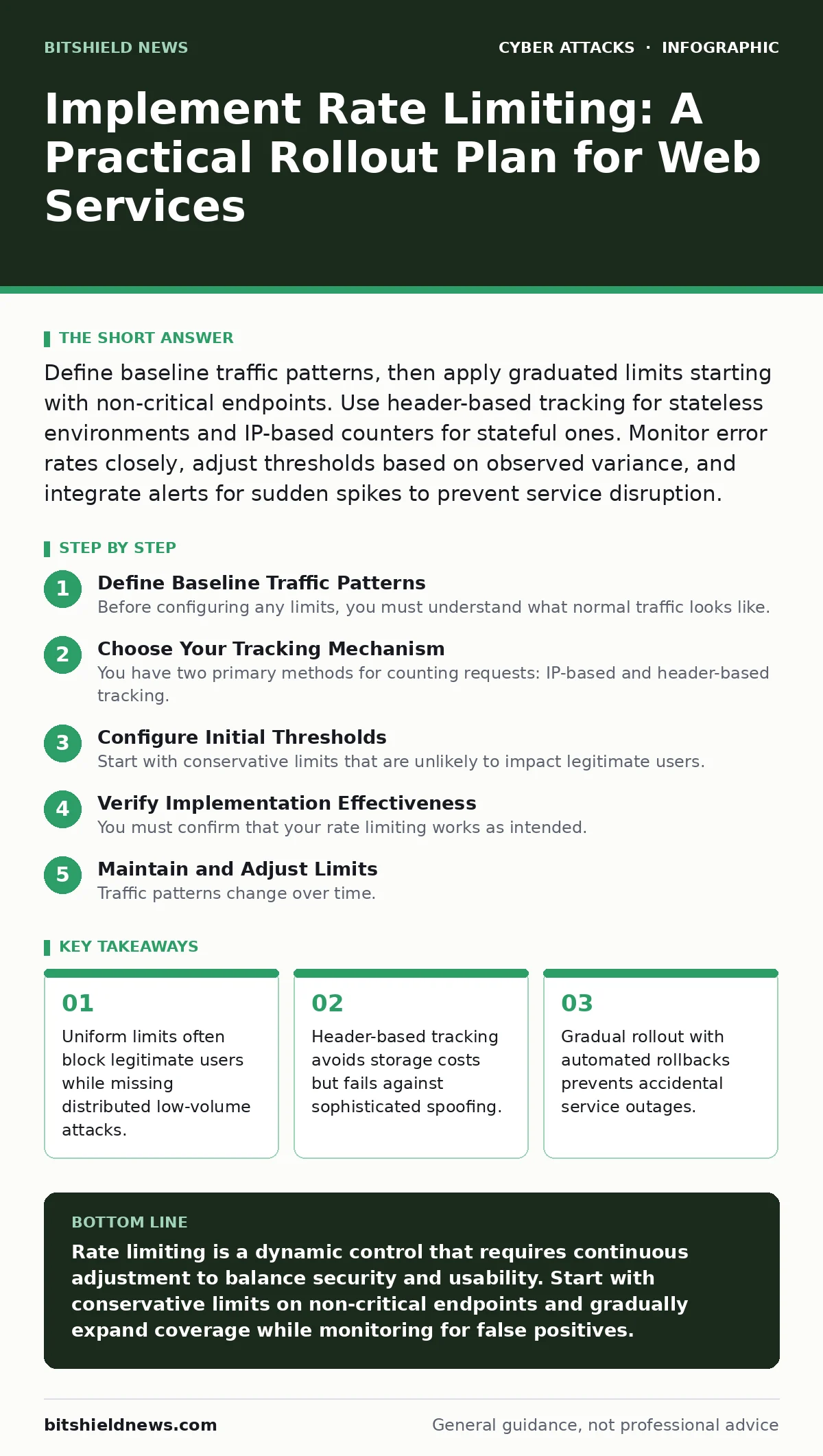
Define baseline traffic patterns, then apply graduated limits starting with non-critical endpoints. Use header-based tracking for stateless environments and IP-based counters for stateful ones. Monitor error rates closely, adjust thresholds based on observed variance, and integrate alerts for sudden spikes to prevent service disruption.
Define Baseline Traffic Patterns
Before configuring any limits, you must understand what normal traffic looks like. Rate limiting without baseline data is guesswork that risks blocking legitimate users. You need to identify the expected request volume for each endpoint during peak and off-peak hours. This baseline establishes the threshold between normal usage and potential abuse.
Imagine an e-commerce site where product pages receive steady traffic but checkout endpoints see sharp spikes. Applying the same limit to both would break the checkout process during sales events. You must segment endpoints by function and sensitivity. Public information pages can tolerate higher volumes than authentication or payment endpoints.
Choose Your Tracking Mechanism
You have two primary methods for counting requests: IP-based and header-based tracking. IP-based counting ties limits to the source address, which is simple but fails behind NATs or CDNs where many users share one IP. Header-based tracking uses tokens or user IDs, offering precision but requiring state management or reliable client cooperation.
Selecting the wrong mechanism creates blind spots. If you rely solely on IP addresses, a single compromised proxy can exhaust limits for thousands of users. Conversely, header-based tracking assumes the client sends consistent identifiers, which bots often rotate. A hybrid approach often works best, using headers for authenticated users and IPs for anonymous traffic.
Configure Initial Thresholds
Start with conservative limits that are unlikely to impact legitimate users. Set the window size, which is the time period for counting requests, to match your application’s rhythm. For API endpoints, a window of one minute is common. For login pages, a longer window might be necessary to detect slow brute-force attempts.
The count limit should be above your observed peak normal traffic. If your average peak is fifty requests per minute, start with one hundred. This buffer accounts for natural variance without inviting abuse. You must also define the action taken when the limit is exceeded, such as returning a 429 Too Many Requests status code.
Step 1: Isolate Non-Critical Endpoints
Begin by applying limits to endpoints that do not affect core functionality. Search endpoints, image galleries, or public documentation pages are ideal candidates. These areas can handle occasional blocks without disrupting business operations. This step allows you to test your configuration in a live environment with minimal risk.
Verify success by monitoring access logs for 429 responses. You should see few or none, indicating your limits are too high or your baseline was inaccurate. If you see blocks, check if they correlate with known legitimate user behavior. Adjust the threshold upward until false positives disappear.
Step 2: Enable Soft Limits with Logging
Increase the count slightly and enable logging for all blocked requests. Do not yet enforce hard blocks. Instead, record the source IP, timestamp, and endpoint. This phase gathers data on how real traffic interacts with your rules. You will identify patterns that static baselines missed, such as regional bursts or automated monitoring tools.
Review these logs for anomalies. Look for sources that consistently hit near the limit or exhibit robotic timing patterns. This data informs your final threshold settings. It also helps you distinguish between human browsing behavior and scripted automation.
Step 3: Apply Hard Limits to Critical Paths
Now apply the limits to sensitive endpoints like login forms, password resets, and API authentication. These areas are prime targets for credential stuffing and brute-force attacks. Use stricter windows here, perhaps counting requests over ten minutes rather than one. This prevents slow, distributed attacks that stay under per-minute thresholds.
Ensure your application handles the 429 response gracefully. Display a user-friendly message that does not reveal why the block occurred. Avoid messages like "Too many login attempts" which confirm to attackers that they are close to success. Use generic language such as "Service temporarily unavailable, please try again later."
Step 4: Implement Exponential Backoff
Guide legitimate users who accidentally hit limits to slow down. Implement exponential backoff, where the wait time doubles with each subsequent blocked request. This reduces server load by spacing out retries. It also signals to automated scripts that persistence is futile without significant time investment.
Check that your clients respect the Retry-After header in the response. This header tells the client how many seconds to wait before retrying. Well-behaved clients will pause, while malicious bots often ignore it. Monitoring adherence to this header helps you identify automated abuse.
- Baseline traffic recorded for all major endpoints
- Tracking mechanism selected for IP and header sources
- Initial thresholds set above peak normal traffic
- Non-critical endpoints tested with soft limits
- Critical endpoints protected with hard limits
- Exponential backoff configured for client guidance
- Logging enabled for all limit violations
Verify Implementation Effectiveness
You must confirm that your rate limiting works as intended. Use synthetic testing to simulate high-volume requests from known sources. These tests should trigger blocks without affecting real users. Verify that the 429 responses are returned correctly and that the Retry-After header is present.
Monitor production logs for unexpected spikes in blocked requests. A sudden increase may indicate a misconfiguration or a new attack vector. Compare blocked sources against your whitelist to ensure legitimate partners or monitoring services are not affected. Regular verification ensures your limits remain effective as traffic patterns evolve.
See also: Clickjacking Mistakes: 7 Errors That Expose Your Web Apps · Stop Directory Listing Exposure: A Prevention Checklist for Web Servers
Maintain and Adjust Limits
Traffic patterns change over time. New features, marketing campaigns, or seasonal trends can shift baselines. You must review and adjust limits periodically to match current reality. Static configurations become obsolete quickly, leaving gaps or causing false positives.
Integrate rate limiting metrics into your monitoring dashboards. Track blocked requests, error rates, and response times. Alert on deviations from expected patterns. This ongoing maintenance ensures your protection adapts to changing conditions without manual intervention. It also supports related security measures, such as conditional access policies, by providing data on suspicious source behavior.
Key takeaways
- Uniform limits often block legitimate users while missing distributed low-volume attacks.
- Header-based tracking avoids storage costs but fails against sophisticated spoofing.
- Gradual rollout with automated rollbacks prevents accidental service outages.
Rate limiting is a dynamic control that requires continuous adjustment to balance security and usability. Start with conservative limits on non-critical endpoints and gradually expand coverage while monitoring for false positives.
Frequently asked questions
How do I prevent legitimate users from being blocked?
Use header-based tracking for authenticated users and set thresholds above peak normal traffic. Implement exponential backoff to guide users who accidentally exceed limits.
Should I rate limit based on IP or user ID?
Use a hybrid approach. IP-based limits protect anonymous endpoints, while user ID-based limits provide precision for authenticated sessions. This covers both casual and targeted abuse.
What if an attacker uses many IPs?
Distributed attacks require behavioral analysis beyond simple counting. Look for consistent timing, identical payloads, or known bot signatures. Combine rate limiting with other controls like CAPTCHAs.
How often should I review my limits?
Review limits whenever traffic patterns change significantly, such as after product launches or marketing campaigns. Regular monthly reviews ensure thresholds remain aligned with current baselines.
How this guide was produced: written by the BitShield News editorial team with AI assistance, checked against the public references listed below, and reviewed when the facts change. See our editorial policy or report an error.