
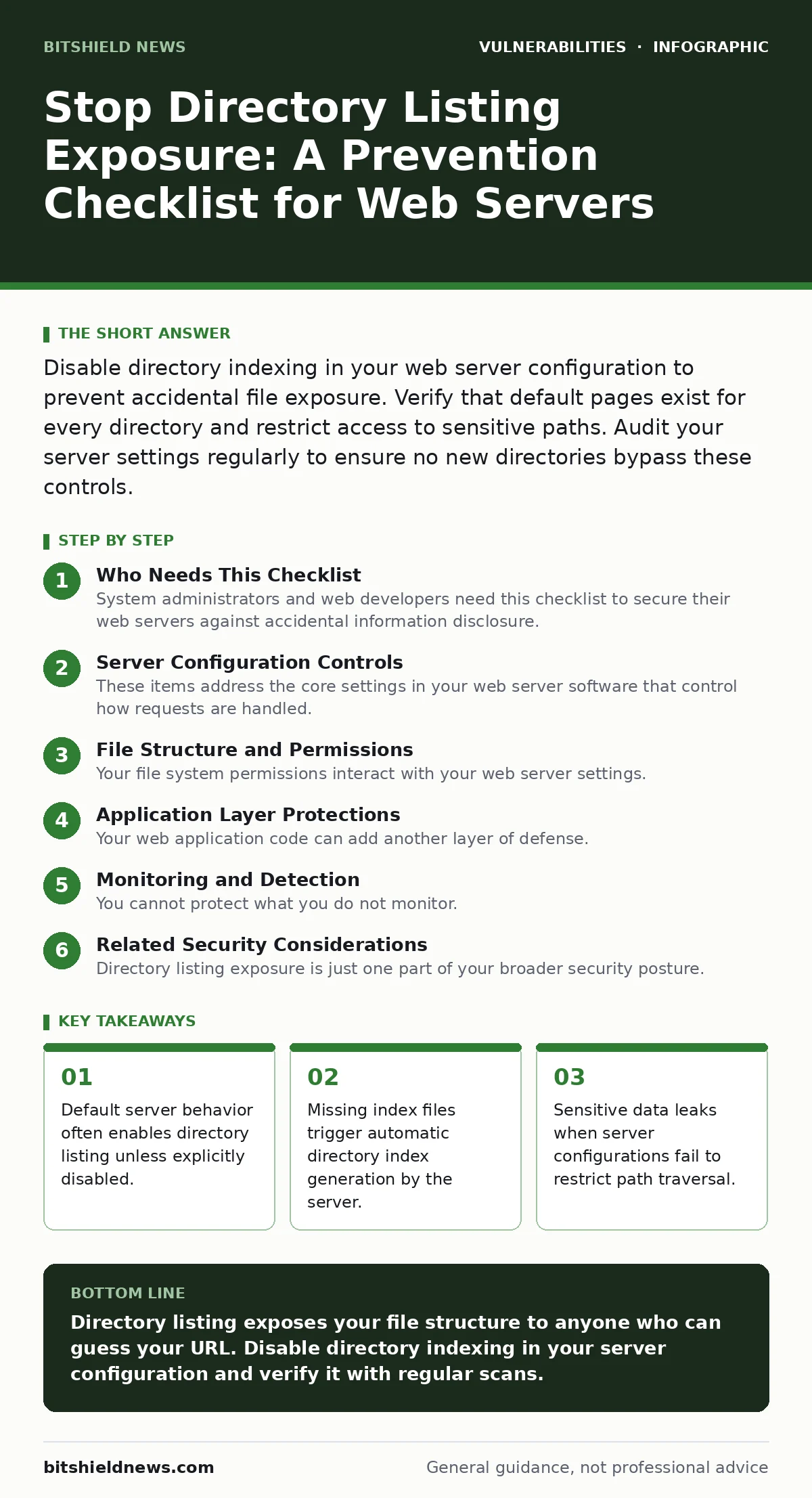
Disable directory indexing in your web server configuration to prevent accidental file exposure. Verify that default pages exist for every directory and restrict access to sensitive paths. Audit your server settings regularly to ensure no new directories bypass these controls.
Who Needs This Checklist
System administrators and web developers need this checklist to secure their web servers against accidental information disclosure. You use this list to verify that your server software does not serve directory contents when a user requests a folder URL. This exposure allows attackers to enumerate your file structure, identify sensitive documents, and locate potential entry points.
Server Configuration Controls
These items address the core settings in your web server software that control how requests are handled. Most modern servers include directory listing by default to assist developers during testing. You must change this behavior before moving to production.
- Disable directory indexing: This stops the server from generating a list of files when no default document is present.
- Set explicit default documents: This ensures the server serves a specific page like index.html instead of listing the folder.
- Restrict access to sensitive paths: This prevents users from navigating into directories containing configuration or backup files.
- Verify server module settings: This confirms that modules responsible for serving static content are configured to deny directory access.
File Structure and Permissions
Your file system permissions interact with your web server settings. Even if the server is configured correctly, incorrect file permissions can sometimes bypass web-level controls or expose metadata. You must ensure that the operating system enforces strict access rules.
- Audit file permission levels: This ensures that only authorized processes can read the contents of your directories.
- Remove unnecessary files from web roots: This reduces the amount of data available if a configuration error occurs.
- Hide hidden files and folders: This prevents the server from exposing files starting with a dot, which often contain configuration data.
- Use non-standard directory names: This makes it harder for attackers to guess the location of sensitive resources through common patterns.
Application Layer Protections
Your web application code can add another layer of defense. These measures help protect your directories even if the server configuration is misconfigured. You should implement these controls within your application logic or framework settings.
- Implement custom error pages: This prevents the server from revealing detailed error messages that might include directory paths.
- Validate input on all requests: This stops attackers from using special characters to traverse directories or access parent folders.
- Use a web application firewall: This filters malicious requests before they reach your server, blocking attempts to list directories.
- Configure CORS policies correctly: This ensures that only authorized domains can access your resources, reducing cross-origin risks.
Monitoring and Detection
You cannot protect what you do not monitor. Continuous observation helps you detect when directory listing is enabled or when someone attempts to access restricted areas. These steps ensure you know when your defenses are failing.
- Enable access logging: This records every request to your server, allowing you to spot patterns of directory enumeration.
- Set up alerts for 403 errors: This notifies you when users are denied access, which may indicate attempted directory listing.
- Regularly scan for exposed directories: This automated check identifies any directories that might still be listing their contents.
- Review logs for unusual patterns: This helps you identify automated tools or scripts trying to map your directory structure.
See also: Clickjacking Mistakes: 7 Errors That Expose Your Web Apps · Web Application Firewall Mistakes: 7 Errors That Break Your Defense
Related Security Considerations
Directory listing exposure is just one part of your broader security posture. You should consider how it interacts with other vulnerabilities and security measures. Understanding these connections helps you build a more resilient system.
For example, if an attacker can list your directories, they might find files that reveal details about your attack surface. This information can help them identify other weaknesses, such as clickjacking vulnerabilities in your web pages. You should also ensure that HTTP security headers are configured to prevent browsers from caching sensitive directory contents.
Additionally, consider how least privilege access applies to your server processes. If the web server process has too many permissions, an attacker who exploits a directory listing might be able to read files they should not access. This is similar to how integer overflow vulnerabilities can allow attackers to bypass intended restrictions in software.
Common Misconfigurations
Many organizations fail to secure their directories because they assume their server is secure by default. These common mistakes lead to exposure. You should check for these specific issues during your audit.
- Overriding global settings with local files: This can accidentally re-enable directory listing in specific folders.
- Using outdated server versions: This may include known vulnerabilities that allow directory traversal or listing.
- Ignoring virtual host configurations: This can cause directory listing to be enabled for subdomains or secondary sites.
- Failing to test after updates: This ensures that software updates have not reset your security settings to less secure defaults.
You should also be aware of how Patch Tuesday updates might affect your server configuration. Always test updates in a staging environment before applying them to production. Similarly, if you use a VPN appliance vulnerabilities might exist that could expose your internal network, but directory listing is a web-specific issue that requires web-specific controls.
Key takeaways
- Default server behavior often enables directory listing unless explicitly disabled.
- Missing index files trigger automatic directory index generation by the server.
- Sensitive data leaks when server configurations fail to restrict path traversal.
Directory listing exposes your file structure to anyone who can guess your URL. Disable directory indexing in your server configuration and verify it with regular scans.
Frequently asked questions
How do I know if my server has directory listing enabled?
Try accessing a directory URL that does not have an index file. If you see a list of files, directory listing is enabled.
Does disabling directory listing affect my website performance?
No, disabling directory listing only changes how the server responds to requests for directories without default documents. It does not impact the serving of regular web pages.
Can a web application firewall prevent directory listing?
A web application firewall can block requests that attempt to list directories, but it is better to disable the feature at the server level to prevent exposure entirely.
What is the difference between directory listing and directory traversal?
Directory listing shows the contents of a folder, while directory traversal allows an attacker to navigate outside the web root to access other system files.
How this guide was produced: written by the BitShield News editorial team with AI assistance, checked against the public references listed below, and reviewed when the facts change. See our editorial policy or report an error.