
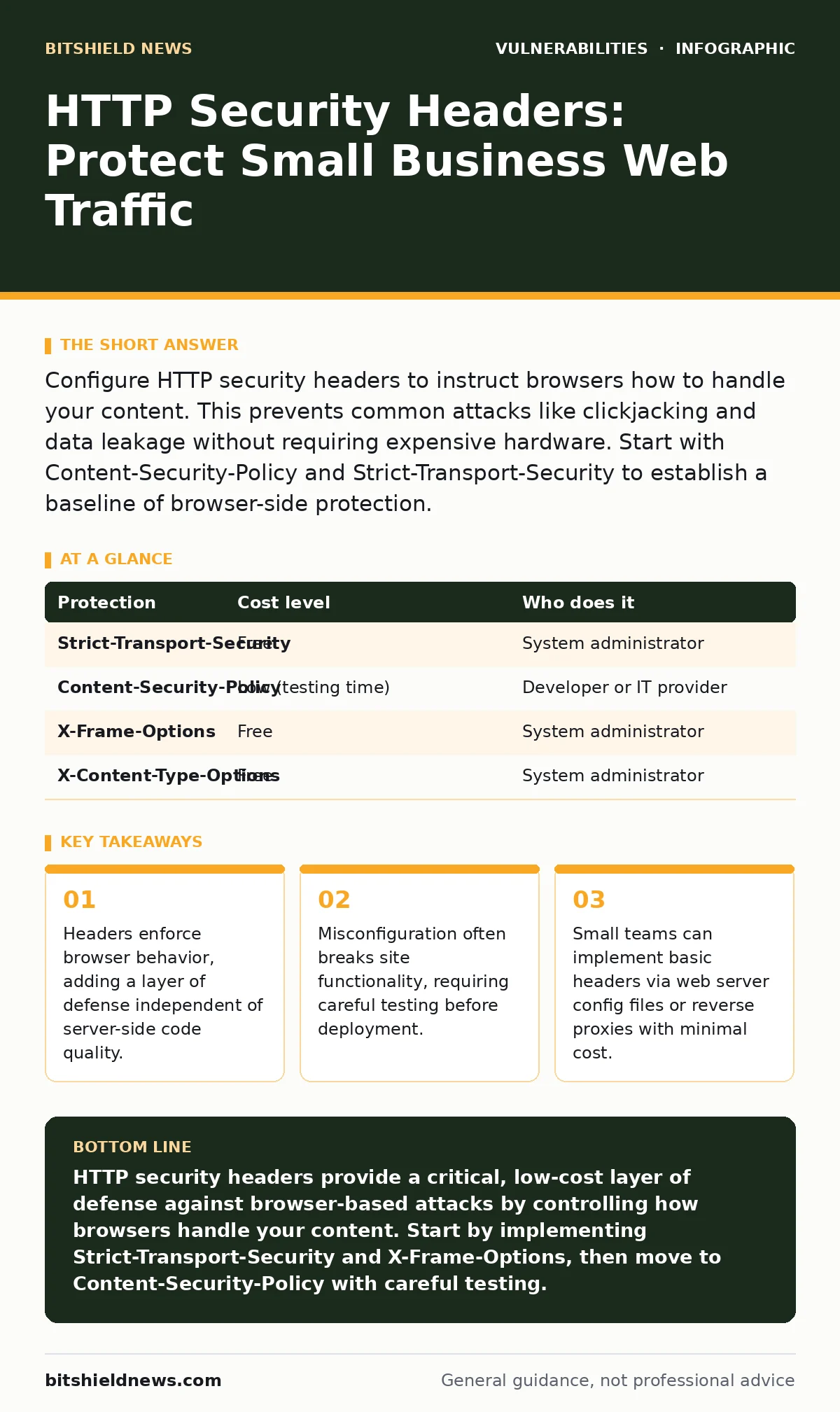
Configure HTTP security headers to instruct browsers how to handle your content. This prevents common attacks like clickjacking and data leakage without requiring expensive hardware. Start with Content-Security-Policy and Strict-Transport-Security to establish a baseline of browser-side protection.
The Browser as an Attack Surface
Most security efforts focus on the server. You patch the operating system, you update the application framework, and you scan for known flaws. This is necessary, but it ignores the client side. The browser is the interface where the attack lands. If the browser is told to be permissive, it will execute dangerous scripts or load content from untrusted sources.
HTTP security headers are directives sent by your web server to the user’s browser. They tell the browser how to behave when displaying your content. For example, a header can forbid the browser from executing JavaScript from external domains. This reduces the impact of cross-site scripting attacks, where an attacker injects malicious code into your page.
This layer of defense is free. It requires no additional hardware. It works across all modern browsers. For small organizations, this is a high-impact, low-cost control. It does not replace secure coding, but it mitigates the consequences of inevitable coding errors.
Core Headers for Immediate Protection
You do not need to implement every possible header. Focus on the ones that stop the most common browser-based attacks. Start with Strict-Transport-Security. This header forces the browser to use HTTPS connections only. It prevents protocol downgrade attacks, where an attacker intercepts traffic and downgrades it to unencrypted HTTP.
Next, implement Content-Security-Policy. This is the most powerful but also the most complex header. It defines which sources of content your browser is allowed to load. You can restrict scripts, styles, and images to your own domain. This blocks many forms of cross-site scripting by preventing the execution of unauthorized scripts.
Use X-Frame-Options or the frame-ancestors directive in Content-Security-Policy to prevent clickjacking. Clickjacking occurs when an attacker overlays your legitimate site with a transparent malicious frame. Users click what they think is your button, but they are actually interacting with the attacker’s interface. Blocking framing stops this deception.
| Protection | Cost level | Who does it |
|---|---|---|
| Strict-Transport-Security | Free | System administrator |
| Content-Security-Policy | Low (testing time) | Developer or IT provider |
| X-Frame-Options | Free | System administrator |
| X-Content-Type-Options | Free | System administrator |
The Hidden Cost of Strict Policies
Implementing strict headers is not a set-and-forget task. The biggest risk is breaking your own website. If you set a Content-Security-Policy that is too restrictive, legitimate scripts will fail to load. Your site may appear broken to users. Forms may not submit. Analytics may not track.
This is why you must test headers in a non-enforcing mode first. Most browsers support a reporting-only mode. In this mode, the browser sends violation reports to a specified endpoint but does not block the content. This allows you to see what your site is trying to load without disrupting users.
You need a way to collect and analyze these reports. Without this data, you are guessing at the right policy. Many organizations skip this step and deploy a broken policy, leading to customer complaints. The hidden cost is the time spent debugging why your site stopped working after a security update.
Affordable Implementation Methods
You do not need a dedicated security engineer to configure these headers. Most web servers allow you to add headers via configuration files. If you use Apache, you can use the mod_headers module. If you use Nginx, you can use the add_header directive. These are standard features in free, open-source web servers.
If you use a managed hosting provider, check if they offer a control panel option for security headers. Many shared hosting providers include basic headers like X-Content-Type-Options by default. For more advanced headers like Content-Security-Policy, you may need to request custom configuration from your host.
Alternatively, you can use a reverse proxy or a web application firewalls service. These sit in front of your web server and can inject headers into responses. This is useful if you cannot modify the web server configuration directly. It also centralizes security policy, making it easier to manage across multiple applications.
What to Delegate to IT Providers
Not every task should be done in-house. If you lack internal expertise, delegate the configuration and testing of complex headers. Specifically, delegate the Content-Security-Policy implementation. It requires understanding your application’s dependencies, including third-party scripts and analytics tools.
When hiring an IT provider or managed service, ask specific questions. Do not just ask if they "handle security." Ask about their process for header management. Do they use automated tools to scan for missing or misconfigured headers? Do they have a process for testing changes in a staging environment before production?
Include header management in your service level agreement. Specify that they must maintain a baseline set of headers, including Strict-Transport-Security and X-Content-Type-Options. This ensures they are accountable for this layer of defense. It also prevents them from neglecting browser-side security in favor of more visible server-side tasks.
- Verify the provider monitors for missing security headers.
- Confirm they test Content-Security-Policy in a staging environment.
- Ensure they provide documentation on the headers they configure.
See also: Hidden Hardcoded Secrets: How to Spot and Remove Them
Integrating with Broader Security
HTTP headers work best as part of a layered defense. They complement other security measures. For example, least privilege access ensures that even if an attacker gains access through a browser exploit, their actions are limited. Headers reduce the likelihood of that initial access.
They also relate to Patch Tuesday updates. While patches fix known vulnerabilities in software, headers mitigate the risk of zero-day exploits or unpatched components. You should not rely on headers alone, but they provide a critical buffer while you manage patching cycles.
Consider the CISA Known Exploited Vulnerabilities catalog. If your application uses a component listed there, headers can limit the damage. For instance, if a vulnerable library allows script injection, a strict Content-Security-Policy can prevent that script from executing. This buys you time to apply a patch.
Maintenance and Monitoring
Security headers are not static. Your application changes. You add new scripts, new styles, new third-party integrations. Each change may require updating your headers. If you ignore this, your policy will become outdated and either too loose or too restrictive.
Set up a regular review process. Every time you deploy a new feature, check if it requires new header directives. Use the reporting-only mode to catch violations early. Integrate header checks into your deployment pipeline. Automated tools can scan your responses and alert you if headers are missing or misconfigured.
This ongoing maintenance is the key to long-term effectiveness. A header configuration that was perfect a year ago may be broken today. By treating headers as a living part of your security posture, you ensure they continue to protect your users.
Key takeaways
- Headers enforce browser behavior, adding a layer of defense independent of server-side code quality.
- Misconfiguration often breaks site functionality, requiring careful testing before deployment.
- Small teams can implement basic headers via web server config files or reverse proxies with minimal cost.
HTTP security headers provide a critical, low-cost layer of defense against browser-based attacks by controlling how browsers handle your content. Start by implementing Strict-Transport-Security and X-Frame-Options, then move to Content-Security-Policy with careful testing.
Frequently asked questions
Do HTTP security headers replace the need for secure coding?
No. Headers mitigate the impact of coding errors but do not fix the underlying vulnerabilities. Secure coding remains the primary defense.
Can HTTP headers protect against all types of cyber attacks?
No. They specifically target browser-based attacks like cross-site scripting and clickjacking. They do not protect against server-side exploits or network-level attacks.
How do I know if my headers are working correctly?
Use browser developer tools to inspect the response headers of your website. You can also use online scanning tools that check for the presence and correctness of security headers.
What happens if I set a Content-Security-Policy too strictly?
Legitimate content may fail to load, breaking your website’s functionality. Always test in reporting-only mode first to identify and allow necessary resources.
How this guide was produced: written by the BitShield News editorial team with AI assistance, checked against the public references listed below, and reviewed when the facts change. See our editorial policy or report an error.