
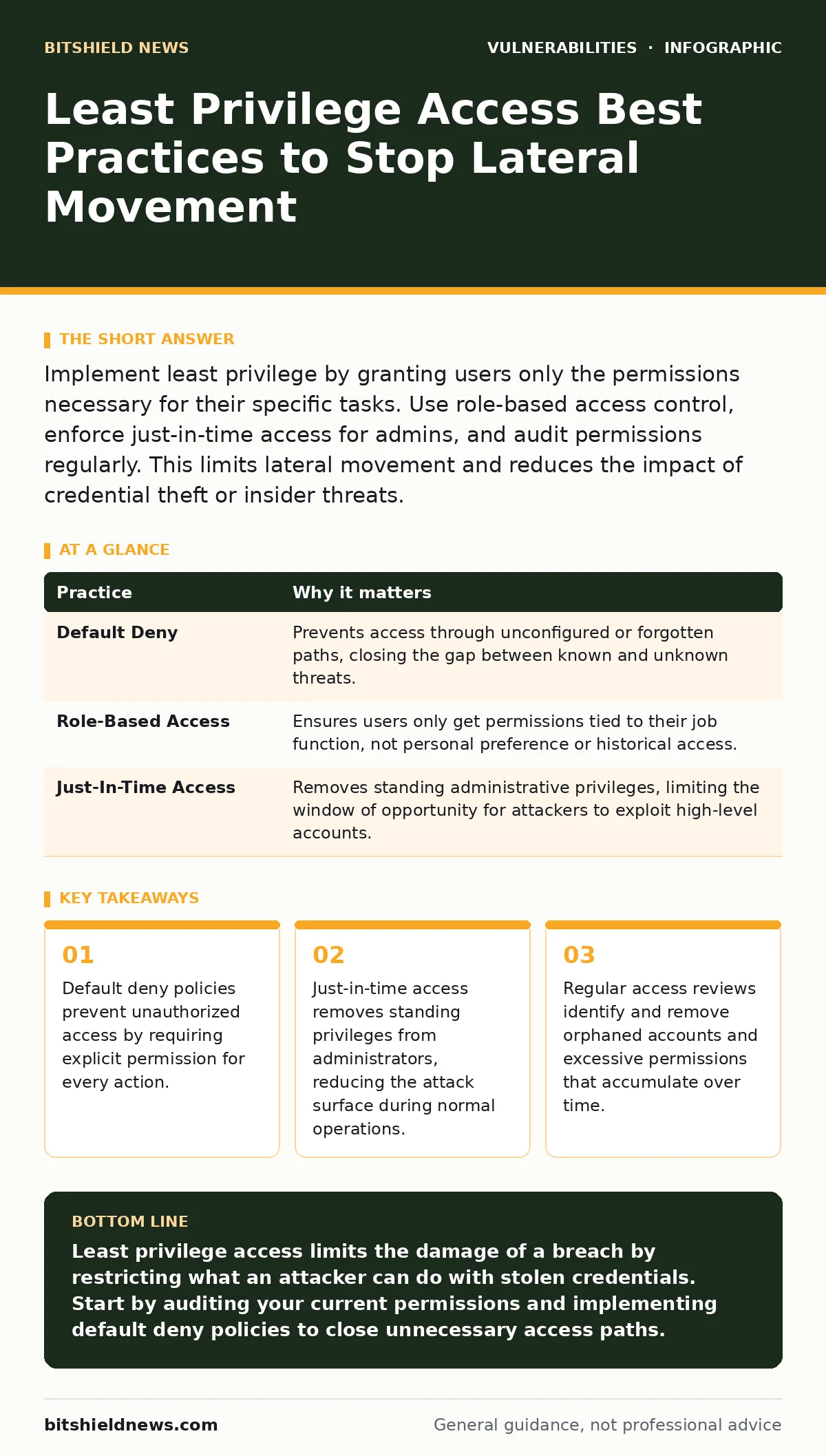
Implement least privilege by granting users only the permissions necessary for their specific tasks. Use role-based access control, enforce just-in-time access for admins, and audit permissions regularly. This limits lateral movement and reduces the impact of credential theft or insider threats.
The Architecture of Restraint
Least privilege access is not merely a security checkbox; it is a structural constraint on how systems operate. You design your environment so that no user or process has more power than strictly required to perform its function. This approach assumes that breaches will occur and focuses on limiting the blast radius.
When an attacker gains access, they inherit the permissions of the compromised account. If that account has broad administrative rights, the attacker can move freely across your network. If the account has limited rights, the attacker hits a wall. This constraint forces attackers to spend more time and resources escalating privileges, increasing the likelihood of detection.
1. Implement Default Deny Policies
The foundation of least privilege is a default deny posture. In this model, every request for access is rejected unless an explicit rule allows it. This contrasts with default allow models, where access is granted unless specifically blocked. Default allow is inherently flawed because it is impossible to anticipate every potential threat vector.
Imagine a server that allows all incoming traffic except for specific blocked ports. An attacker can simply use a port you forgot to block. With default deny, the server blocks all traffic by default. You must actively open each port required for legitimate business operations. This ensures that unknown or unintended services remain inaccessible.
- Audit firewall rules to ensure the default action is deny for all inbound and outbound traffic.
- Create allow-lists for necessary services rather than block-lists for known threats.
| Practice | Why it matters |
|---|---|
| Default Deny | Prevents access through unconfigured or forgotten paths, closing the gap between known and unknown threats. |
| Role-Based Access | Ensures users only get permissions tied to their job function, not personal preference or historical access. |
| Just-In-Time Access | Removes standing administrative privileges, limiting the window of opportunity for attackers to exploit high-level accounts. |
2. Apply Role-Based Access Control
Role-based access control (RBAC) assigns permissions to roles rather than individual users. You define roles based on job functions, such as "HR Manager" or "Database Administrator." Users are then assigned to these roles. This separates identity from permission, making management scalable and consistent.
Without RBAC, permissions are often assigned ad hoc. This leads to permission creep, where users accumulate access rights over time as their roles change or they take on temporary tasks. RBAC forces you to define clear boundaries for each job function. It also simplifies audits, as you can review the permissions of a role rather than every individual account.
3. Enforce Just-In-Time Administrative Access
Administrative accounts are high-value targets. Attackers prioritize finding and exploiting these accounts because they provide immediate, broad access to critical systems. Standing privileges, where admins always have full rights, create a large, persistent attack surface.
Just-in-time (JIT) access changes this dynamic. Admins have no special privileges by default. When they need to perform a maintenance task, they request temporary elevation. This access is granted for a specific duration and then automatically revoked. This reduces the number of active admin sessions at any given time. It also creates a clear audit trail for every privileged action, linking it to a specific request and time window.
4. Segment Privileged Workstations
Administrators should not perform daily tasks on the same device used for privileged management. If an admin visits a malicious website or opens a phishing email on their primary workstation, that device becomes compromised. If that device also holds admin credentials, the attacker gains immediate access to your critical infrastructure.
Dedicated, hardened workstations for administrative tasks isolate this risk. These devices run minimal software, have strict application allow-lists, and are never used for web browsing or email. This separation ensures that a compromise of the daily-use environment does not automatically lead to a compromise of the administrative environment. It adds a layer of friction that attackers must overcome.
See also: 7 Mistakes That Enable Data Extortion and How to Stop Them · Role-Based Access Control Myths That Leave Data Exposed
5. Regularly Review and Revoke Access
Permissions are not static. Employees change roles, leave the organization, or complete projects that required temporary access. If you do not actively remove these permissions, they accumulate. This is known as permission creep. It violates the principle of least privilege and increases the risk of insider threats and accidental data exposure.
Conduct quarterly access reviews. Have managers verify that their team members still need the access they currently hold. Automate the revocation of access when employees leave or change roles. This process ensures that access rights align with current job responsibilities. It also helps identify orphaned accounts that may have been forgotten but still have active permissions.
6. Use Application Allow-Lists
Traditional antivirus software relies on signatures of known malware. This is a reactive approach. Attackers can easily modify malware to evade signature detection. Application allow-listing is a proactive control. It only permits the execution of approved applications and scripts.
If an attacker introduces a new, unknown malware binary, the allow-list will block its execution because it is not on the approved list. This prevents the initial compromise from escalating. It is particularly effective on servers and workstations where the set of required applications is well-defined. It stops the execution of unauthorized code, regardless of whether that code is malicious or simply unwanted.
7. Monitor and Alert on Privilege Escalation
Even with strict controls, attackers may attempt to escalate privileges. You must monitor for these attempts. Privilege escalation occurs when a user gains higher-level access than they are authorized to have. This can happen through exploiting vulnerabilities, misconfigurations, or social engineering.
Set up alerts for unusual privilege changes. For example, if a standard user account suddenly gains administrative rights, or if an admin logs in from an unusual location or time, trigger an alert. Investigate these events promptly. Early detection of privilege escalation attempts allows you to contain the threat before the attacker can move laterally or exfiltrate data.
8. Limit Sudo and Run-As Permissions
On Unix-like systems, the sudo command allows users to execute commands with superuser privileges. On Windows, "Run as administrator" serves a similar purpose. These mechanisms are necessary for system maintenance but dangerous if misused. Granting broad sudo or admin rights to many users creates significant risk.
Restrict sudo access to specific commands rather than full shell access. Define exactly which commands a user can run with elevated privileges. On Windows, use Group Policy to restrict which users can run specific applications as administrators. This limits the damage if credentials are compromised. An attacker with limited sudo rights cannot install new software or change system configurations, only run the specific allowed commands.
9. Secure Service Accounts
Service accounts are used by applications and services to interact with other systems. These accounts often have high privileges because the services they support are critical. Attackers target service accounts because they are often poorly monitored and have static passwords.
Treat service accounts with the same rigor as human accounts. Use strong, complex passwords or better yet, managed service identities. Limit the scope of service account permissions to only the resources they need. Rotate credentials regularly. Monitor for unusual activity from these accounts. If a service account is compromised, the attacker can maintain persistent access to critical systems.
Key takeaways
- Default deny policies prevent unauthorized access by requiring explicit permission for every action.
- Just-in-time access removes standing privileges from administrators, reducing the attack surface during normal operations.
- Regular access reviews identify and remove orphaned accounts and excessive permissions that accumulate over time.
Least privilege access limits the damage of a breach by restricting what an attacker can do with stolen credentials. Start by auditing your current permissions and implementing default deny policies to close unnecessary access paths.
Frequently asked questions
How do I balance least privilege with user productivity?
Use just-in-time access for administrative tasks and role-based access for daily operations. This ensures users have what they need when they need it without constant friction.
What is the difference between least privilege and need-to-know?
Least privilege restricts what actions a user can perform. Need-to-know restricts what data a user can access. Both are necessary for comprehensive security.
How often should I review access permissions?
Review access permissions at least quarterly. Trigger immediate reviews when employees change roles or leave the organization.
Can least privilege prevent all types of attacks?
No. Least privilege limits the impact of an attack. It does not prevent initial compromises like phishing or malware. Combine it with other security controls for effective protection.
How this guide was produced: written by the BitShield News editorial team with AI assistance, checked against the public references listed below, and reviewed when the facts change. See our editorial policy or report an error.