
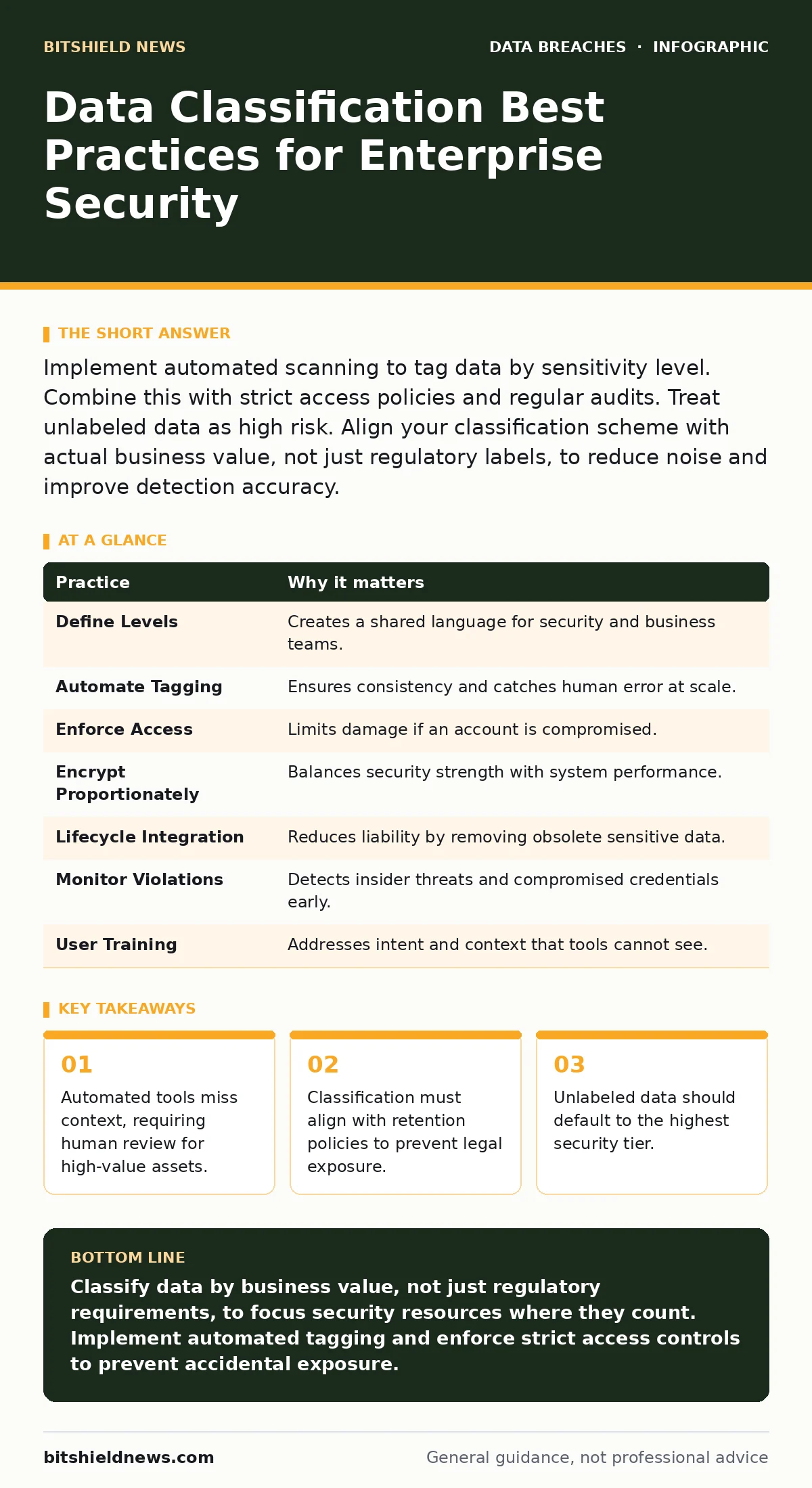
Implement automated scanning to tag data by sensitivity level. Combine this with strict access policies and regular audits. Treat unlabeled data as high risk. Align your classification scheme with actual business value, not just regulatory labels, to reduce noise and improve detection accuracy.
The Foundation of Data Security
Data classification is the process of organizing information based on its sensitivity and business value. Without a clear map of what data exists and how critical it is, security tools operate blindly. You cannot protect what you do not define. A robust classification scheme drives every downstream security decision, from encryption at rest to incident response priorities.
Most organizations assume their data is protected because firewalls are active. This assumption fails when sensitive files sit in shared folders with generic permissions. Classification turns abstract security goals into concrete technical controls. It reduces the attack surface by ensuring only authorized users access specific datasets.
1. Define Clear Classification Levels
Establish 3 to 5 distinct tiers that reflect actual business risk. Common levels include Public, Internal, Confidential, and Restricted. Each level must have a written definition that staff can understand without legal training. Ambiguity leads to misclassification. If a document does not fit neatly into a tier, the definition needs refinement.
2. Automate Discovery and Tagging
Manual tagging fails at scale. Deploy automated tools that scan storage, email, and endpoints for patterns like credit card numbers or health records. These tools apply labels based on content, not user intent. Automation ensures consistency across the environment. It catches sensitive data that users forget to label or mislabel due to haste.
Automated scanning also identifies shadow IT repositories where data accumulates unnoticed. Regular scans create a baseline of what data exists and where it resides. This visibility is the first step toward reducing exposure to database exposure risks.
3. Enforce Access Controls Based on Labels
Link classification levels to access policies. Users with lower clearance cannot open higher-tier files. Role-based access control ensures that employees see only the data necessary for their job functions. This principle of least privilege limits lateral movement during a breach. If an account is compromised, the attacker inherits only the permissions of that specific role.
Do not rely on users to remember which folder holds which data. The system must enforce boundaries automatically. When a user attempts to access Restricted data, the system denies the request and logs the event. This creates an audit trail for forensic analysis.
4. Apply Encryption Proportionate to Sensitivity
Encrypt data at rest and in transit based on its classification. Public data may not require encryption, saving performance resources. Restricted data must be encrypted with strong algorithms. This ensures that even if physical media is stolen, the data remains unreadable. Encryption keys must be managed separately from the encrypted data.
Proportionate encryption balances security and performance. Encrypting every byte of public data wastes storage and processing power. Focusing on high-value targets ensures you have the resources to protect what truly matters. This approach also simplifies key management and reduces the risk of key loss.
See also: Access Controls for AI Agents: Definition, Purpose, and Implementation · Stop Database Exposure: Hardening Methods That Actually Work
5. Integrate Classification into Lifecycle Policies
Data changes value over time. A project plan is Confidential during development but becomes Public after launch. Update classification labels as data ages or changes context. Retention policies should automatically delete or archive data that no longer holds business value. Storing old data indefinitely increases liability and clutter.
Regular reviews ensure that classification remains accurate. Assign ownership to data creators who must validate labels periodically. This prevents stale data from sitting in high-security buckets unnecessarily. It also reduces the cost of storage and backup infrastructure.
6. Monitor for Policy Violations
Set up alerts for unusual access patterns involving high-classification data. If a user downloads a large volume of Restricted files outside business hours, the system should flag this event. Monitoring detects insider threats and compromised accounts. It provides early warning before data exfiltration is complete.
Combine monitoring with user behavior analytics to reduce false positives. Establish a baseline of normal activity for each role. Deviations from this baseline trigger investigation. This helps distinguish between a legitimate project spike and a malicious data theft attempt.
7. Train Users on Contextual Awareness
Technology cannot read intent. A file named "Budget.xlsx" might contain public summaries or Restricted financial forecasts. Train users to recognize context clues. They must understand why classification matters and how mislabeling creates risk. Regular training reinforces correct habits and updates staff on new threats.
8. Default to High Security for Unknowns
Any data without a label should be treated as Restricted. This default stance prevents accidental exposure of sensitive information. When users create new files, the system should prompt for classification or apply a safe default. This reduces the chance of sensitive data landing in public folders.
Unknown data is a liability. By treating it as high-risk, you force a review process. This slows down workflow slightly but prevents catastrophic breaches. It also highlights gaps in your automated tagging coverage.
| Practice | Why it matters |
|---|---|
| Define Levels | Creates a shared language for security and business teams. |
| Automate Tagging | Ensures consistency and catches human error at scale. |
| Enforce Access | Limits damage if an account is compromised. |
| Encrypt Proportionately | Balances security strength with system performance. |
| Lifecycle Integration | Reduces liability by removing obsolete sensitive data. |
| Monitor Violations | Detects insider threats and compromised credentials early. |
| User Training | Addresses intent and context that tools cannot see. |
| Default to Secure | Prevents accidental exposure of unlabeled sensitive data. |
Aligning with Broader Security Goals
Classification supports other security initiatives. It informs privacy impact assessments by identifying where personal data resides. It helps negotiate cyber insurance premiums by demonstrating mature data governance. Proper classification reduces the impact of data extortion by limiting the amount of usable stolen data.
It also aids in secure file sharing by ensuring that only appropriate files are sent externally. When session tokens are stolen, classification limits the scope of the breach. You are not protecting everything equally; you are protecting what matters most. This focus makes your security posture sustainable and effective.
Key takeaways
- Automated tools miss context, requiring human review for high-value assets.
- Classification must align with retention policies to prevent legal exposure.
- Unlabeled data should default to the highest security tier.
Classify data by business value, not just regulatory requirements, to focus security resources where they count. Implement automated tagging and enforce strict access controls to prevent accidental exposure.
Frequently asked questions
How often should I review data classification labels?
Review labels at least annually or whenever business processes change significantly. Automated tools should flag stale data for immediate review.
What happens if a user misclassifies data?
Automated scanners should detect content mismatches and relabel data. Users should be notified to correct their behavior and understand the risk.
Does classification replace encryption?
No. Classification determines which data needs encryption and how strong it should be. Encryption is a control; classification is the policy driving that control.
Can small businesses skip data classification?
No. Small businesses often lack the resources to recover from a breach. Classifying data helps them prioritize protection for their most valuable assets efficiently.
How this guide was produced: written by the BitShield News editorial team with AI assistance, checked against the public references listed below, and reviewed when the facts change. See our editorial policy or report an error.