
Role-based access control assigns permissions based on job titles, not individual identities. Most organizations misuse it by granting excessive privileges to cover operational gaps. This creates silent privilege accumulation. Correct implementation requires strict role definition and regular access reviews to prevent unauthorized data exposure.
Misreading: Roles are permanent job titles
Correct reading: Roles are dynamic collections of permissions that change as business processes evolve. Treating a role as a static job title creates a dangerous disconnect. When an employee moves departments, their old permissions often remain active. This happens because HR systems rarely sync with identity management tools in real time. You must treat roles as fluid configurations. A marketing manager today may need sales data access tomorrow for a campaign. Static roles fail to capture these temporary needs. They also fail to remove access when tasks end. This leads to privilege accumulation over time.
The longer a role exists without review, the more permissions it collects. These extra permissions become invisible to security teams. They exist in the background, waiting for an insider threat or a compromised account to exploit them. You must define roles by specific data access needs, not by vague job descriptions. A role should only include the minimum permissions required to complete a defined set of tasks. Any permission outside that scope is a liability. Regular reviews ensure roles stay aligned with current business requirements. This prevents the slow drift toward over-privileged accounts.
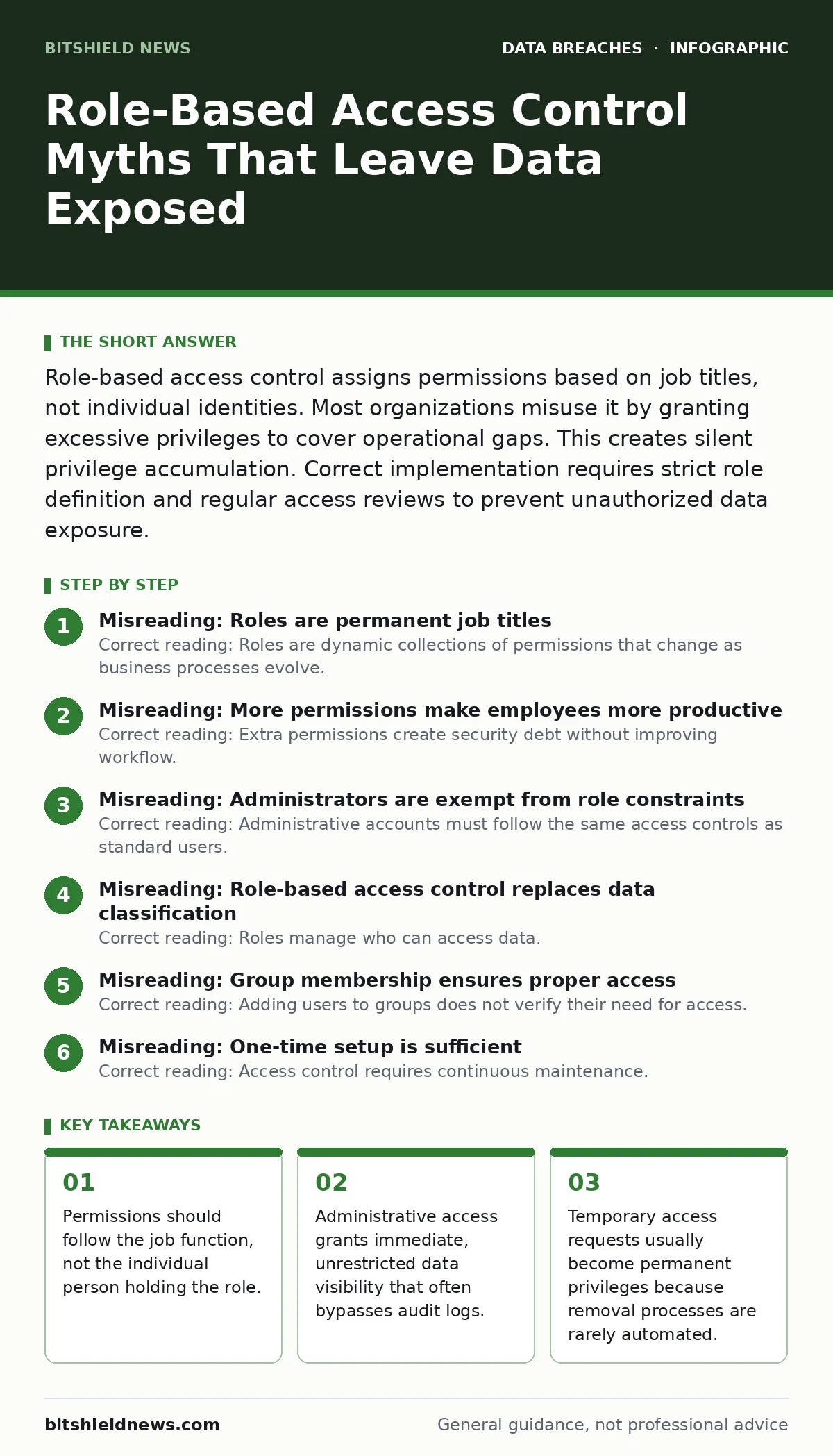
Misreading: More permissions make employees more productive
Correct reading: Extra permissions create security debt without improving workflow. Giving users broad access seems helpful initially. It reduces friction for daily tasks. However, it exposes sensitive data to unnecessary risk. If a user can read financial records but only needs to edit marketing drafts, that access is wasted. It becomes a target for attackers. Imagine a support agent who can view customer payment details. This access does not help them reset passwords. It only increases the impact of a stolen session token. You should map every permission to a specific business outcome.
If a permission does not directly enable a task, remove it. This principle is known as least privilege. It forces users to request temporary access for unusual tasks. This creates an audit trail for every exception. It also highlights which permissions are genuinely needed. Over time, this data helps you refine role definitions. You remove unused permissions from the baseline. This reduces the attack surface. Productivity improves when users have clear, focused access. They do not waste time searching through irrelevant data. Security improves when fewer accounts can reach critical assets.
Misreading: Administrators are exempt from role constraints
Correct reading: Administrative accounts must follow the same access controls as standard users. Admin accounts often bypass logging mechanisms. This creates blind spots in your monitoring. When an admin modifies a database, the action may not appear in standard logs. Attackers target these accounts first. They know the defenses are weaker. Suppose an attacker compromises a helpdesk ticketing system. If that account has admin rights to the directory service, they can escalate privileges instantly.
You must separate administrative duties from daily operations. Create separate accounts for maintenance tasks. Disable these accounts when not in use. Monitor all administrative actions with high-fidelity logging. Review these logs weekly. Look for unusual changes to user permissions or system configurations. This catches unauthorized access early. It also deters insider threats. Admins know their actions are watched. They are less likely to misuse their power. This separation protects your infrastructure. It ensures that even a compromised admin account has limited scope.
Misreading: Role-based access control replaces data classification
Correct reading: Roles manage who can access data. Data classification determines how sensitive that data is. These two systems must work together. Without classification, you do not know what data requires protection. You might apply the same role to public web content and confidential health records. This is a critical error. It exposes sensitive information to unnecessary risk. You must classify data before assigning roles. Define levels of sensitivity.
Assign roles that match those levels. For example, a "Public" role can view marketing pages. A "Confidential" role can view customer contracts. This layered approach ensures data stays safe. It also helps during an incident. If data is exposed, you know exactly what was at risk. You can prioritize your response. See our guide on data classification for detailed steps. This foundation makes role-based access control effective. It prevents the accidental exposure of high-value assets.
Misreading: Group membership ensures proper access
Correct reading: Adding users to groups does not verify their need for access. Group management is often manual and error-prone. IT staff add users to groups based on requests. They rarely verify if the request is valid. This leads to "group sprawl". Users belong to many groups. They accumulate permissions from each. It becomes impossible to track who has access to what. You must automate group membership.
Use attributes like department or location to assign roles. This reduces human error. It also simplifies audits. You can check if a user’s attributes match their group membership. If they do not, remove them. This keeps access tight. It also speeds up onboarding and offboarding. New hires get the right access immediately. Departing employees lose all access instantly. This reduces the window of opportunity for attackers. It ensures your access controls stay accurate.
See also: Access Controls for AI Agents: Definition, Purpose, and Implementation · Stop Database Exposure: Hardening Methods That Actually Work
Misreading: One-time setup is sufficient
Correct reading: Access control requires continuous maintenance. Business roles change. Employees leave. Projects end. If you set roles once and forget them, they become obsolete. Stale permissions are a major risk. They allow former employees to access data. They allow current employees to access data they no longer need. You must schedule regular access reviews. Involve managers in this process.
They know what their teams need. They can approve or deny access requests. This keeps permissions aligned with reality. It also builds accountability. Managers take ownership of their team’s access. They are less likely to grant unnecessary privileges. This culture of review strengthens your security posture. It prevents the slow accumulation of risk. It ensures your controls stay relevant.
Misreading: Role-based access control stops all insider threats
Correct reading: Role-based access control limits what users can do. It does not stop them from doing bad things within those limits. An insider with valid access can still steal data. They can exfiltrate files. They can delete records. You need additional controls. Monitor user behavior. Look for unusual downloads. Look for access at odd hours. Combine access controls with data loss prevention. Encrypt sensitive files. This adds a layer of protection. If a user steals a file, they cannot read it without the key. See our guide on encryption at rest for details. This layered approach stops determined insiders. It ensures that access alone is not enough for theft.
Key takeaways
- Permissions should follow the job function, not the individual person holding the role.
- Administrative access grants immediate, unrestricted data visibility that often bypasses audit logs.
- Temporary access requests usually become permanent privileges because removal processes are rarely automated.
- Role definitions must be reviewed quarterly to align with changing business processes and security needs.
Frequently asked questions
How often should I review user roles?
Review user roles at least every six months. High-risk roles should be reviewed quarterly. This ensures permissions stay aligned with current job duties and security requirements.
Can role-based access control work with multi-factor authentication?
Yes. Role-based access control defines what a user can do. Multi-factor authentication verifies who the user is. Both are needed. Use MFA to protect the login. Use RBAC to limit the actions.
What happens if a user leaves the company?
Their account should be disabled immediately. All active sessions should be terminated. Their permissions should be revoked. This prevents former employees from accessing data.
Is role-based access control enough for remote work?
No. Remote work increases the attack surface. You need additional controls like zero trust architecture. Verify every request. Assume breach. Monitor traffic closely.
How this guide was produced: written by the BitShield News editorial team with AI assistance, checked against the public references listed below, and reviewed when the facts change. See our editorial policy or report an error.