Implement strict SameSite cookie attributes to block cross-site requests. Bind session tokens to unique browser fingerprints using TLS session IDs. Rotate tokens on every privilege change and force re-authentication for sensitive actions to neutralize stolen credentials before they can be exploited.
The Silent Threat of Valid Credentials
Imagine an attacker intercepting a user’s web traffic. They do not steal a password. They steal a session token. This token acts as a temporary key, proving the user has already passed authentication. To the server, the attacker looks exactly like the legitimate user. The server sees a valid ticket and grants access. This bypasses multi-factor authentication entirely because the MFA check happened before the token was issued.
The danger lies in the validity. The token is not expired. It is not corrupted. It is a perfect copy of what the legitimate user holds. Most traditional security controls focus on protecting the login process. They assume that once you are in, you are safe. This assumption is false. Session fixation and hijacking attacks exploit the trust the server places in the token.
You must treat the session token as a high-value secret. It is often easier to intercept than a password because it travels in clear text over HTTP if not secured, or it can be stolen via cross-site scripting. The goal is not just to prevent the theft, but to make the stolen token useless.
Bind Identity to the Device
The most effective way to neutralize a stolen token is to tie it to the specific device that generated it. This is called device binding. You achieve this by including a hash of the client’s TLS fingerprint in the session state. A TLS fingerprint is a unique combination of cryptographic parameters sent by the browser during the secure handshake.
When the user makes a request, the server checks the token. It also checks the TLS fingerprint. If the token matches but the fingerprint does not, the server rejects the request. An attacker who steals the token on one network and tries to use it from another device will fail. The cryptographic handshake will differ.
This method stops most replay attacks. It does not stop an attacker who has full control of the user’s specific device. If malware runs on the user’s laptop, it can read the token and mimic the fingerprint. However, this raises the bar significantly. The attacker must maintain persistent access to the victim’s hardware, which is much harder than simple network sniffing.
Enforce SameSite Cookie Attributes
Browsers now support a header called SameSite. This attribute tells the browser whether to send cookies in cross-site contexts. Setting SameSite to Strict or Lax prevents the browser from including the session cookie in requests initiated by third-party sites. This blocks a large class of cross-site request forgery attacks.
If an attacker tricks a user into visiting a malicious site, that site cannot send a request to your application that includes the session cookie. The browser withholds the cookie because the request originates from a different domain. This is a quick win. It requires no code changes on the backend, only a configuration update in your web server or application framework.
This measure does not stop JavaScript-based attacks. If a cross-site scripting vulnerability exists, the attacker’s code runs in the context of your site. The browser considers this a first-party request. SameSite protections are bypassed. You must still sanitize inputs to prevent script injection.
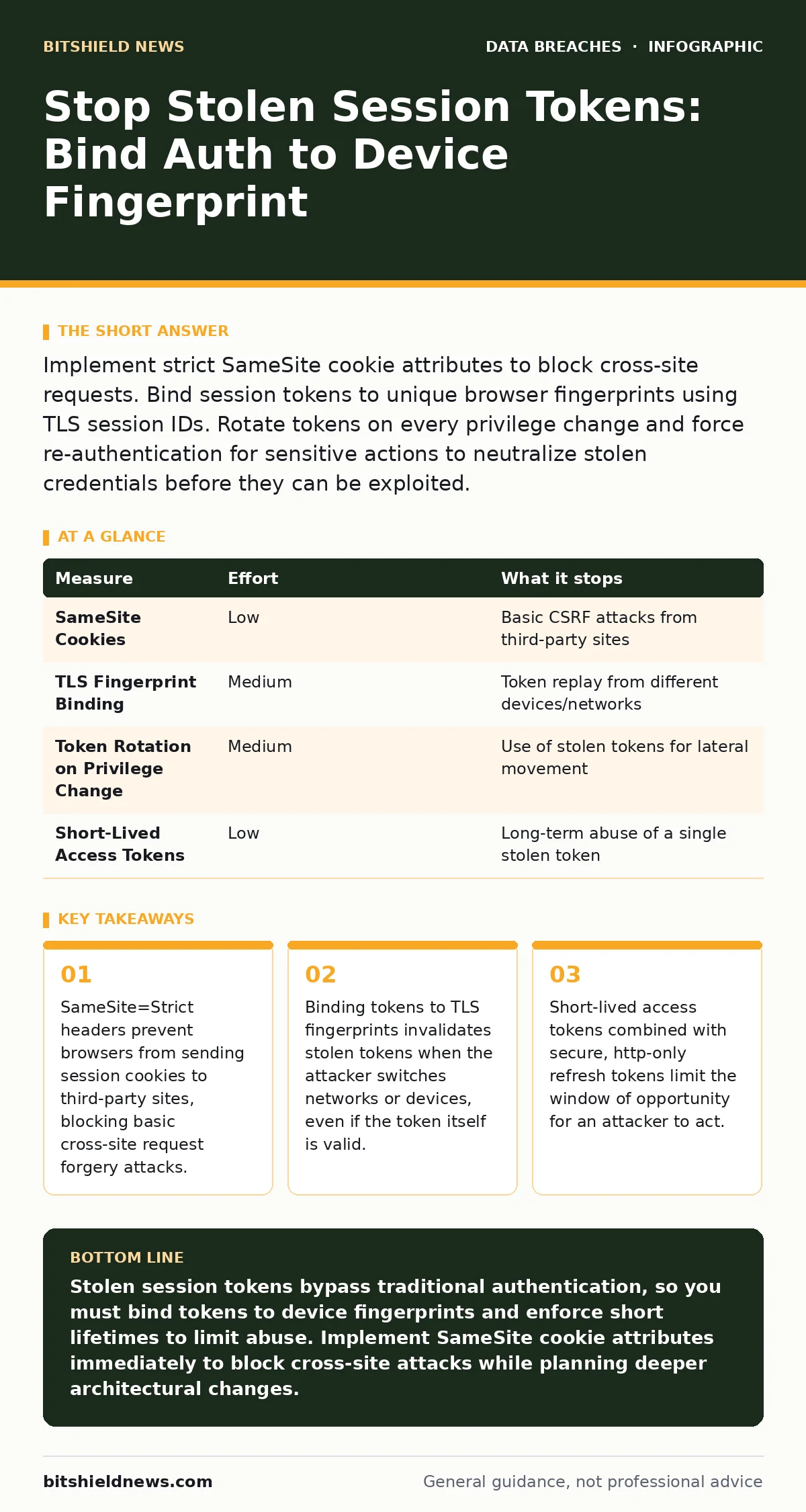
| Measure | Effort | What it stops |
|---|---|---|
| SameSite Cookies | Low | Basic CSRF attacks from third-party sites |
| TLS Fingerprint Binding | Medium | Token replay from different devices/networks |
| Token Rotation on Privilege Change | Medium | Use of stolen tokens for lateral movement |
| Short-Lived Access Tokens | Low | Long-term abuse of a single stolen token |
Rotate Tokens on State Changes
A static session token remains valid until it expires. If an attacker steals it, they have access for the entire duration. You can reduce this risk by rotating the token. This means issuing a new token whenever the user’s privilege level changes. If a user upgrades from a viewer to an editor, the old token becomes invalid.
This limits the damage of a stolen token. If an attacker steals a low-privilege token, they cannot use it to perform high-privilege actions. They must steal a new token after the privilege change. This adds a layer of complexity to the attack. The attacker must monitor the session for state changes and intercept the new token immediately.
This measure requires careful state management on the server. You must track the privilege level associated with each token. When a request arrives, verify that the token’s permission level matches the required level for the action. If not, reject the request and force re-authentication.
Limit Token Lifetime and Scope
Short-lived access tokens reduce the window of opportunity for an attacker. If a token expires in fifteen minutes, the attacker has only fifteen minutes to act. This is much harder than having a token that lasts for a week. You pair this with a refresh token. The refresh token is stored securely and used to obtain new access tokens.
The refresh token should be http-only and secure. This means JavaScript cannot access it. It is only sent over HTTPS. If an attacker steals the access token via cross-site scripting, they cannot steal the refresh token. They can only use the access token until it expires. After that, they are locked out.
This approach requires a robust token management system. You must securely store refresh tokens and detect anomalies. If a refresh token is used from a new device or location, you should invalidate all tokens for that user. This forces the user to log in again, alerting them to potential compromise.
What Does Not Work Alone
Many organizations rely on simple expiration timers. They set a session to expire after thirty minutes of inactivity. This seems logical. However, if an attacker steals the token while the user is active, the timer resets. The attacker keeps the session alive by sending periodic requests. The user remains logged in indefinitely.
Another common misconception is that HTTPS alone prevents session theft. HTTPS encrypts the data in transit. It prevents passive eavesdropping on the network. However, it does not prevent active attacks on the client. If the user’s browser is compromised by malware, HTTPS offers no protection. The malware can read the token before it is encrypted.
You also see advice to clear cookies on logout. This is good practice. However, it does not prevent the theft that happened before the logout. The attacker may have already used the token. You must assume tokens are stolen and design your defenses to minimize the impact of that theft.
Integrating with Broader Security
Session security does not exist in a vacuum. It works best when combined with other controls. For example, if you practice data minimization, the attacker has less valuable data to steal even if they bypass session controls. If you have strong backup strategies, you can recover from any damage caused by a breach.
Consider encryption at rest for your session storage. If an attacker gains access to your database, they should not be able to read the session data. This adds a layer of protection against insider threats or compromised infrastructure.
Also, review your exposed API keys. If your application uses third-party services, ensure that the session tokens do not leak through API responses. A misconfigured API can expose session data to unauthorized parties. Regular audits of your API endpoints can prevent this leakage.
Three Steps to Secure Sessions Today
You do not need to rewrite your application to start improving session security. Begin with these three actions. They provide immediate risk reduction with minimal effort.
- Set SameSite attributes on all session cookies to Strict or Lax. This blocks cross-site request forgery with zero code changes.
- Review your session expiration policies. Ensure that inactive sessions expire quickly. Avoid long-lived static tokens for sensitive applications.
- Implement token rotation for privilege changes. If a user changes roles, invalidate their current session and require re-authentication.
These steps address the most common vectors for session theft. They create a foundation for more advanced measures like device binding. Start here, then expand your defenses based on your risk tolerance.
Key takeaways
- SameSite=Strict headers prevent browsers from sending session cookies to third-party sites, blocking basic cross-site request forgery attacks.
- Binding tokens to TLS fingerprints invalidates stolen tokens when the attacker switches networks or devices, even if the token itself is valid.
- Short-lived access tokens combined with secure, http-only refresh tokens limit the window of opportunity for an attacker to act.
Stolen session tokens bypass traditional authentication, so you must bind tokens to device fingerprints and enforce short lifetimes to limit abuse. Implement SameSite cookie attributes immediately to block cross-site attacks while planning deeper architectural changes.
Frequently asked questions
Does multi-factor authentication protect against stolen session tokens?
No, MFA only protects the login process. Once a valid session token is issued, the attacker does not need to pass MFA again. The token itself acts as proof of identity.
Can I use IP address binding to secure sessions?
IP binding is unreliable due to dynamic IP addresses and NAT. It causes false positives for legitimate users and does not stop sophisticated attackers who can spoof headers or use proxies.
How long should an access token last?
Access tokens should be short-lived, typically minutes. Pair them with secure, http-only refresh tokens to maintain user experience without exposing long-term credentials to theft.
What is the difference between a session cookie and a bearer token?
Session cookies are managed by the browser and can be set to http-only and secure. Bearer tokens are often stored in client-side storage and are more susceptible to cross-site scripting theft if not handled carefully.
How this guide was produced: written by the BitShield News editorial team with AI assistance, checked against the public references listed below, and reviewed when the facts change. See our editorial policy or report an error.