
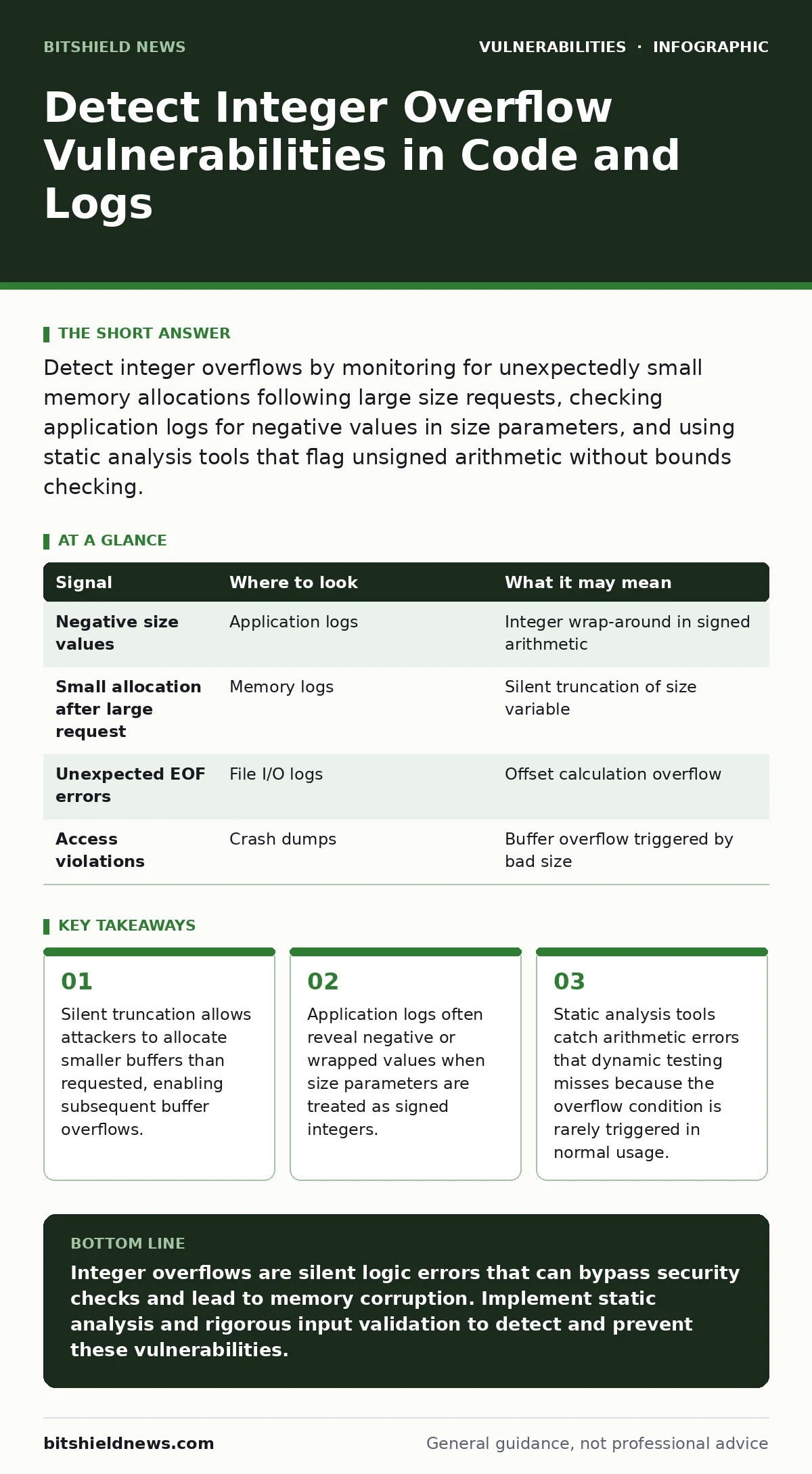
Detect integer overflows by monitoring for unexpectedly small memory allocations following large size requests, checking application logs for negative values in size parameters, and using static analysis tools that flag unsigned arithmetic without bounds checking.
The Mechanics of Silent Failure
An integer overflow occurs when a calculation produces a result larger than the maximum value a variable can hold. Instead of failing loudly, the value wraps around to a small positive number or a negative number. This behavior is predictable but dangerous because it breaks the assumption that larger inputs require more resources.
Suppose an application calculates the size of a buffer needed to store user input. If the calculated size exceeds the maximum limit of a 32-bit integer, the value resets to zero or a small number. The application then allocates a tiny buffer based on this incorrect value. When the actual data arrives, it far exceeds the buffer size, leading to a buffer overflow.
This mechanism is subtle because the application does not crash during the calculation phase. The failure happens later, during memory access. This delay makes it difficult to correlate the error with the original input.
Signals in Application Logs
Application logs are the first place to look for evidence of integer manipulation. You should search for size parameters that appear negative after arithmetic operations. Many logging frameworks cast integers to signed types for display, revealing wrap-around errors.
Look for entries where a requested size is large, but the allocated size is small. A discrepancy between the input size and the internal allocation size is a strong indicator. If your logs record the raw value of size variables, watch for values that jump from high positive numbers to low positive numbers without passing through intermediate states.
| Signal | Where to look | What it may mean |
|---|---|---|
| Negative size values | Application logs | Integer wrap-around in signed arithmetic |
| Small allocation after large request | Memory logs | Silent truncation of size variable |
| Unexpected EOF errors | File I/O logs | Offset calculation overflow |
| Access violations | Crash dumps | Buffer overflow triggered by bad size |
Behavioral Anomalies in Systems
System behavior often reveals integer issues before logs do. Watch for processes that consume less memory than expected when handling large inputs. If a service usually uses megabytes of RAM for a task but suddenly uses kilobytes, the size calculation likely overflowed.
Network traffic analysis can also show inconsistencies. If an application sends a response header indicating a large content length but delivers a truncated payload, an integer error may have corrupted the length field. This mismatch can confuse downstream parsers and security tools.
Imagine a file transfer service that accepts a size parameter from a client. If the client sends a value that causes an overflow, the server might allocate a tiny buffer. The transfer completes quickly, using minimal bandwidth, but the file is corrupted or truncated. This performance anomaly is a red flag.
Static Analysis Tools
Static analysis tools examine source code without executing it. They are effective at finding integer overflow vulnerabilities because they can trace arithmetic operations and check for bounds. These tools look for patterns where unsigned integers are used in calculations that could exceed their limit.
You should configure these tools to flag any multiplication or addition involving size variables. The tool should verify that the result is checked against the maximum value of the type before being used. If no check exists, the tool reports a potential vulnerability.
Dynamic testing often misses these issues because triggering an overflow requires specific input values. These inputs are rare in normal usage. Static analysis finds the flaw regardless of input frequency.
Dynamic Analysis Limitations
Dynamic analysis involves running the application with test inputs. While useful, it has significant blind spots. Fuzzing tools generate random inputs, but the probability of generating a value that causes an exact overflow is low. Most fuzzing campaigns will not hit the specific boundary conditions required to trigger an integer wrap-around.
Symbolic execution is a more powerful dynamic technique. It treats input values as symbols rather than concrete numbers. The solver explores all possible paths, including those where arithmetic overflows. This method can find integer overflows that fuzzing misses, but it is computationally expensive.
If you rely solely on dynamic testing, you may miss vulnerabilities that only manifest under precise conditions. Combine dynamic testing with static analysis for better coverage.
See also: Warning Signs of OpenSSL Vulnerabilities in Your Infrastructure
Common Blind Spots
Developers often assume that modern languages prevent integer overflows. This assumption is false for many systems languages and even for some high-level languages in certain contexts. In C and C++, integer overflow is undefined behavior, meaning the compiler can optimize away checks. In Java, integer overflow wraps around silently.
Another blind spot is the use of libraries that handle size calculations. Developers may assume the library is safe, but the library itself may have integer overflow vulnerabilities. You must audit third-party code as rigorously as your own code.
Mitigation and Detection Strategy
To detect integer overflows, implement a layered approach. Use static analysis to find potential flaws in the code. Use dynamic analysis to verify that the flaws are exploitable. Monitor logs and system behavior for signs of silent failures.
Check for the presence of bounds checking in all arithmetic operations involving sizes. If a calculation involves multiplication, ensure the result is checked for overflow before the operation completes. Many compilers provide built-in functions for safe arithmetic. Use these functions instead of standard operators.
Review how your application handles size parameters from external sources. Validate that these parameters are within expected ranges before using them in calculations. If a parameter is too large, reject it immediately. Do not attempt to adjust it, as this can introduce new errors.
Consider the impact of integer overflows on security controls. If a size parameter is used to enforce limits, an overflow can bypass those limits. This is particularly dangerous in systems that rely on size checks to prevent resource exhaustion.
Key takeaways
- Silent truncation allows attackers to allocate smaller buffers than requested, enabling subsequent buffer overflows.
- Application logs often reveal negative or wrapped values when size parameters are treated as signed integers.
- Static analysis tools catch arithmetic errors that dynamic testing misses because the overflow condition is rarely triggered in normal usage.
Integer overflows are silent logic errors that can bypass security checks and lead to memory corruption. Implement static analysis and rigorous input validation to detect and prevent these vulnerabilities.
Frequently asked questions
Can integer overflows occur in high-level languages like Python?
Python handles large integers automatically, so traditional integer overflows do not occur. However, memory exhaustion can still happen if calculations produce excessively large numbers.
How do I distinguish between an integer overflow and a buffer overflow?
An integer overflow is a calculation error that produces an incorrect value. A buffer overflow is a memory access error that occurs when data exceeds the allocated buffer size. Integer overflows often cause buffer overflows.
Should I use signed or unsigned integers for size calculations?
Use unsigned integers for size calculations to prevent negative values. However, unsigned integers still wrap around on overflow. You must check for overflow explicitly.
Do web application firewalls protect against integer overflows?
Web application firewalls can block some malicious inputs, but they cannot detect logic errors in your application code. You must fix the vulnerability in the source code.
How this guide was produced: written by the BitShield News editorial team with AI assistance, checked against the public references listed below, and reviewed when the facts change. See our editorial policy or report an error.