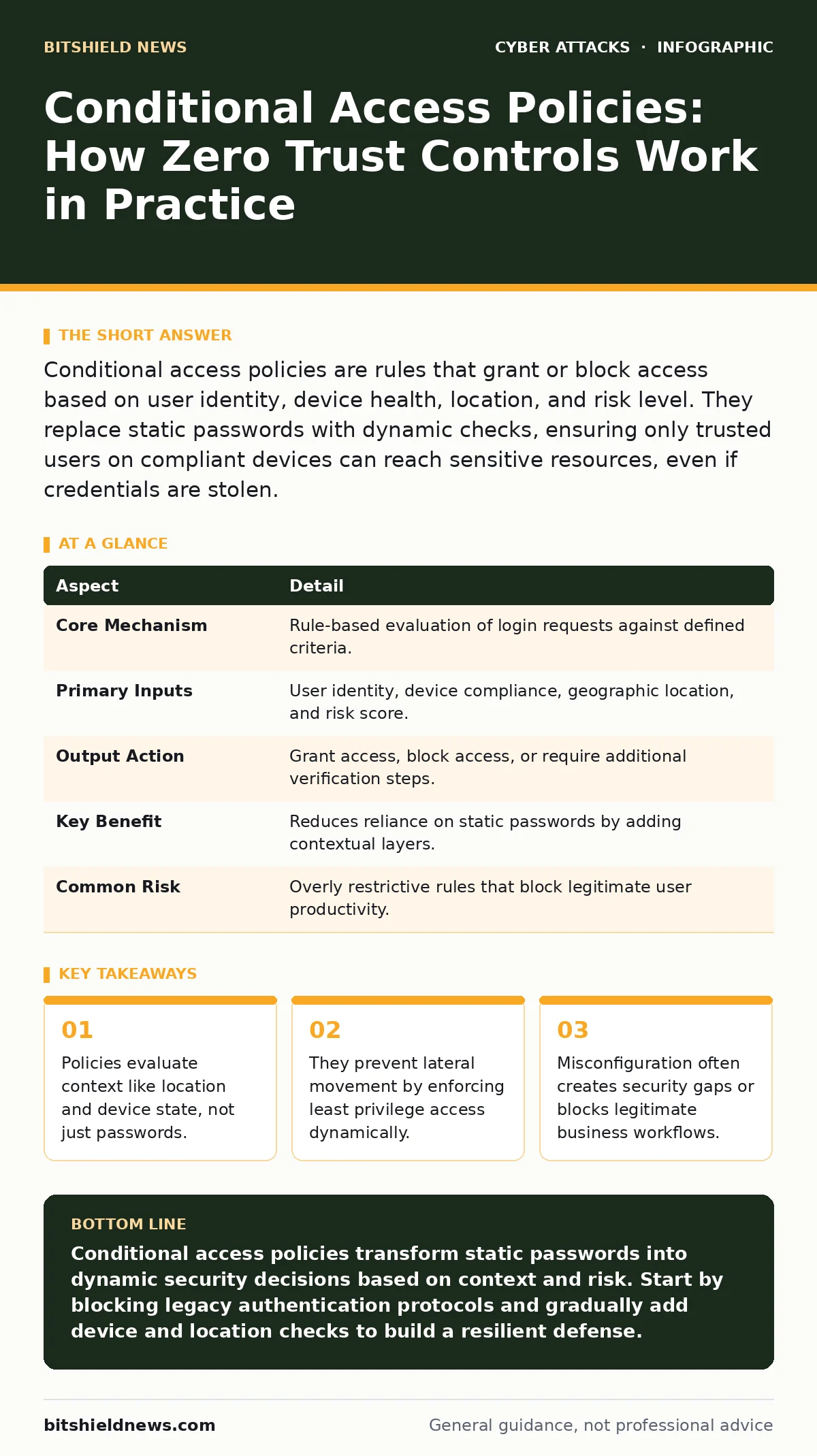
Conditional access policies are rules that grant or block access based on user identity, device health, location, and risk level. They replace static passwords with dynamic checks, ensuring only trusted users on compliant devices can reach sensitive resources, even if credentials are stolen.
The Digital Tollbooth Analogy
Imagine a secure facility where the gate does not just check your ID badge. It also verifies that your car is registered, checks the traffic patterns from your neighborhood, and ensures you are not carrying hazardous materials. If any of these conditions fail, the gate stays closed. This is how conditional access policies function in digital environments. They do not simply ask who you are. They ask where you are, what device you use, and whether the environment looks safe.
Traditional security relies on a fortress model. Once you enter the gate, you can go anywhere. Conditional access assumes the perimeter has already been breached. It treats every request for access as a potential threat that needs verification. This shift is fundamental to modern cybersecurity architectures.
| Aspect | Detail |
|---|---|
| Core Mechanism | Rule-based evaluation of login requests against defined criteria. |
| Primary Inputs | User identity, device compliance, geographic location, and risk score. |
| Output Action | Grant access, block access, or require additional verification steps. |
| Key Benefit | Reduces reliance on static passwords by adding contextual layers. |
| Common Risk | Overly restrictive rules that block legitimate user productivity. |
The Problem Static Authentication Solves
Passwords are static. They do not change based on context. If a thief steals your password, the system sees the same valid credential whether you are logging in from your home office or from a different continent. This is the core vulnerability that conditional access addresses. It adds intelligence to the authentication process.
Consider the threat of credential stuffing. Attackers use automated tools to try stolen username and password combinations across many services. If a service only checks the password, the attacker succeeds. With conditional access, the system sees the login attempt coming from an unusual location or a non-compliant device. It can block the attempt or demand stronger proof of identity. This stops the attack before the attacker reaches the data.
The Four Pillars of Evaluation
Conditional access policies rely on four main inputs to make decisions. Understanding these inputs helps you design rules that are effective without being burdensome.
- User and Group Membership: Policies can target specific users, departments, or roles. You might apply stricter rules to executives or finance teams than to general staff.
- Device State: The system checks if the device is managed, encrypted, and up to date. An unmanaged personal laptop might be allowed to view emails but blocked from accessing financial databases.
- Location and Network: Policies can restrict access to known corporate locations or trusted networks. Logins from high-risk countries or unfamiliar IP ranges trigger additional checks.
- Signal and Risk: Advanced systems analyze behavior patterns. A sudden change in login time or device fingerprint raises a risk score. The policy then reacts to this elevated risk.
Integration with Other Defences
Conditional access does not work in isolation. It is a control layer that sits on top of identity and device management. It needs other systems to provide the data it evaluates. For instance, it relies on security awareness training to ensure users understand why they might be asked for extra verification. Without user cooperation, even the best policy fails.
It also complements rate limiting. While rate limiting slows down automated attacks by capping login attempts, conditional access stops the attack even if the attacker uses slow, human-like methods. The two mechanisms address different speeds of attack. You also need to consider DNS over HTTPS to prevent attackers from intercepting the traffic that carries these authentication tokens. If the channel is compromised, the policy decision can be manipulated.
Where Configurations Go Wrong
The most common failure in conditional access is not a technical flaw but a design error. Administrators often create rules that are too broad or too narrow. A rule that blocks all access from outside the office might stop attackers, but it also stops remote workers. This leads to "policy fatigue," where users find workarounds that bypass security.
Another frequent mistake is neglecting the "break glass" account. These are emergency accounts used when the primary system fails. If conditional access blocks these accounts during an outage, you cannot fix the problem. You must design exceptions for emergency access carefully. These accounts should be monitored closely and disabled when not in use.
See also: DCSync Attacks Explained: How Attackers Clone Your Identity · Credential Stuffing Risks and Protection for Small Businesses
The Hidden Cost of Complexity
Every additional condition you add increases the complexity of your security posture. More rules mean more points of failure. If a cloud identity provider experiences an outage, users may be locked out entirely. This is a significant business risk. You must balance security with availability.
There is also a maintenance cost. As your organization changes, so must your policies. New devices, new locations, and new business processes require updates to your rules. If you do not review these policies regularly, they become outdated. They may block legitimate business activities or allow new types of attacks.
Building a Resilient Strategy
To implement effective conditional access, start with a baseline. Enable basic checks like blocking legacy authentication protocols. These older protocols do not support modern security features and are a common target for attackers. Gradually add more complex rules as you gain confidence in the system.
Test your policies thoroughly. Use pilot groups to verify that rules work as intended. Monitor logs for denied access attempts to identify false positives. Adjust the rules to reduce friction for legitimate users while maintaining security. This iterative approach ensures that your defenses evolve with your business needs.
Key takeaways
- Policies evaluate context like location and device state, not just passwords.
- They prevent lateral movement by enforcing least privilege access dynamically.
- Misconfiguration often creates security gaps or blocks legitimate business workflows.
- They work best when combined with multi-factor authentication and device management.
Conditional access policies transform static passwords into dynamic security decisions based on context and risk. Start by blocking legacy authentication protocols and gradually add device and location checks to build a resilient defense.
Frequently asked questions
Does conditional access replace multi-factor authentication?
No, it complements it. Conditional access determines when multi-factor authentication is required based on risk factors, rather than requiring it for every single login.
Can attackers bypass conditional access policies?
They can try, but it is difficult. Attackers may use compromised devices or mimic trusted locations. However, proper policy design with device compliance checks significantly reduces this risk.
How do conditional access policies affect user experience?
Well-designed policies are seamless for users in normal situations. They only add steps when unusual activity is detected, minimizing friction while maintaining security.
What happens if the identity service goes down?
Users may be unable to log in. This is why having offline access methods or break-glass accounts for critical systems is necessary to maintain business continuity.
How this guide was produced: written by the BitShield News editorial team with AI assistance, checked against the public references listed below, and reviewed when the facts change. See our editorial policy or report an error.