
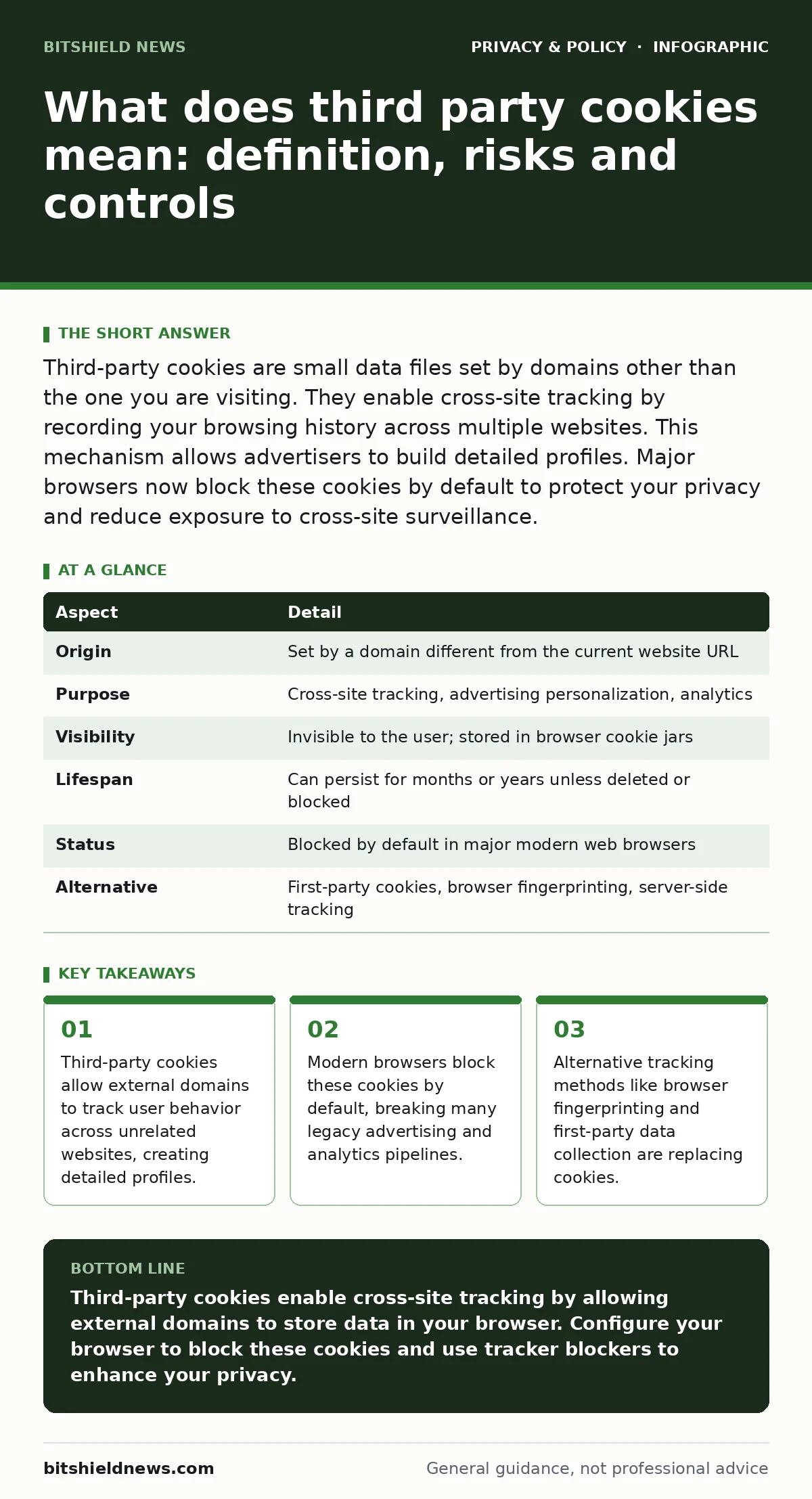
Third-party cookies are small data files set by domains other than the one you are visiting. They enable cross-site tracking by recording your browsing history across multiple websites. This mechanism allows advertisers to build detailed profiles. Major browsers now block these cookies by default to protect your privacy and reduce exposure to cross-site surveillance.
What does third party cookies mean
Third-party cookies are small text files stored in your browser by a domain different from the website you are currently visiting. When you load a page, that page may contain elements hosted on other servers, such as advertising networks or analytics platforms. These external servers can set cookies that persist across your browsing session. The term "third party" refers to the entity that sets the cookie, not the site you intend to visit. This distinction is the foundation of cross-site tracking.
Imagine you visit a news site. That site loads an advertisement from a large ad network. The ad network sets a cookie on your browser. Later, you visit a sports blog that also uses the same ad network. The network reads the cookie it previously set. It now knows you visited both the news site and the sports blog. It links these visits to a single user profile. This happens without the news site or the sports blog explicitly sharing your data.
| Aspect | Detail |
|---|---|
| Origin | Set by a domain different from the current website URL |
| Purpose | Cross-site tracking, advertising personalization, analytics |
| Visibility | Invisible to the user; stored in browser cookie jars |
| Lifespan | Can persist for months or years unless deleted or blocked |
| Status | Blocked by default in major modern web browsers |
| Alternative | First-party cookies, browser fingerprinting, server-side tracking |
How the tracking mechanism works
The mechanism relies on the HTTP protocol and the way browsers handle external resources. When a browser requests a webpage, it also requests embedded resources like images, scripts, or iframes. If these resources come from a different domain, the browser sends any existing cookies for that domain to the server. This allows the external server to identify the browser. The server can then update the cookie with new information about the current site visit.
This process creates a graph of your online behavior. The external server does not need to know your name or email address. It assigns a unique identifier to your browser. Every time you visit a site that uses resources from that server, the identifier travels with the request. The server aggregates these visits over time. It builds a profile based on the types of sites you visit, the time you spend there, and the content you interact with.
Who is affected by this technology
This technology affects anyone who uses a web browser to access the internet. The impact is not limited to consumers. Businesses that rely on digital advertising see their targeting capabilities change. Publishers that depend on ad revenue must adapt to new models. The users most affected are those who value privacy and wish to limit the amount of personal data collected about their online habits.
The effect is particularly pronounced for users who do not clear their browser data regularly. Those who use multiple devices face fragmented tracking, as cookies are stored locally on each device. However, sophisticated trackers can use other methods to link devices together. This means that simply switching devices does not guarantee anonymity. The tracking ecosystem is designed to persist despite individual user actions.
Common misconceptions about cookies
Many people believe that deleting cookies completely stops tracking. This is incorrect. Deleting cookies removes the stored identifiers, but it does not prevent new ones from being set. If you revisit a site that uses third-party services, new cookies will be created. The tracking cycle begins again. This misconception leads to a false sense of security. Users may delete cookies once and assume they are protected indefinitely.
Another common error is confusing third-party cookies with first-party cookies. First-party cookies are set by the site you are visiting. They are necessary for basic functions like keeping you logged into your email or remembering items in your shopping cart. Blocking all cookies breaks many websites. The privacy risk comes specifically from third-party cookies, which enable cross-site surveillance. Understanding this difference helps you configure your browser settings correctly.
The shift in browser defaults
Major browser vendors have changed their default settings to block third-party cookies. This change reflects a growing consensus that cross-site tracking harms user privacy. Browsers now intercept requests that attempt to set or read these cookies. They prevent the data from being sent to the external server. This breaks the chain of cross-site tracking for many users.
This shift has forced the advertising industry to adapt. Companies that relied on third-party cookies for targeting must find new ways to reach audiences. Some are moving to first-party data collection, where they gather information directly from users on their own sites. Others are using contextual advertising, which places ads based on the content of the page rather than the user's history. This transition is ongoing and affects how the web functions.
See also: Ad Blockers Best Practices for Secure and Efficient Browsing · Malicious Browser Extensions: How to Spot and Remove Hidden Threats
Alternatives and remaining risks
As third-party cookies fade, other tracking methods become more prominent. Browser fingerprinting is one such method. It collects information about your device and browser configuration, such as screen resolution, installed fonts, and hardware details. This data creates a unique identifier for your browser. Unlike cookies, this data is not stored on your device. It is generated on the fly. Blocking cookies does not stop fingerprinting.
Server-side tracking is another alternative. Instead of relying on cookies in the browser, companies track interactions on their own servers. They log IP addresses and request headers. This data can be used to build profiles similar to those created by cookies. However, this method is harder for users to detect and block. It requires more technical knowledge to mitigate.
What you can do to protect yourself
You can enhance your privacy by configuring your browser settings. Most modern browsers offer a "Block all cookies" or "Block third-party cookies" option. Enabling this setting prevents most cross-site tracking. You should also consider using a tracker blocker extension. These tools maintain lists of known tracking domains and block requests to them. They provide an additional layer of protection beyond browser defaults.
Clearing your browser data regularly helps reduce the amount of information available to trackers. This includes cookies, cache, and site data. You should also review your privacy settings in your operating system and applications. Some apps share data with third parties in ways that mimic cookie tracking. Limiting app permissions reduces the amount of data collected.
For a deeper understanding of how your data is collected, read our guide on online tracking. It explains the various methods used to monitor user behavior. If you are concerned about how your internet traffic is identified, consider using DNS over HTTPS. This protocol encrypts your DNS queries, preventing your internet provider from seeing which sites you visit.
Managing trade-offs and expectations
No single tool provides complete protection. Blocking third-party cookies improves privacy but may break some website features. You may need to log in more frequently or lose personalized settings. This is a trade-off between convenience and privacy. You must decide which is more important to you. There is no perfect solution that offers both maximum privacy and maximum convenience.
Browser fingerprinting and server-side tracking remain challenges. These methods do not rely on cookies. They require different mitigation strategies. Using privacy-focused browsers can help reduce your fingerprint uniqueness. These browsers standardize certain device signals to make users look more similar. This reduces the effectiveness of fingerprinting.
If you are interested in how social media platforms handle data, see our guide on social media privacy risks. These platforms often have their own tracking ecosystems that operate independently of web cookies. They collect data through app usage and interactions. Understanding these mechanisms helps you manage your digital footprint more effectively.
Final considerations for privacy
The web is evolving. The role of cookies is changing. As third-party cookies become less common, new tracking technologies emerge. You must stay informed about these changes. Privacy is an ongoing process, not a one-time setup. Regularly reviewing your settings and tools ensures you maintain control over your data.
For more information on how personal data is used and protected, explore our guide on personal data. It covers the legal and technical aspects of data management. Understanding your rights and the tools available empowers you to make informed decisions. You can navigate the digital world with greater confidence and control.
Key takeaways
- Third-party cookies allow external domains to track user behavior across unrelated websites, creating detailed profiles.
- Modern browsers block these cookies by default, breaking many legacy advertising and analytics pipelines.
- Alternative tracking methods like browser fingerprinting and first-party data collection are replacing cookies.
Third-party cookies enable cross-site tracking by allowing external domains to store data in your browser. Configure your browser to block these cookies and use tracker blockers to enhance your privacy.
Frequently asked questions
Do third-party cookies steal my password?
No, third-party cookies do not have access to your passwords. They only store identifiers and browsing data. They cannot read sensitive information entered into secure forms.
Can I block third-party cookies in all browsers?
Yes, most modern browsers allow you to block third-party cookies. Check your browser's privacy settings to enable this feature. Some browsers block them by default.
Does blocking cookies break websites?
Blocking third-party cookies may break some features like personalized ads. Blocking all cookies can break login sessions and shopping carts. Use selective blocking to balance functionality and privacy.
Are first-party cookies safe?
First-party cookies are generally safe and necessary for website functionality. They are set by the site you visit and do not enable cross-site tracking. They help maintain your session and preferences.
How this guide was produced: written by the BitShield News editorial team with AI assistance, checked against the public references listed below, and reviewed when the facts change. See our editorial policy or report an error.