
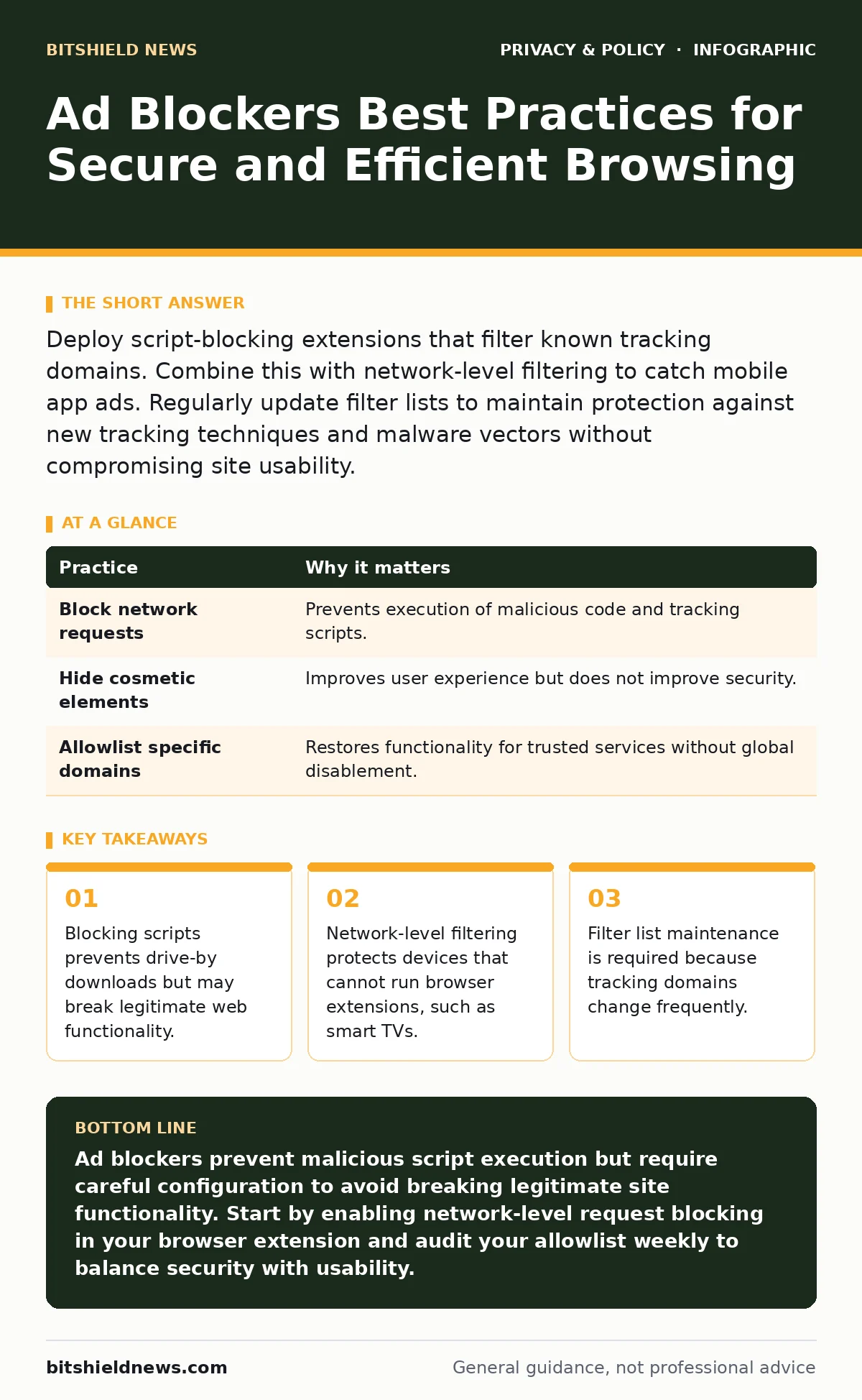
Deploy script-blocking extensions that filter known tracking domains. Combine this with network-level filtering to catch mobile app ads. Regularly update filter lists to maintain protection against new tracking techniques and malware vectors without compromising site usability.
The Hidden Cost of Free Content
Most users view ad blockers as a convenience tool. They remove visual clutter and speed up page loads. This perspective misses the security dimension. Ads are a primary vector for malicious code. When a browser loads an advertisement, it executes code from a third-party server. That server may have been compromised or may intentionally serve malware.
Blocking these requests removes the execution path. You stop the code before it runs. This is more effective than scanning for malware after it has downloaded. However, this protection comes with trade-offs. Some websites rely on advertising revenue to operate. Blocking ads can lead to paywalls or degraded content quality. You must balance security with access.
1. Use Script Blocking Over Cosmetic Filtering
Many ad blockers only hide visual elements. They use CSS rules to make ads invisible. The underlying JavaScript still executes. This means tracking pixels and malicious scripts still run. You gain privacy from visual ads but lose security benefits.
Switch to an extension that blocks network requests. This prevents the browser from connecting to ad servers entirely. The script never downloads. The trade-off is higher complexity. Some legitimate site features, like video players or comment sections, rely on third-party scripts. You will need to allowlist specific domains to restore functionality.
| Practice | Why it matters |
|---|---|
| Block network requests | Prevents execution of malicious code and tracking scripts. |
| Hide cosmetic elements | Improves user experience but does not improve security. |
| Allowlist specific domains | Restores functionality for trusted services without global disablement. |
2. Maintain Filter Lists Manually
Filter lists are databases of known ad and tracking domains. These lists become outdated quickly. New domains appear daily. Old domains may change their purpose. A domain used for ads today might host critical software tomorrow.
Do not rely on automatic updates alone. Check your extension settings regularly. Ensure the extension is pulling from reputable, community-maintained lists. Some lists are overly aggressive and block essential web standards. Others are too permissive and let trackers through. You may need to curate a mix of lists for optimal balance.
3. Implement Network-Level Blocking
Browser extensions only protect the browser. They do not protect mobile apps, smart TVs, or IoT devices. These devices often contain built-in ad SDKs. These SDKs track user behavior and sell data. You cannot install extensions on these devices.
Use a local DNS sinkhole or a firewall rule. This blocks ad domains at the network level. Every device on your network benefits. This method is transparent to the user. It requires no configuration on individual devices. The downside is that you cannot easily allowlist specific apps. If an app breaks, you must adjust the network rules.
4. Disable WebRTC Leak Protection
WebRTC is a protocol that allows real-time communication in browsers. It can leak your local IP address. Some ad blockers include a feature to prevent this leak. This feature often breaks video conferencing and peer-to-peer file sharing.
Instead of relying on the blocker, configure your browser settings to disable WebRTC or restrict it to trusted sites. This gives you granular control. You can keep WebRTC enabled for Zoom or Teams while blocking it for news sites. This approach preserves functionality while maintaining privacy.
See also: Malicious Browser Extensions: How to Spot and Remove Hidden Threats · Prevent Shared AI Chat Links Appearing in Search Results
5. Audit Your Extension Permissions
Ad blockers require broad permissions to function. They need access to all websites. They need to read and change data on every site you visit. This is a high-risk permission set. If the extension is compromised, the attacker has full access to your browsing session.
Choose extensions with a strong reputation for security audits. Open-source extensions allow independent verification of the code. Avoid extensions that bundle additional features like password managers or search tools. Each additional feature increases the attack surface. Keep your security tools minimal and focused.
6. Test for Functionality Breakage
Aggressive blocking breaks websites. Forms may not submit. Maps may not load. Login pages may fail. This happens when a filter list blocks a legitimate script. Users often disable the blocker entirely when this occurs. This defeats the purpose of the security measure.
Use the blocker’s "pause on this site" feature. Test the site with the blocker disabled. If it works, identify the specific blocked element. Add that domain to your allowlist. This restores functionality while keeping protection active for other elements. Do not disable the blocker globally.
7. Combine With Tracker Blocking
Ad blockers focus on display ads. Tracker blockers focus on behavioral tracking. These are different mechanisms. Some trackers do not serve ads. They only collect data. A standard ad blocker may miss these silent trackers.
Enable a dedicated tracker blocking list in your extension. This list targets known analytics and fingerprinting scripts. This reduces the amount of data collected about your browsing habits. It complements the ad blocking function. You reduce both the visual noise and the invisible surveillance.
8. Review Privacy Policy Implications
Blocking ads affects how websites view you. Some sites use fingerprinting to identify users who block ads. This can lead to targeted restrictions. You may be forced to pay for content that was previously free.
Understand the right to be forgotten in the context of advertising. While this right applies to data deletion, it does not prevent initial collection. Blocking collection at the source is more effective than requesting deletion later. Review the online tracking policies of sites you visit frequently. Some sites offer privacy-friendly alternatives to third-party ads.
9. Secure DNS Resolution
Even if you block ads, your DNS queries reveal which domains you attempt to connect to. If you use standard DNS, your ISP can see these queries. They can log your interest in ad-related domains.
Use DNS over HTTPS to encrypt these queries. This prevents your ISP from seeing which domains you request. Combine this with your ad blocker. The blocker prevents the connection. The encrypted DNS prevents the metadata leak. This layered approach ensures that even failed connection attempts remain private.
Conclusion of Practices
Ad blockers are a powerful security tool. They reduce the attack surface of your browser. They prevent the execution of malicious code. However, they are not a silver bullet. You must configure them correctly. You must maintain them regularly. You must combine them with other privacy measures.
The goal is not to block everything. The goal is to block threats and trackers while preserving functionality. This requires ongoing management. It requires understanding the trade-offs. It requires a layered security strategy.
Key takeaways
- Blocking scripts prevents drive-by downloads but may break legitimate web functionality.
- Network-level filtering protects devices that cannot run browser extensions, such as smart TVs.
- Filter list maintenance is required because tracking domains change frequently.
Ad blockers prevent malicious script execution but require careful configuration to avoid breaking legitimate site functionality. Start by enabling network-level request blocking in your browser extension and audit your allowlist weekly to balance security with usability.
Frequently asked questions
Do ad blockers protect against viruses?
Ad blockers prevent malicious code from loading, which reduces the risk of infection. They do not scan files or detect viruses that have already been installed.
Can websites detect if I am using an ad blocker?
Yes, websites can use scripts to detect if ad containers are empty or if known ad domains are blocked. They may then display a warning or restrict content.
Is it legal to use ad blockers?
In most jurisdictions, using ad blockers is legal. However, some websites may require you to disable them to access content, as part of their terms of service.
Do ad blockers slow down my computer?
No, ad blockers typically speed up page loads by preventing the download of large ad files and scripts. They consume minimal system resources.
How this guide was produced: written by the BitShield News editorial team with AI assistance, checked against the public references listed below, and reviewed when the facts change. See our editorial policy or report an error.