Preventing shared AI chat links from appearing in search results requires disabling public link generation, deleting existing public share tokens, and using private collaboration spaces. Search engine web crawlers discover unlisted links through browser extensions, external referrers, and shared communication channels, making obscurity an ineffective barrier against public exposure.
How Shared Conversation Links Leak to Search Engines
Shared chat links leak to search engines because generating a share link creates a publicly accessible static web page on the platform's domain. Web crawlers (automated software scripts that map the internet by following hyperlinks) continuously discover new pages. You might assume your long, random uniform resource locator (URL) stays hidden. Web crawlers do not need a public directory to find it; they only need one link exposure.
Referrer headers reveal your unlisted URLs to third parties during normal browsing navigation. When you open a public conversation link and click an outbound source reference inside the chat, your browser sends the full link inside an HTTP referrer header to that external destination. If that external site displays visitor analytics publicly or runs network monitoring scripts, automated discovery systems grab the link immediately.
Browser extensions actively harvest navigation histories and feed discovered links into indexing pipelines. When an employee opens a shared link while running market analysis extensions, page-translating tools, or unvetted productivity add-ons, those extensions often transmit visited URLs back to aggregation servers. The guide on third-party cookies explains how cross-site tracking pipelines move data across disconnected services without explicit user consent.
Priority 1: Revoke Existing Shared URLs Immediately
Revoking existing shared URLs stops search engines from delivering active conversation text to the public. You must enter your AI platform settings, navigate to the shared links management console, and delete all generated public links. Deleting the shared link does not delete your underlying conversation history; it destroys the public routing token that renders the chat readable without an authenticated user account.
Search engines maintain cached snapshots of exposed pages until their web crawlers attempt a re-crawl. When you delete the link token, the platform server immediately returns a 404 Not Found or 410 Gone response status code to visiting requests. The moment an automated search crawler encounters a 410 status code, its indexing engine schedules the permanent purge of the stored text cache.
Purging the shared link directly addresses information extraction pipelines before external actors harvest proprietary queries. You cut off access for human searchers immediately, even if a search snippet remains visible for a brief transition window. The guide on file metadata outlines similar exposure mechanisms where hidden diagnostic details outlive the visible document text during transmission.
Priority 2: Enforce Tenant-Wide Sharing Restrictions
Tenant-wide administrative policies eliminate the human error that leads to accidental link exposure. Enterprise administrators must log into the centralized management portal and disable public link generation across all workspace accounts. Restricting sharing settings ensures that users can only collaborate with team members who authenticate through your single sign-on system.
Workspace permissions should enforce restricted domain boundaries for all generated export links. When a user requests a collaboration link inside a secured workspace, the application must require an active organization account to view the prompt history. Search engine web crawlers cannot log into enterprise identity providers, which renders protected links invisible to public search engine indexes.
Central controls reduce risk across remote workforces operating on unmanaged domestic networks. Remote staff often expose corporate workflows across personal hardware environments without recognizing the threat. Reviewing smart home privacy risks helps clarify how consumer-grade network environments bypass standard workplace security boundaries and introduce unexpected leak vectors.
Priority 3: Sanitize Transferred Text Before Exporting
Sanitizing text before generating exports prevents confidential records from appearing in public repositories. Users frequently paste error logs, internal network hostnames, and customer records directly into conversation prompts. If an operational requirement demands sharing an AI workflow outside your identity perimeter, you must manually scrub all proprietary data strings before you create the document export.
Data masking must replace identifiable system paths, user identities, and private infrastructure tokens with generic placeholders. You should export prompts into flat text files and run automated search patterns against sensitive corporate terms. Scrubbing the text locally ensures that even if someone shares the resulting export publicly, the content contains no operational value for threat actors.
Comparative Risk Reduction of Prevention Measures
Different remediation actions require varying levels of administrative overhead and provide distinct defensive boundaries. Evaluating the trade-offs allows your technical staff to deploy fast operational barriers while preparing structural administrative policies.
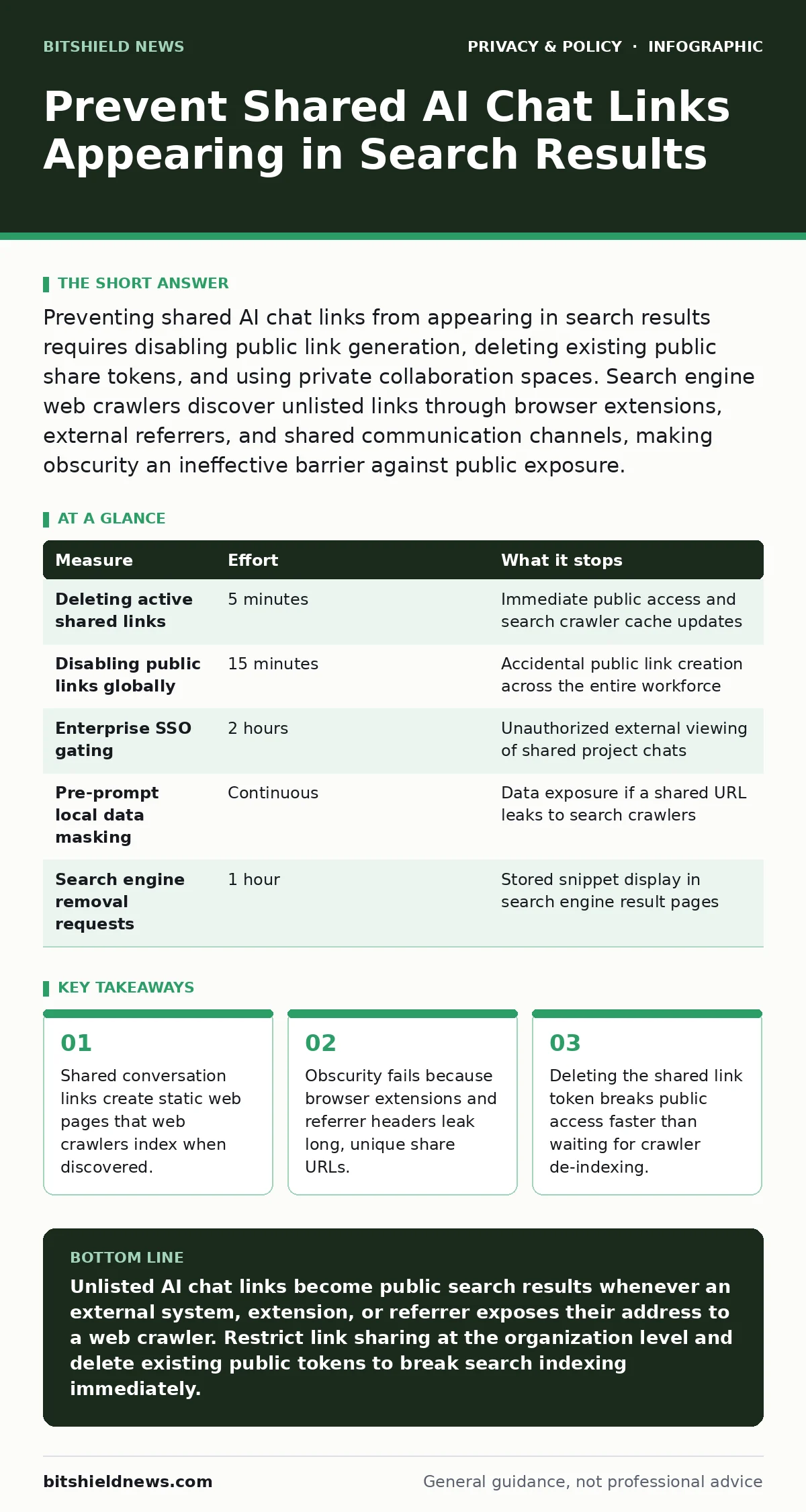
| Measure | Effort | What it stops |
|---|---|---|
| Deleting active shared links | 5 minutes | Immediate public access and search crawler cache updates |
| Disabling public links globally | 15 minutes | Accidental public link creation across the entire workforce |
| Enterprise SSO gating | 2 hours | Unauthorized external viewing of shared project chats |
| Pre-prompt local data masking | Continuous | Data exposure if a shared URL leaks to search crawlers |
| Search engine removal requests | 1 hour | Stored snippet display in search engine result pages |
Deploying centralized sharing controls carries the highest operational return because it removes individual human discretion. Manual link audits protect against legacy exposures, but automated tenant restrictions guarantee baseline privacy for future system interactions.
See also: Removing your data from people-search sites and reclaiming privacy · Is Third-Party Cookies Safe? The Hidden Tracking Risk
Common Techniques That Fail to Prevent Indexing
Relying on URL unpredictability fails to protect shared AI conversations from aggressive automated discovery tools. A cryptographically random alphanumeric string prevents brute-force guessing attacks, but it offers zero defense against link harvesting. The moment a user pastes that unpredictable URL into a public ticket system, online forum, or group messaging channel, web crawlers identify and catalog the path.
Clearing your personal browser history does nothing to remove a public conversation link from the internet. Browsing histories exist strictly on your local endpoint; wiping that cache does not communicate with the remote server hosting your shared transcript. The public page remains active on the host infrastructure, accessible to any remote crawler that follows inbound routing signals.
Trusting platform terms of service to keep shared conversations unindexed creates a false sense of operational security. Many online platforms apply the noindex directive (a metadata tag instructing search crawlers not to list a page) to their core systems. That directive fails whenever intermediate caching proxies strip response headers or search spiders ignore standard exclusions on public aggregation sites.
Actions to Remove Already Indexed Links
Removing already indexed links requires direct interaction with search engine webmaster interfaces. You must first verify that the host platform returns a 404 Not Found error code for the targeted URL. Once the original link is dead, submit an expedited cache removal request through the public webmaster portal operated by each major search provider.
Expedited removal forms signal search engines that the live web page no longer matches the stored index record. The automated search engine system visits the target address, validates that the source server refuses the connection, and purges the cached text snippet from public view. This process clears search engine results much faster than waiting for standard crawling cycles.
Organizational teams must maintain persistent audit records of all active removals to confirm complete remediation across secondary search engines. Secondary search engines maintain independent crawler infrastructures and do not mirror removal requests processed by market competitors. Each external indexing provider requires a separate removal request to eliminate public risk completely.
Immediate Mitigation Checklist
- Log into your platform account, locate the shared links menu, and delete all public links.
- Configure organization policies to restrict collaboration links to authenticated workspace users only.
- Submit manual URL removal requests to major search engines for every link already appearing in search results.
Key takeaways
- Shared conversation links create static web pages that web crawlers index when discovered.
- Obscurity fails because browser extensions and referrer headers leak long, unique share URLs.
- Deleting the shared link token breaks public access faster than waiting for crawler de-indexing.
Unlisted AI chat links become public search results whenever an external system, extension, or referrer exposes their address to a web crawler. Restrict link sharing at the organization level and delete existing public tokens to break search indexing immediately.
Frequently asked questions
Why do my unlisted AI chat links appear in Google search results?
Unlisted AI chat links appear in Google search results because a web crawler discovered the URL through a browser extension, an outbound referrer header, or an external website. Once a crawler finds an address lacking an enforced noindex tag, the search engine indexes the content.
Does deleting my prompt from the chat history delete the shared link?
Deleting a prompt from your chat history does not always delete the shared link. Most systems create a detached static snapshot when generating a link, which requires you to delete the shared link explicitly in your sharing settings.
Can people see my personal account details from a shared chat link?
People cannot see your password or full account details from a shared chat link, but they can see custom instructions, workspace names, and whatever private data you pasted into the prompt. Search engines index all visible text contained within that shared snapshot.
How long does an AI chat link stay in search results after I delete it?
An AI chat link typically stays in search results for several days to several weeks after deletion unless you submit an expedited URL removal request. The search engine must re-crawl the dead link, receive an error code, and refresh its index to clear the result.
How this guide was produced: written by the BitShield News editorial team with AI assistance, checked against the public references listed below, and reviewed when the facts change. See our editorial policy or report an error.