
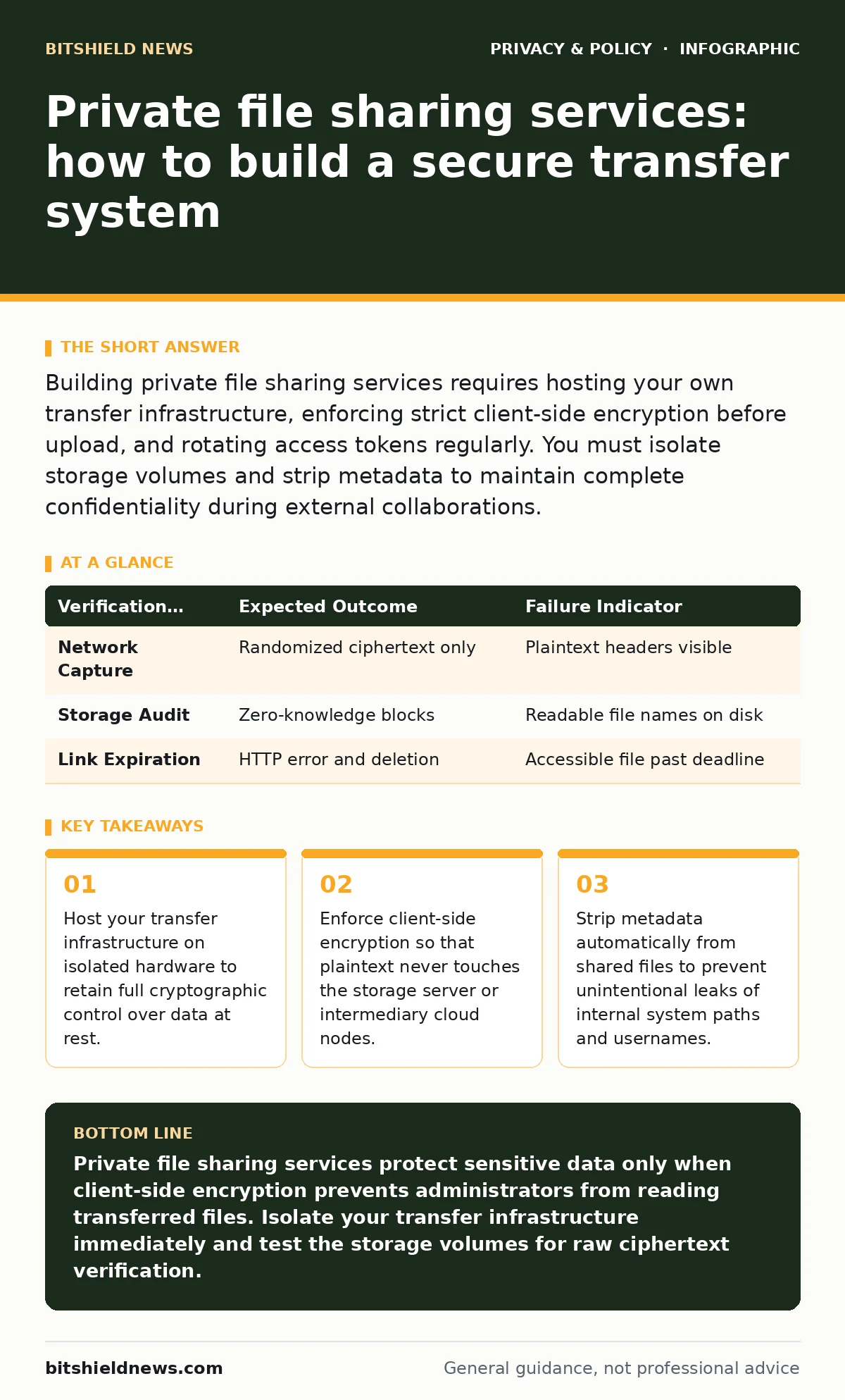
Building private file sharing services requires hosting your own transfer infrastructure, enforcing strict client-side encryption before upload, and rotating access tokens regularly. You must isolate storage volumes and strip metadata to maintain complete confidentiality during external collaborations.
Preparing the Infrastructure for Secure File Transfers
Private file sharing services demand dedicated infrastructure isolated from standard corporate web servers. You must provision a clean storage node utilizing strict access control lists and encrypted volumes. Shared hosting environments introduce hidden risks because neighboring tenants might exploit hypervisor flaws to read memory blocks. Network segmentation ensures that a compromise in your public-facing portal does not grant lateral movement into internal domain controllers.
Operating system hardening on the transfer host requires disabling unnecessary services and restricting administrative access to encrypted tunnels. Imagine you deploy a standard Linux distribution for your transfer node; leaving default SSH (Secure Shell) password authentication enabled invites automated brute-force attacks. You should configure public-key authentication exclusively and disable root logins entirely. Network firewalls must block all inbound ports except the single encrypted web port required for file transfers.
Resource planning involves calculating peak bandwidth demands and storage capacity constraints for large client deliverables. Cryptographic operations consume significant CPU cycles when handling massive archives, so hardware acceleration for AES (Advanced Encryption Standard) encryption routines prevents transfer bottlenecks. Storage pools need automated monitoring to alert administrators before disk capacity exhaustion causes silent service degradation. Proper preparation also accounts for log retention policies that balance forensic auditing needs against user privacy expectations.
Step 1: Deploying the Core Transfer Engine
Step 1: Action and Configuration
Deploying private file sharing services begins with installing an open-source transfer engine configured for zero-knowledge architecture. You must compile the application from source or pull verified container images signed by the original developers. Configure the application environment variables to store encryption keys exclusively in volatile memory rather than persistent configuration files. Database backends storing user metadata require independent encryption keys separate from the primary file storage encryption layers.
Step 1: Verification and Testing
Verify the deployment by uploading a test archive through the web interface and inspecting the storage volume directly. You will know this step succeeded when raw storage blocks contain only randomized ciphertext strings rather than readable file headers or directory structures. Attempt to read the uploaded file directly from the database or disk cache without supplying the correct decryption passphrase. The system must fail completely and return cryptographic errors rather than partial plaintext fragments.
Step 2: Enforcing Client-Side Cryptography
Step 2: Action and Configuration
Client-side cryptography shifts the burden of data protection away from the server and onto the sender's browser or application. You must configure the transfer interface to execute cryptographic key derivation functions locally using high iteration counts. Files undergo encryption within the local memory space before any byte streams traverse the network interface toward your hosting infrastructure. Implement secure memory wiping routines in client scripts to purge raw keys immediately after the upload stream terminates.
Public networks expose metadata just as easily as file contents, making proper transport security mandatory even for encrypted payloads. Secure transport layers use asymmetric handshakes to authenticate endpoints and protect against interception. While configuring transport protocols, ensure your systems maintain alignment with digital privacy rights to prevent unlawful collection of client IP addresses during the transfer handshake.
Step 2: Verification and Testing
Test the client-side encryption pipeline by capturing network traffic using a packet analyzer during an active file upload. You should observe only randomized data streams flowing toward the server, with zero plaintext headers visible in the packet payloads. Inspect the server storage directory immediately following the upload completion event to confirm that no unencrypted temporary staging files remain in the web root.
Step 3: Managing Expiration and Revocation
Step 3: Action and Configuration
Private file sharing services require aggressive lifecycle management to prevent abandoned links from becoming permanent data leak vectors. Configure automated cron jobs or background daemon processes to purge expired files and their associated metadata hourly. Set hard maximum limits on download counts and link lifetimes, preventing users from creating permanent public URLs for sensitive data.
Revocation mechanisms must invalidate both the decryption keys stored on the client side and the ciphertext blocks residing on the server. Imagine a client accidentally shares a sensitive archive with an external address; your system needs an immediate manual kill switch to sever access. Administrators should have visibility into active download sessions with the ability to terminate rogue connections instantly without restarting the entire transfer service.
Step 3: Verification and Testing
Verify the expiration logic by generating a short-lived transfer link with a one-minute lifespan and attempting access after the timer expires. The system succeeds if subsequent HTTP requests return generic error codes without revealing whether the requested file ever existed on the server. Check the storage volume to confirm that the underlying blocks were securely overwritten and unlinked from the filesystem index.
| Verification Check | Expected Outcome | Failure Indicator |
|---|---|---|
| Network Capture | Randomized ciphertext only | Plaintext headers visible |
| Storage Audit | Zero-knowledge blocks | Readable file names on disk |
| Link Expiration | HTTP error and deletion | Accessible file past deadline |
Establishing Verification Checklists
Validating your private file sharing architecture requires systematic testing across multiple threat vectors and operational scenarios. You must perform routine penetration testing against the web application firewall and the underlying operating system kernel. Automated test suites should simulate malicious input injection, brute-force token guessing, and unauthorized privilege escalation attempts against the transfer engine.
- Confirm web interface enforces strict content security policies to prevent cross-site scripting attacks during file previews.
- Verify that audit logging captures administrative actions without recording sensitive user passwords or encryption keys.
- Test storage redundancy by simulating sudden disk failure and restoring encrypted payloads from immutable off-site backups.
- Ensure that background cleanup scripts successfully delete expired archive fragments without leaving orphaned database pointers.
Operational hygiene extends beyond core file transfers to include surrounding browser behaviors and client environments. Users accessing your transfer portal should maintain clean sessions free from malicious browser extensions that might intercept clipboard contents or encryption keys. Encouraging standard operational hygiene helps prevent data leakage before it reaches your secure upload interface.
Upkeep and Continuous Maintenance
Maintaining private file sharing services demands rigorous dependency management and prompt application of upstream security patches. Open-source transfer engines rely on numerous third-party libraries that frequently require vulnerability updates. You must subscribe to security advisory mailing lists associated with every software component utilized in your deployment stack.
Cryptographic algorithms degrade over time as computing power increases and mathematical vulnerabilities are discovered in legacy ciphers. Schedule periodic reviews of your encryption standards to phase out weaker key lengths and adopt modern cryptographic primitives. Rotate internal administrative credentials and database encryption keys on a scheduled cadence to minimize the blast radius of potential insider threats.
Key takeaways
- Host your transfer infrastructure on isolated hardware to retain full cryptographic control over data at rest.
- Enforce client-side encryption so that plaintext never touches the storage server or intermediary cloud nodes.
- Strip metadata automatically from shared files to prevent unintentional leaks of internal system paths and usernames.
Private file sharing services protect sensitive data only when client-side encryption prevents administrators from reading transferred files. Isolate your transfer infrastructure immediately and test the storage volumes for raw ciphertext verification.
Frequently asked questions
Can administrators read files uploaded to private file sharing services?
Administrators cannot read files if client-side encryption executes properly before data leaves the sender's device. The server only receives randomized ciphertext and lacks the decryption keys required to reconstruct the original documents.
What happens if a recipient loses the decryption key for a shared file?
Recipients lose access permanently because zero-knowledge architectures prevent servers from recovering or resetting lost keys. The sender must generate a new encrypted upload session and transmit a fresh link.
How do private file sharing services handle large enterprise archives?
Large archives use chunked streaming uploads that encrypt data in manageable segments within the browser memory. This approach prevents memory exhaustion errors on client devices during multi-gigabyte transfers.
How this guide was produced: written by the BitShield News editorial team with AI assistance, checked against the public references listed below, and reviewed when the facts change. See our editorial policy or report an error.