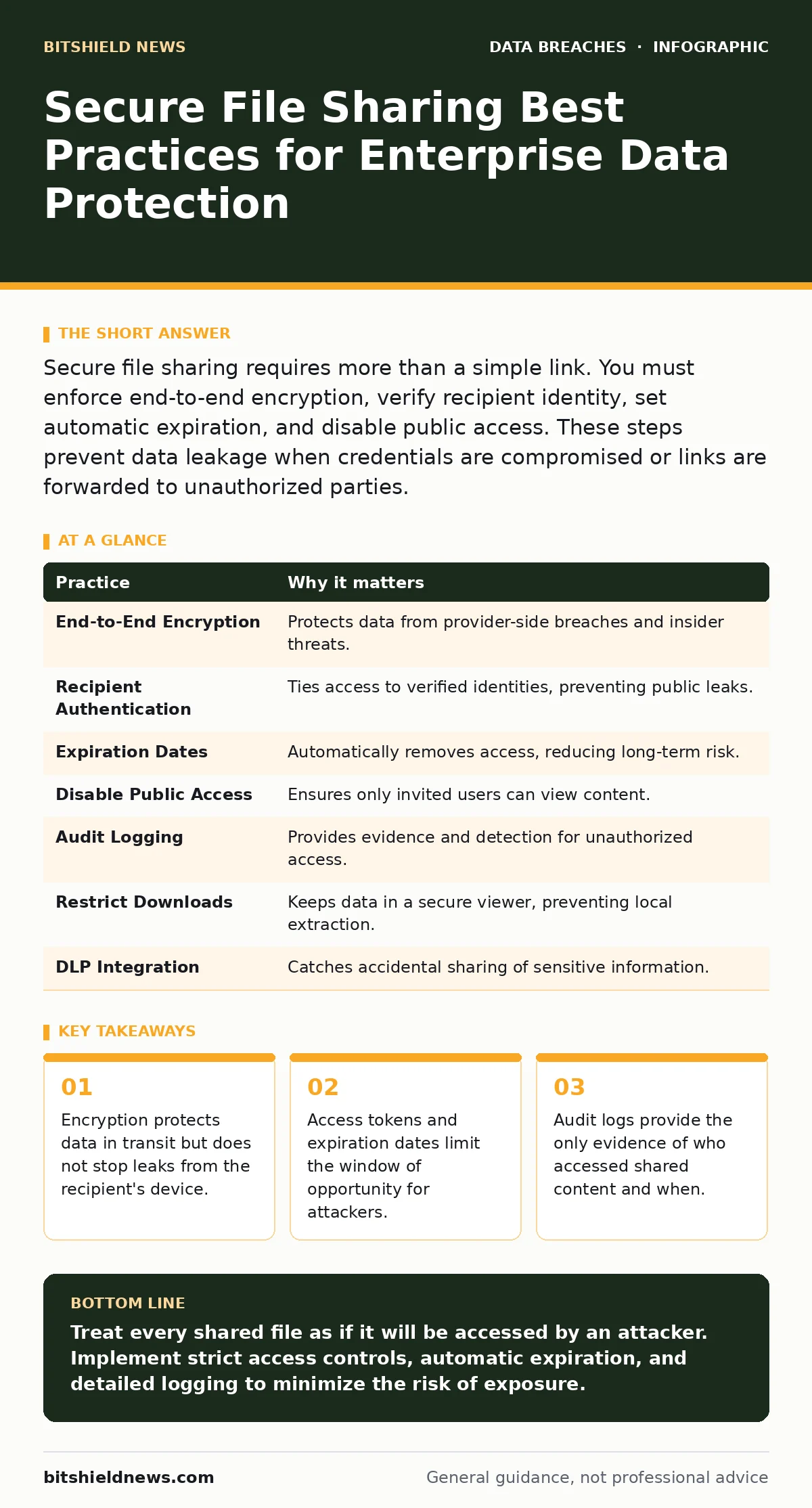
Secure file sharing requires more than a simple link. You must enforce end-to-end encryption, verify recipient identity, set automatic expiration, and disable public access. These steps prevent data leakage when credentials are compromised or links are forwarded to unauthorized parties.
The Illusion of Secure Links
Sending a file via a standard cloud link feels safe because the connection uses HTTPS. However, the security ends at the browser. Once the recipient downloads the file, it exists in plain text on their device. If that device is compromised, the data is exposed. This gap between transit security and endpoint security is where most losses occur.
You must treat the file as if it will be stolen the moment it arrives. This mindset shifts your focus from the transfer mechanism to the lifecycle of the document. It forces you to implement controls that survive the download.
1. Enforce End-to-End Encryption
Standard transport layer security encrypts data while it moves between servers. It does not encrypt the file at rest on the provider’s storage. End-to-end encryption ensures that only the sender and the intended recipient hold the decryption keys. The service provider cannot read the content, even if their servers are breached.
This adds a layer of protection against insider threats and server-side attacks. It also means you are responsible for key management, which introduces complexity. If you lose the key, the data is unrecoverable.
Tip: Use a tool that generates a unique key for each file and allows you to delete the key after a set period.
2. Require Recipient Authentication
A link with no password is a public invitation. Anyone who finds the URL can access the content. Requiring the recipient to log in with their own credentials ensures that only verified individuals can open the file. This ties the access to a specific identity rather than a disposable link.
This method prevents accidental forwarding to the wrong person. If the recipient shares the link, the new viewer must also have valid credentials. It adds friction for the user but significantly reduces the blast radius of a leaked link.
Tip: Configure the sharing platform to reject guests and require enterprise directory verification.
3. Set Automatic Expiration Dates
Digital files do not rot, but their relevance does. Leaving a shared link active indefinitely creates a permanent attack surface. Attackers often harvest old, forgotten links that employees assumed were dead. Setting an expiration date ensures that access terminates automatically, regardless of whether the recipient deletes the file.
This practice reduces the accumulation of stale permissions. It also simplifies compliance audits by proving that access was time-bound. You do not need to manually revoke permissions for every single share.
Tip: Default expiration to 48 hours for sensitive documents and one week for standard business files.
4. Disable Public and Anonymous Access
Public links allow anyone with the URL to view or edit content. This is convenient for quick sharing but dangerous for sensitive data. Disabling public access forces every viewer to be explicitly invited. This creates a clear audit trail of who was granted permission.
Anonymous access hides the identity of the viewer. Without knowing who accessed the file, you cannot investigate a breach or enforce accountability. Removing this option ensures that every access event is tied to a known user account.
Tip: Audit your cloud storage settings quarterly to ensure public sharing remains disabled for all users.
5. Implement Detailed Audit Logging
You cannot protect what you cannot see. Logging records who accessed the file, when, and from where. It also captures failed login attempts and downloads. These logs are critical for detecting anomalies, such as access from an unusual geographic location or at an odd hour.
Logs also serve as evidence during investigations. They show the sequence of events leading to a potential leak. Without them, you are guessing about the scope of a breach.
Tip: Export logs to a separate, immutable storage system to prevent tampering by attackers who gain admin access.
6. Restrict Download and Print Permissions
Even if a user has permission to view a file, they may not need to download or print it. Restricting these actions keeps the data within the secure container of the web viewer. This prevents the file from being saved to an unencrypted local drive or printed on a physical page that could be lost.
This control is particularly useful for highly sensitive documents. It balances usability with security by allowing review without enabling extraction. However, it may frustrate users who need offline access.
Tip: Enable "view only" mode by default and require explicit approval for download requests.
7. Integrate with Data Loss Prevention Systems
Data Loss Prevention (DLP) systems scan files before they are shared. They identify sensitive patterns like credit card numbers or social security numbers. If a file contains restricted data, the DLP system can block the share or redact the information automatically.
This adds a safety net against human error. Employees often accidentally include sensitive data in routine documents. DLP ensures that policies are enforced consistently, regardless of the user's awareness.
Tip: Configure DLP rules to alert users when they attempt to share files containing sensitive data.
| Practice | Why it matters |
|---|---|
| End-to-End Encryption | Protects data from provider-side breaches and insider threats. |
| Recipient Authentication | Ties access to verified identities, preventing public leaks. |
| Expiration Dates | Automatically removes access, reducing long-term risk. |
| Disable Public Access | Ensures only invited users can view content. |
| Audit Logging | Provides evidence and detection for unauthorized access. |
| Restrict Downloads | Keeps data in a secure viewer, preventing local extraction. |
| DLP Integration | Catches accidental sharing of sensitive information. |
Hidden Costs of Convenience
The most common failure in file sharing is the trade-off between speed and security. Employees will bypass security controls if they are too difficult to use. This is known as shadow IT. They will use personal email or messaging apps to share files that should be protected.
You must make the secure path the easy path. If the secure tool is slower than the insecure one, users will choose the insecure one. This is why integration with existing workflows is critical.
Consider the impact on data minimization. Sharing large files often includes unnecessary data. Encouraging users to share only the specific pages or fields needed reduces the risk if the file is compromised. This aligns with the principle of least privilege.
Handling Compromised Credentials
If a user’s account is compromised, the attacker inherits all their sharing permissions. This is why stolen session tokens are a significant threat. Attackers can use valid tokens to access shared files without triggering password alerts.
Shortening token lifespans and requiring re-authentication for high-value actions mitigates this risk. It forces the attacker to constantly maintain access, increasing the chance of detection.
The Role of Backups
Secure sharing does not replace backup needs. If a shared file is corrupted or deleted, you need a way to recover it. Backup strategies should include versioning and immutable storage. This ensures that you can restore a previous version of a file if it is altered by ransomware or accidental deletion.
See also: Cyber Insurance Requirements: What You Must Have to Get Coverage · Shadow AI Explained: 8 Questions Answered for Secure Operations
Final Considerations
Secure file sharing is not a one-time configuration. It requires ongoing monitoring and adjustment. As threats evolve, so must your controls. Regularly review your sharing policies and audit logs to ensure they remain effective.
For more on protecting your data infrastructure, see our guides on exposed API keys and encryption at rest. These topics complement file sharing by securing the underlying systems and credentials.
Key takeaways
- Encryption protects data in transit but does not stop leaks from the recipient's device.
- Access tokens and expiration dates limit the window of opportunity for attackers.
- Audit logs provide the only evidence of who accessed shared content and when.
Treat every shared file as if it will be accessed by an attacker. Implement strict access controls, automatic expiration, and detailed logging to minimize the risk of exposure.
Frequently asked questions
Is end-to-end encryption enough to secure shared files?
No, it only protects data in transit and at rest on the provider. You still need access controls and recipient verification to prevent unauthorized use.
How long should shared links remain active?
As short as possible. 48 hours is often sufficient for most business needs. Longer durations increase the risk of accidental or malicious exposure.
Can I use public links for internal company documents?
No, public links are accessible to anyone with the URL. Use authenticated sharing to ensure only employees can access internal documents.
What should I do if I suspect a shared file was leaked?
Immediately revoke access to the file, change the recipient’s password if necessary, and review audit logs to determine the scope of the exposure.
How this guide was produced: written by the BitShield News editorial team with AI assistance, checked against the public references listed below, and reviewed when the facts change. See our editorial policy or report an error.