
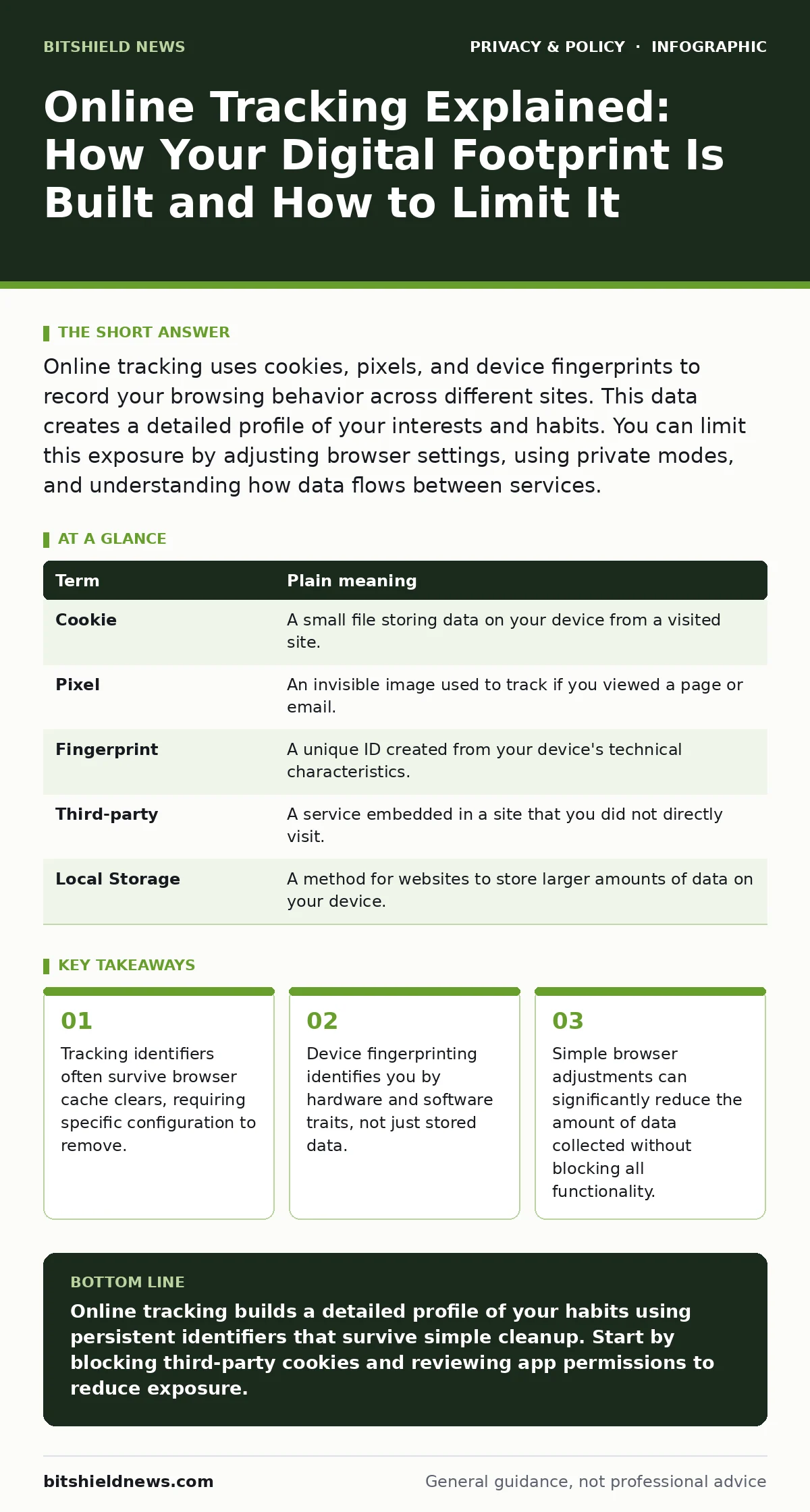
Online tracking uses cookies, pixels, and device fingerprints to record your browsing behavior across different sites. This data creates a detailed profile of your interests and habits. You can limit this exposure by adjusting browser settings, using private modes, and understanding how data flows between services.
The Invisible Notebook Analogy
Imagine you walk into a large shopping mall. As you move from store to store, a clerk in each shop writes down what you look at, how long you linger, and what you buy. They do not ask for your name. Instead, they note that you are wearing a red hat and carrying a blue bag.
Later, these clerks share their notes. Now, any shop in the mall knows your entire path through the building. They know you looked at shoes before buying a shirt. This shared notebook is your digital profile. The clerk is the tracking code. Your red hat and blue bag are your device identifiers.
This analogy helps explain why simply deleting your history does not stop tracking. The clerks already have the notes. They also recognize you by your appearance, not just by a loyalty card you might have discarded.
How Identifiers Work
Websites use several methods to create this notebook. The most common method involves cookies. A cookie is a small text file stored on your device by a website. It remembers your preferences or login status. Third-party cookies are set by domains other than the one you are visiting. These allow advertisers to follow you across multiple sites.
Another method is device fingerprinting. This technique collects information about your device, such as screen resolution, operating system, and installed fonts. It combines these traits into a unique string. This string acts like your red hat and blue bag. Even if you delete cookies, your fingerprint remains largely the same.
The Cost of Convenience
Tracking enables personalized experiences. You see relevant ads, and sites remember your language preference. However, the trade-off is privacy. The data collected can reveal sensitive details about your health, finances, and relationships.
For an ordinary user, this means your online behavior is rarely anonymous. Companies aggregate this data to predict your future actions. This prediction drives targeted advertising. It also increases the risk of data breaches. If a company holding these profiles is hacked, your detailed habits are exposed.
Understanding this trade-off helps you make informed choices. You can choose to accept some tracking for convenience or limit it for privacy. There is no perfect setting. Each choice has a cost.
Mini Glossary of Tracking Terms
| Term | Plain meaning |
|---|---|
| Cookie | A small file storing data on your device from a visited site. |
| Pixel | An invisible image used to track if you viewed a page or email. |
| Fingerprint | A unique ID created from your device's technical characteristics. |
| Third-party | A service embedded in a site that you did not directly visit. |
| Local Storage | A method for websites to store larger amounts of data on your device. |
Simple Safety Habits
You can reduce tracking without becoming an expert. Start by adjusting your browser settings. Most modern browsers offer options to block third-party cookies. Enable these features. This stops many advertisers from following you across sites.
Use private browsing modes for sensitive activities. Private windows do not save your history or cookies after you close them. This prevents local accumulation of data. It does not hide your activity from your internet service provider or the sites you visit.
See also: Is Third-Party Cookies Safe? The Hidden Tracking Risk · What is Personal Data: Definition, Scope and Control Tactics
The Limits of Common Tools
Many users rely on ad blockers to stop tracking. While effective at hiding ads, they do not stop all data collection. Some tracking occurs through legitimate services like analytics tools. These tools help website owners understand traffic patterns.
Another common tool is the "do not track" header. This is a signal sent by your browser asking sites not to track you. Most sites ignore this request. It is a voluntary standard, not a legal requirement. Do not rely on it for privacy.
For deeper protection, consider using encrypted email. This prevents email providers from scanning your messages for tracking pixels or content. It adds a layer of security that standard email lacks.
Advanced Privacy Measures
If you want stronger protection, look into smartphone privacy settings. Mobile apps often track your location and contacts. Reviewing these settings can limit the data apps access. Turn off precise location for apps that only need general area data.
You can also use DNS over HTTPS. This encrypts your domain name queries. It prevents your internet provider from seeing which websites you visit. It does not hide the content of your visits, but it hides the destination.
For those concerned about social media, understanding social media privacy risks is vital. These platforms track your interactions extensively. Adjusting your account settings can limit the data shared with advertisers.
Try This Now
- Open your browser settings and enable the option to block third-party cookies. This stops cross-site advertising tracking.
- Clear your browser cache and cookies. This removes existing tracking data stored on your device.
- Check your smartphone app permissions and disable location access for apps that do not require it.
These steps provide immediate, modest gains in privacy. They do not make you invisible, but they reduce the amount of data collected. Consistency is key. Regularly review your settings as new features and risks emerge.
Key takeaways
- Tracking identifiers often survive browser cache clears, requiring specific configuration to remove.
- Device fingerprinting identifies you by hardware and software traits, not just stored data.
- Simple browser adjustments can significantly reduce the amount of data collected without blocking all functionality.
Online tracking builds a detailed profile of your habits using persistent identifiers that survive simple cleanup. Start by blocking third-party cookies and reviewing app permissions to reduce exposure.
Frequently asked questions
Does incognito mode hide my activity from my employer?
No, incognito mode only prevents local storage of history. Your network administrator can still see the sites you visit.
Can I stop all online tracking completely?
No, some tracking is necessary for basic website functionality. You can significantly reduce it, but not eliminate it entirely.
What is the difference between a first-party and third-party cookie?
First-party cookies are set by the site you visit. Third-party cookies are set by other domains embedded in that site, allowing cross-site tracking.
Do privacy browsers actually work?
Privacy browsers often block trackers by default, offering better protection than standard browsers. However, they do not make you anonymous to the sites you visit.
How this guide was produced: written by the BitShield News editorial team with AI assistance, checked against the public references listed below, and reviewed when the facts change. See our editorial policy or report an error.