
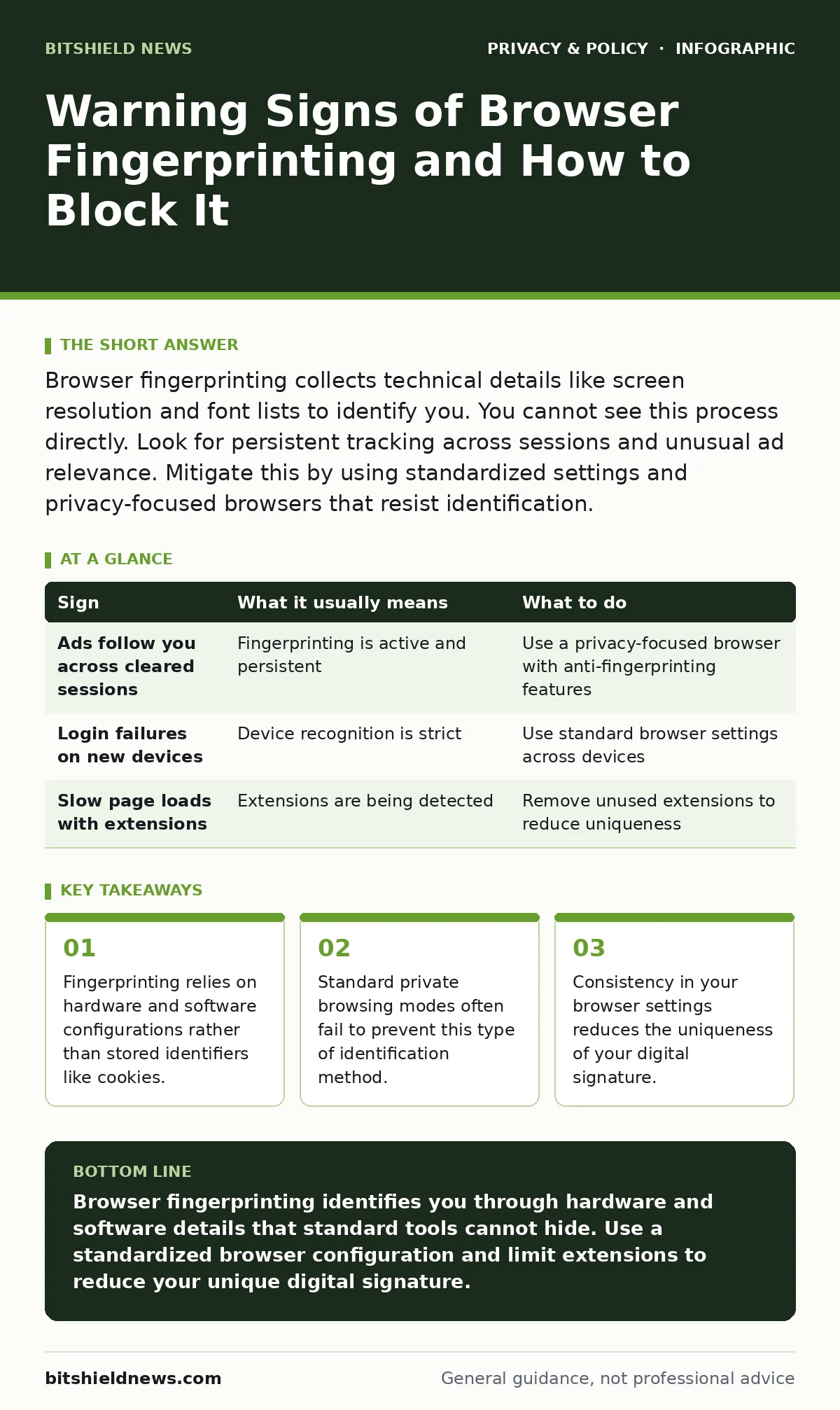
Browser fingerprinting collects technical details like screen resolution and font lists to identify you. You cannot see this process directly. Look for persistent tracking across sessions and unusual ad relevance. Mitigate this by using standardized settings and privacy-focused browsers that resist identification.
How Browser Fingerprinting Identifies Users
Browser fingerprinting creates a unique profile by combining dozens of technical details from your device. Websites collect data such as your screen resolution, installed fonts, and operating system version. They combine these variables into a single hash value. This value acts as a unique identifier for your specific browser instance. Unlike cookies, which you can delete, these attributes remain consistent across visits. The technology exploits the fact that every computer has a slightly different configuration. This allows trackers to follow you even when you clear your history.
Signs You Notice First
You might notice that advertisements follow you across different websites with high precision. This persistence suggests a tracking mechanism that survives cookie deletion. Another early sign is difficulty logging into accounts from new devices or browsers. Security systems may flag your login attempt as suspicious because the device fingerprint differs from your usual one. You may also see unexpected account lockouts after clearing cache files. These reactions indicate that the service relies on device recognition rather than just credentials.
Signs That Are Easy to Miss
Subtle inconsistencies in web page rendering often signal fingerprinting scripts. Pages may load slightly slower or display generic fonts when privacy extensions are active. This happens because trackers probe for specific features, causing minor delays. You might also notice that websites ask for unnecessary permissions, such as camera or microphone access, on simple pages. These requests allow scripts to gather audio and video hardware details. Another hidden sign is the presence of hidden canvases or WebGL elements in the page source code. These elements are used to render unique graphics that reveal GPU information.
Why Standard Privacy Tools Fall Short
Many users assume private browsing mode stops all tracking. This assumption is incorrect for fingerprinting. Private mode isolates your session data but does not change your hardware attributes. Your screen resolution and font list remain visible to websites. Tracker blockers and ad blockers can prevent some tracking scripts from loading, but they cannot hide the fundamental properties of your browser. In fact, using multiple extensions can make your browser more unique. Each extension modifies the browser environment in a distinct way. This increases the entropy of your fingerprint, making you easier to identify among millions of users.
Actionable Steps to Reduce Your Fingerprint
To mitigate fingerprinting, you must reduce the uniqueness of your browser configuration. Start by using a browser designed for privacy, such as Tor Browser, which standardizes settings for all users. Avoid installing unnecessary extensions, as each one adds distinct markers to your profile. Disable WebGL if your browser allows it, as this feature reveals detailed graphics card information. Use canvas fingerprinting protection features if your browser offers them. These features add noise to the data collected by tracking scripts. Consistency is key; changing settings frequently creates a new, unique fingerprint each time.
| Sign | What it usually means | What to do |
|---|---|---|
| Ads follow you across cleared sessions | Fingerprinting is active and persistent | Use a privacy-focused browser with anti-fingerprinting features |
| Login failures on new devices | Device recognition is strict | Use standard browser settings across devices |
| Slow page loads with extensions | Extensions are being detected | Remove unused extensions to reduce uniqueness |
See also: Online Tracking Explained: How Your Digital Footprint Is Built and How to Limit It · Prevent Shared AI Chat Links Appearing in Search Results
The Trade-Off of Anonymity
Protecting your fingerprint requires sacrificing some web functionality. Some websites rely on canvas rendering for legitimate features, such as drawing tools or data visualization. Blocking these features may break site functionality. Standardizing your font list can make web pages look less polished or cause layout shifts. You must balance privacy with usability. Choose a baseline configuration and stick to it. Do not toggle privacy settings on and off frequently. This consistency prevents the creation of multiple distinct fingerprints for the same user.
Long-Term Privacy Hygiene
Review your browser settings regularly to ensure they remain consistent. Check for updates that might change default behaviors. Some browser updates introduce new features that can be used for fingerprinting. Disable these features if privacy is your priority. Consider using a dedicated browser for sensitive activities. Keep this browser free of personal extensions and logins. This separation limits the amount of data available for fingerprinting. Regularly review which sites have permissions to access your hardware. Revoking unnecessary permissions reduces the data surface area available to trackers.
Key takeaways
- Fingerprinting relies on hardware and software configurations rather than stored identifiers like cookies.
- Standard private browsing modes often fail to prevent this type of identification method.
- Consistency in your browser settings reduces the uniqueness of your digital signature.
Browser fingerprinting identifies you through hardware and software details that standard tools cannot hide. Use a standardized browser configuration and limit extensions to reduce your unique digital signature.
Frequently asked questions
Does private browsing mode stop browser fingerprinting?
No, private browsing mode only isolates session data like cookies and history. It does not hide hardware attributes or browser configurations that fingerprinting scripts collect.
Can I stop fingerprinting with ad blockers?
Ad blockers can prevent some tracking scripts from loading, but they cannot hide the inherent properties of your browser. They may also make your browser more unique if used inconsistently.
Is Tor Browser safe from fingerprinting?
Tor Browser is designed to resist fingerprinting by standardizing settings for all users. It makes it difficult to distinguish one user from another, offering strong protection against this method.
Why do my logins fail when I clear my cache?
If a service uses device fingerprinting for security, clearing your cache may change your browser state. This change can trigger security alerts because the device signature no longer matches previous sessions.
How this guide was produced: written by the BitShield News editorial team with AI assistance, checked against the public references listed below, and reviewed when the facts change. See our editorial policy or report an error.