
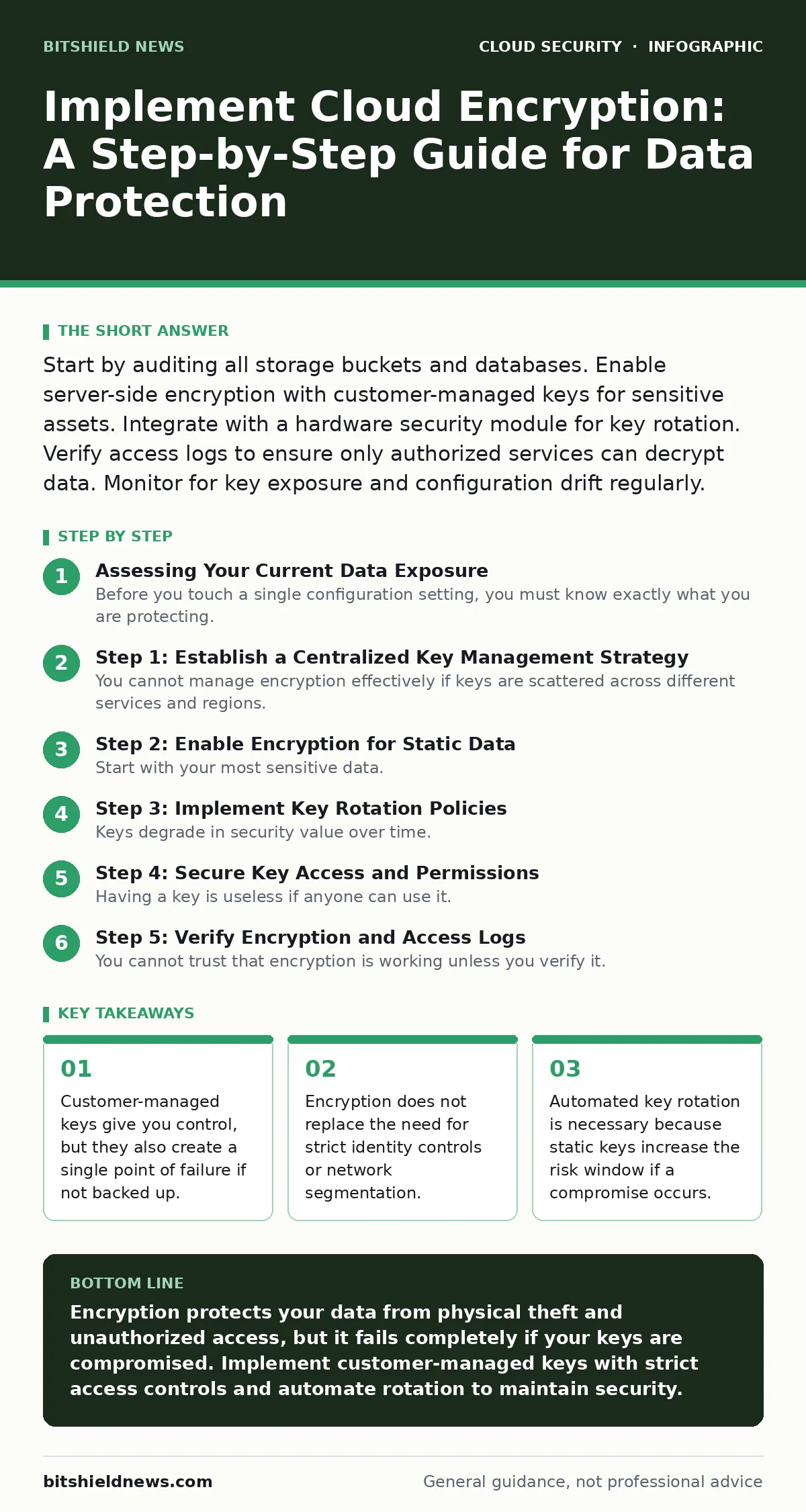
Start by auditing all storage buckets and databases. Enable server-side encryption with customer-managed keys for sensitive assets. Integrate with a hardware security module for key rotation. Verify access logs to ensure only authorized services can decrypt data. Monitor for key exposure and configuration drift regularly.
Assessing Your Current Data Exposure
Before you touch a single configuration setting, you must know exactly what you are protecting. Many organizations assume their cloud provider encrypts everything by default. While many providers do enable encryption at rest, the default often uses provider-managed keys. This means the provider controls the key lifecycle, not you. You lose the ability to audit who accessed the key or to revoke access instantly without deleting the data.
You need to identify where sensitive data lives. Is it in object storage buckets? Is it in managed databases? Is it in virtual machine disks? Each service has different encryption interfaces. If you miss a service during this audit, that data remains vulnerable to insider threats or compromised service accounts.
Consider the concept of identity as the new perimeter. Encryption is a layer within that perimeter, but it relies on the identity layer to function correctly. If your identity controls are weak, encryption becomes a barrier that only slows down an attacker who already has administrative privileges.
Step 1: Establish a Centralized Key Management Strategy
You cannot manage encryption effectively if keys are scattered across different services and regions. You need a centralized key management service. This service generates, stores, and rotates cryptographic keys. It acts as the gatekeeper for all encryption operations. Without this, you risk key sprawl, where you lose track of which key protects which data.
Choose between symmetric and asymmetric encryption for your primary data. Symmetric encryption uses the same key to encrypt and decrypt data. It is faster and suitable for bulk data storage. Asymmetric encryption uses a public key to encrypt and a private key to decrypt. It is slower but better for secure key exchange or digital signatures. For most cloud storage, symmetric encryption is the standard choice.
Step 2: Enable Encryption for Static Data
Start with your most sensitive data. Do not try to encrypt everything at once. Focus on databases containing personal information, financial records, or intellectual property. Enable server-side encryption with customer-managed keys. This ensures that while the cloud provider performs the encryption, you hold the key.
For object storage, configure default encryption for new objects. This prevents users from accidentally uploading unencrypted files. For databases, enable transparent data encryption. This encrypts data on the disk without requiring changes to the application code. The database engine handles the encryption and decryption automatically.
Check for unsecured cloud databases that may have been created in test environments. These often bypass security policies. Ensure your encryption policy covers all environments, not just production.
Step 3: Implement Key Rotation Policies
Keys degrade in security value over time. If a key is compromised, all data encrypted with that key is at risk. You must rotate keys regularly. Key rotation involves generating a new key and re-encrypting data with it. This limits the amount of data exposed if a key is stolen.
Automate this process. Manual rotation is error-prone and often skipped. Configure your key management service to rotate keys annually or after a specific number of uses. Ensure your applications can handle key rotation without downtime. Some services support multi-key encryption, where data is encrypted with a data key that is itself encrypted by a master key. Rotating the master key does not require re-encrypting all data, which saves compute resources.
Step 4: Secure Key Access and Permissions
Having a key is useless if anyone can use it. You must define strict access controls for your keys. Use the principle of least privilege. Only the services that need to encrypt or decrypt data should have access to the key.
Separate the permission to manage keys from the permission to use them. A key administrator can create and delete keys, but should not be able to decrypt data. A data user can decrypt data, but cannot change key settings. This separation prevents an administrator from spying on data and a user from disrupting operations.
Watch out for leaked cloud access keys. If an access key is exposed in a public repository or log file, an attacker can use it to request decryption. Monitor for unusual key usage patterns, such as decryption requests from unexpected IP addresses or regions.
See also: Cyber Insurance Requirements: What You Must Have to Get Coverage · Secure File Sharing Best Practices for Enterprise Data Protection
Step 5: Verify Encryption and Access Logs
You cannot trust that encryption is working unless you verify it. Use your cloud provider’s auditing tools to check the status of your resources. Look for tags or attributes that indicate encryption is enabled. Do not rely on the default dashboard view, which may hide older resources.
Enable detailed logging for key usage. This log records every time a key is used to encrypt or decrypt data. Review these logs for anomalies. If a key is used by a service that should not have access, investigate immediately. This might indicate a misconfiguration or a compromise.
Checklist for Encryption Verification
Use this checklist to ensure your implementation is complete.
- All sensitive storage buckets have default encryption enabled.
- All managed databases use transparent data encryption.
- Customer-managed keys are stored in a centralized key management service.
- Key rotation is automated and scheduled.
- Access to keys is restricted to specific service accounts.
- Key usage logs are enabled and monitored for anomalies.
- Backup data is encrypted with the same or stronger keys.
- Test environments follow the same encryption policies as production.
Maintenance and Ongoing Monitoring
Encryption is not a one-time task. It requires ongoing maintenance. You must review your key policies regularly. As your organization grows, new services and data types will emerge. Ensure your encryption strategy scales with your infrastructure.
Monitor for cloud guardrails violations. These are automated checks that ensure your resources comply with security policies. If a resource is created without encryption, the guardrail should alert you or automatically remediate the issue. This prevents configuration drift from becoming a security gap.
Consider the impact of cloud metadata service attacks. If an attacker compromises a virtual machine, they might access the metadata service to retrieve temporary credentials. If those credentials allow access to your key management service, they can decrypt data. Isolate your key management service from general-purpose workloads. Use private endpoints to restrict access to the key service.
Review your incident response plan. Include steps for key revocation and re-encryption. If a key is compromised, you must revoke it immediately and generate a new one. Then, you must re-encrypt all data protected by the old key. This process can be time-consuming, so test it regularly.
The Limits of Encryption
Encryption protects data at rest, but it does not protect data in transit or data in use. You must also encrypt data in transit using TLS. Ensure that all connections between your applications and cloud services use strong TLS versions. Disable older, insecure protocols.
Data in use is the hardest to protect. Once data is decrypted for processing, it sits in memory. If an attacker compromises the memory of a running process, they can steal the data. This is why identity controls are critical. Encrypting the data is only one part of the solution. You must also ensure that only authorized identities can access the decrypted data.
Look into secure access service edge (SASE) architectures. These combine network security with wide-area networking. They can help enforce encryption policies consistently across hybrid and multi-cloud environments. By integrating security into the network edge, you reduce the risk of data exposure during transit.
Key takeaways
- Customer-managed keys give you control, but they also create a single point of failure if not backed up.
- Encryption does not replace the need for strict identity controls or network segmentation.
- Automated key rotation is necessary because static keys increase the risk window if a compromise occurs.
Encryption protects your data from physical theft and unauthorized access, but it fails completely if your keys are compromised. Implement customer-managed keys with strict access controls and automate rotation to maintain security.
Frequently asked questions
Does cloud provider default encryption protect my data?
Default encryption protects data from physical theft, but the provider manages the keys. You cannot audit key usage or revoke access without deleting the data. For sensitive data, use customer-managed keys.
How often should I rotate encryption keys?
Rotate keys annually or after a specific number of uses. Automated rotation is recommended to ensure compliance and reduce the risk of key compromise.
What happens if I lose my encryption key?
If you lose your customer-managed key, you cannot decrypt your data. The data is permanently lost. Always back up your keys in a secure, separate location.
Can encryption stop a ransomware attack?
Encryption at rest does not stop ransomware. Ransomware encrypts your data again, rendering it unusable. You need backups and identity controls to prevent and recover from ransomware.
How this guide was produced: written by the BitShield News editorial team with AI assistance, checked against the public references listed below, and reviewed when the facts change. See our editorial policy or report an error.