
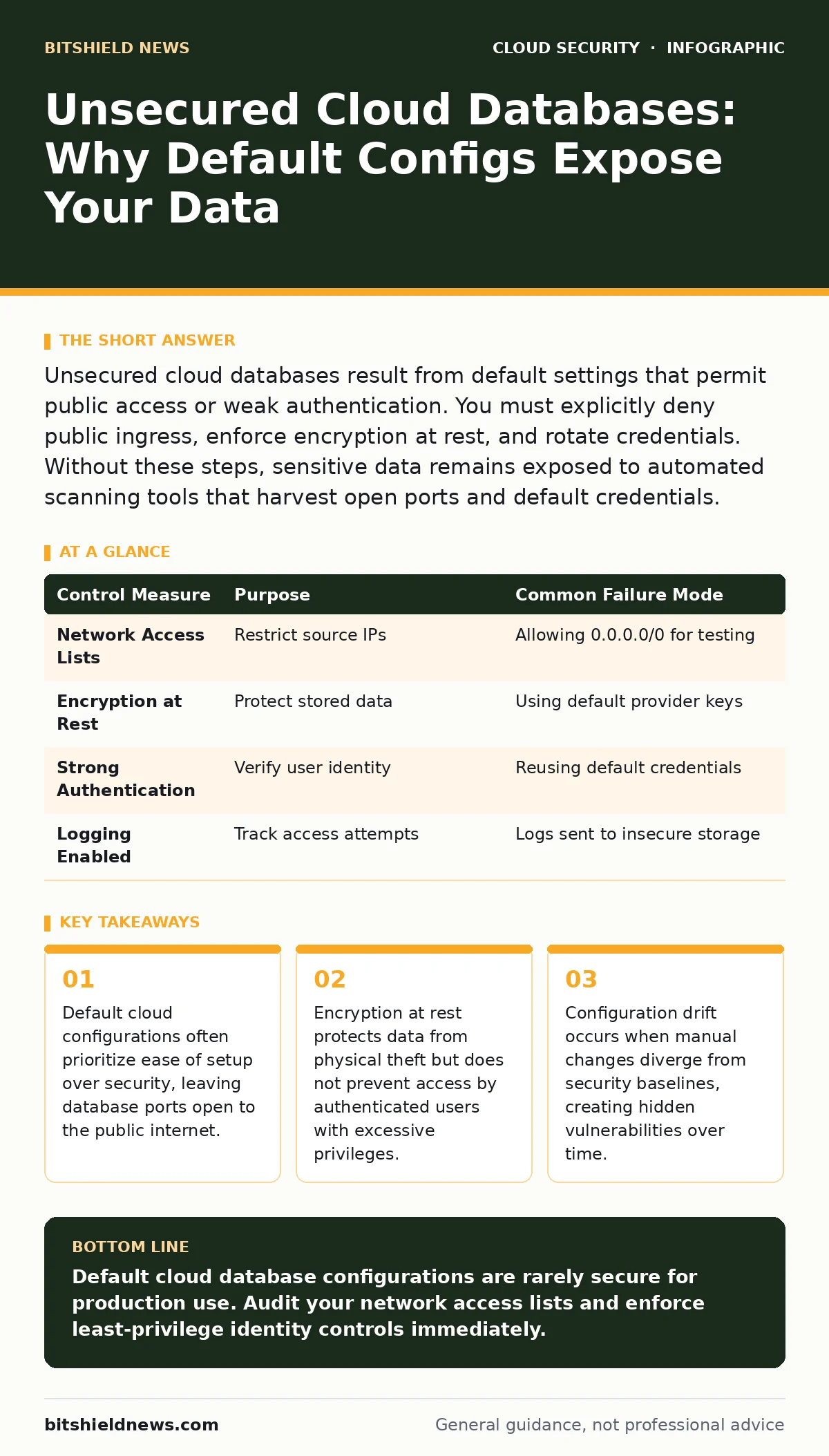
Unsecured cloud databases result from default settings that permit public access or weak authentication. You must explicitly deny public ingress, enforce encryption at rest, and rotate credentials. Without these steps, sensitive data remains exposed to automated scanning tools that harvest open ports and default credentials.
What makes a cloud database unsecured?
A cloud database is unsecured when its network configuration allows traffic from any source on the internet. Most cloud providers set databases to be accessible only within private networks by default, but users often override this for convenience. This override exposes the service to automated scanners that continuously probe for open ports. Once an open port is found, attackers attempt common default credentials.
Why do default settings leave databases exposed?
Default settings are designed to help developers get started quickly, not to secure production environments. Many platforms initialize databases with permissive network rules to avoid immediate connection errors. This means the database listens on public IP addresses until you manually restrict access. If you forget to tighten these rules, the database remains visible to the entire world.
How do attackers find open databases?
Attackers use automated tools that scan the entire IPv4 address space for open database ports. These tools run continuously and report any host that responds to connection requests. They do not need to guess your specific IP address; they simply wait for your service to announce itself. Once identified, the database is added to a list of potential targets for further exploitation.
Is encryption enough to protect my data?
Encryption at rest protects data if the underlying storage media is stolen or physically accessed. It does not protect data while it is being processed or accessed by an authorized user. If an attacker gains valid credentials, they can read the decrypted data directly from the application layer. Therefore, encryption alone does not prevent data theft via compromised accounts.
What is configuration drift and why does it matter?
Configuration drift happens when manual changes to a database diverge from the original security baseline. Administrators often open ports temporarily for debugging and forget to close them later. Over time, these small deviations accumulate into significant security gaps. This drift is invisible to standard monitoring unless you implement continuous compliance checks.
See our guide on configuration drift for methods to detect and remediate these silent changes before they lead to exposure.
See also: 7 Mistakes That Create Insecure Container Images in Cloud · What Is Disaster Recovery in Cloud Computing: A Practical Blueprint
How do leaked keys worsen the problem?
Leaked access keys provide attackers with the credentials needed to bypass network restrictions. If a developer commits a key to a public code repository, attackers can use it to authenticate directly with the cloud provider. This allows them to access databases even if network rules are correctly configured. Credential theft is often easier than network penetration.
Refer to leaked cloud access keys to understand how to detect and rotate exposed credentials effectively.
Can internal threats exploit unsecured databases?
Internal threats exploit the same misconfigurations that external attackers target. A user with excessive permissions can copy or modify data without triggering network-based alerts. These actions appear as legitimate traffic because they originate from trusted sources. Network segmentation helps limit the blast radius of such insider actions.
How do I verify my database is secured?
You must verify that your database accepts connections only from known, trusted IP addresses or private subnets. Check the network access control lists to ensure no rule allows traffic from 0.0.0.0/0. Confirm that authentication requires strong, unique credentials rather than default passwords. Regular audits are necessary because settings can change over time.
| Control Measure | Purpose | Common Failure Mode |
|---|---|---|
| Network Access Lists | Restrict source IPs | Allowing 0.0.0.0/0 for testing |
| Encryption at Rest | Protect stored data | Using default provider keys |
| Strong Authentication | Verify user identity | Reusing default credentials |
| Logging Enabled | Track access attempts | Logs sent to insecure storage |
What role does identity play in protection?
Identity acts as the new perimeter in cloud environments where network boundaries are fluid. You must enforce least-privilege access policies for every user and service account. This means granting only the specific permissions required for a task, nothing more. Without strict identity controls, any compromised account becomes a backdoor.
Read identity as the new perimeter to learn how to implement zero-trust principles in your cloud infrastructure.
How can I prevent future exposure?
Prevention requires a combination of automated guardrails and continuous monitoring. Implement policy-as-code to enforce security standards during deployment. This ensures that no database can be created with public access enabled. Regularly review access logs for unusual patterns, such as large data exports or logins from new locations.
See cloud guardrails for strategies to enforce consistent security policies across your entire cloud estate.
What if I need public access for a web app?
Public access is rarely necessary for the database itself. Your web application should act as a proxy, handling public requests and querying the database internally. This architecture hides the database from direct internet exposure. If you must allow public access, restrict it to specific IP ranges and enforce strong encryption in transit.
Explore secure access service edge (SASE) for modern approaches to securing remote and cloud-based access.
How does migration impact security?
Moving data to the cloud often involves copying legacy configurations that were insecure in on-premise environments. These legacy settings may include open ports or weak authentication methods. You must reassess security controls during migration rather than replicating old setups. A fresh security design is safer than a lifted legacy one.
Consult cloud migration security to ensure your transition process includes rigorous security validation steps.
What is the biggest mistake organizations make?
The biggest mistake is assuming that the cloud provider is responsible for securing the data. Providers secure the underlying infrastructure, but you are responsible for the configuration of your services. This shared responsibility model means you must actively manage access controls, encryption, and network rules. Ignorance of this model leads to widespread exposure.
How do I monitor for unauthorized access?
Enable detailed logging for all database connections and queries. Send these logs to a secure, immutable storage system that attackers cannot alter. Set up alerts for suspicious activities, such as multiple failed login attempts or access from unusual geographies. Regular review of these logs helps detect breaches early.
See cloud metadata service attacks to understand how attackers might try to steal credentials from running instances.
Key takeaways
- Default cloud configurations often prioritize ease of setup over security, leaving database ports open to the public internet.
- Encryption at rest protects data from physical theft but does not prevent access by authenticated users with excessive privileges.
- Configuration drift occurs when manual changes diverge from security baselines, creating hidden vulnerabilities over time.
Default cloud database configurations are rarely secure for production use. Audit your network access lists and enforce least-privilege identity controls immediately.
Frequently asked questions
Can I use a firewall to secure my cloud database?
Yes, but a firewall only controls network traffic. It does not protect against compromised credentials or internal threats. You must also enforce strong authentication and encryption.
How often should I rotate database credentials?
Rotate credentials regularly and immediately if any compromise is suspected.
How this guide was produced: written by the BitShield News editorial team with AI assistance, checked against the public references listed below, and reviewed when the facts change. See our editorial policy or report an error.