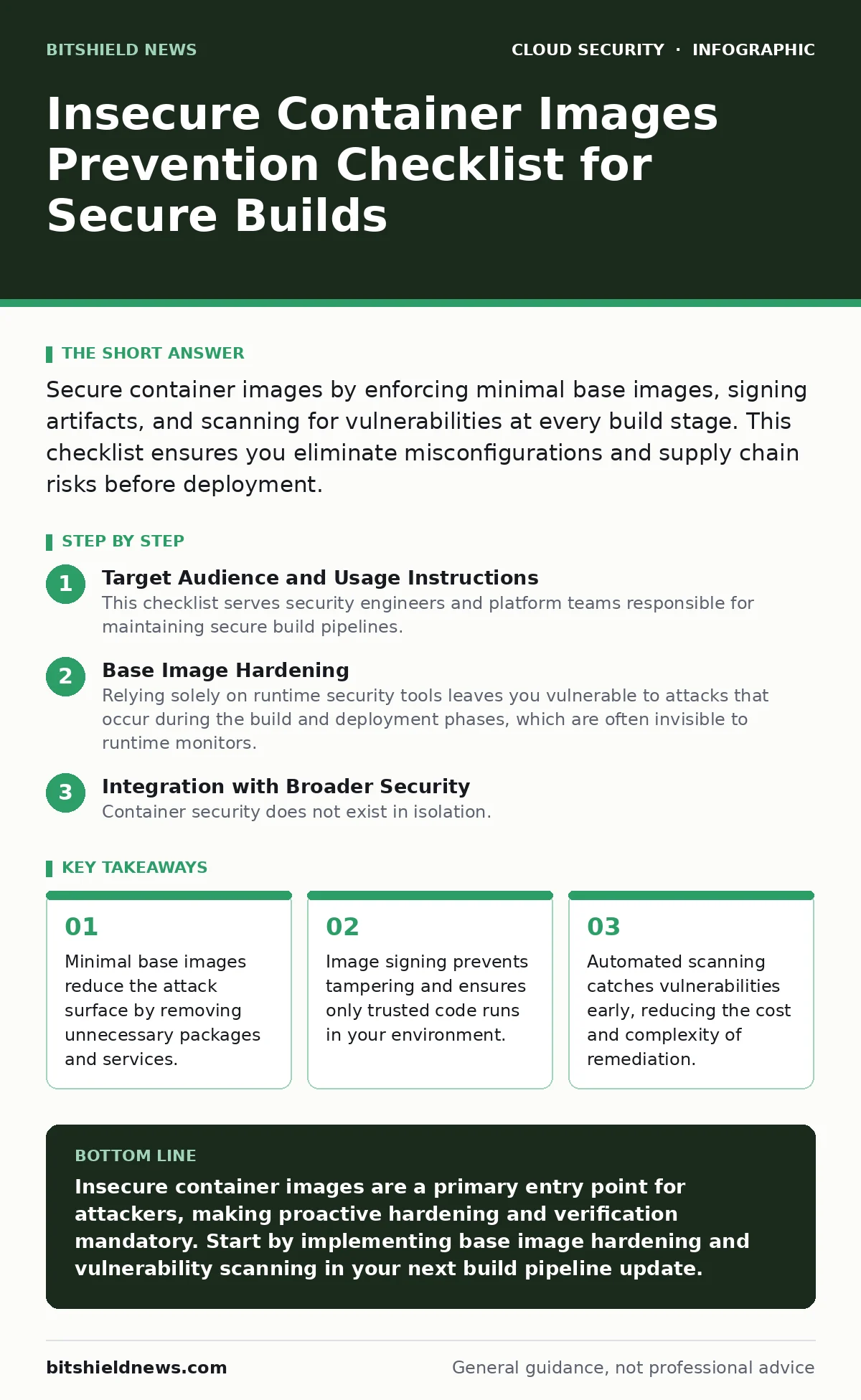
Secure container images by enforcing minimal base images, signing artifacts, and scanning for vulnerabilities at every build stage. This checklist ensures you eliminate misconfigurations and supply chain risks before deployment.
Target Audience and Usage Instructions
This checklist serves security engineers and platform teams responsible for maintaining secure build pipelines. Use this list to audit your current containerization workflow. Each item represents a specific control point where insecure configurations typically enter the production environment. Review these items quarterly to ensure your practices evolve with emerging threats. Do not treat this as a one-time audit. Continuous verification is necessary because dependencies change and new vulnerabilities are discovered regularly.
Base Image Hardening
- Use minimal base images: Smaller images contain fewer packages, reducing the number of potential vulnerabilities and decreasing the attack surface.
- Pin image versions by digest: Using specific digests instead of tags prevents supply chain attacks where a trusted tag is updated with malicious code.
- Remove unnecessary tools: Eliminating debuggers, shells, and package managers from production images prevents attackers from using them to escalate privileges.
- Apply multi-stage builds: Separating build dependencies from the final runtime image ensures compilation tools do not remain in the deployed environment.
- Verify base image sources: Only pull base images from official or verified registries to avoid downloading compromised or malicious software components.
Vulnerability Management
- Scan images at build time: Identifying vulnerabilities during the build process allows developers to fix issues before they propagate to production environments.
- Define severity thresholds: Setting maximum acceptable risk levels ensures that builds with critical vulnerabilities are automatically rejected by the pipeline.
- Track dependency updates: Regularly updating libraries and packages ensures you benefit from security patches and do not run on known vulnerable versions.
- Check for hardcoded secrets: Scanning for API keys, passwords, or certificates in image layers prevents credential leakage if the image is compromised.
- Review transitive dependencies: Examining libraries that your code depends on ensures you are not indirectly running vulnerable software from third parties.
Configuration and Runtime Security
- Run containers as non-root: Preventing root access limits the damage an attacker can do if they exploit a vulnerability within the container process.
- Set resource limits: Defining CPU and memory constraints prevents a compromised container from consuming all host resources and affecting other workloads.
- Disable privilege escalation: Blocking privilege escalation ensures that processes inside the container cannot gain higher permissions than those granted at startup.
- Read-only root filesystems: Making the filesystem read-only prevents attackers from modifying system files or installing malicious software within the container.
- Drop unnecessary capabilities: Removing Linux capabilities like NET_RAW or SYS_ADMIN reduces the kernel-level permissions available to the container process.
Supply Chain Integrity
- Sign container images: Cryptographic signatures verify the origin and integrity of the image, ensuring it has not been altered since the build.
- Enforce signature verification: Configuring your runtime environment to reject unsigned images ensures that only trusted artifacts are deployed to production.
- Maintain a software bill of materials: Documenting all components in your image helps you quickly identify and respond to newly discovered vulnerabilities.
- Use private registries: Storing images in private, access-controlled registries prevents unauthorized users from pulling or pushing malicious versions.
- Audit registry permissions: Reviewing who can push images to your registry ensures that only authorized build systems can update your software artifacts.
See also: 7 CSPM Mistakes That Leave Cloud Configurations Exposed
Policy and Governance
- Implement admission controllers: Using policy engines to enforce security rules at runtime ensures that no container can bypass your security standards.
- Monitor for drift: Detecting changes to running containers compared to their approved image state helps identify tampering or unexpected modifications.
- Define retention policies: Deleting old image versions reduces storage costs and limits the number of artifacts that need to be scanned and managed.
- Document compliance requirements: Aligning your container security practices with industry standards ensures you meet regulatory obligations and audit expectations.
- Train development teams: Educating engineers on secure coding practices for containers ensures that security is considered during the design phase.
Integration with Broader Security
Container security does not exist in isolation. You must align these practices with your overall cloud security strategy. For instance, effective identity management is critical, as detailed in our guide on cloud identity governance. Without proper access controls, even a perfectly hardened image can be exploited by an attacker with excessive permissions.
Encryption protects data at rest and in transit, complementing your container security efforts. Refer to our cloud encryption guide to ensure that sensitive data within your containers is protected from unauthorized access. Additionally, maintaining a strong security posture requires continuous monitoring, which is covered in our cloud security posture management (CSPM) guide.
Establishing clear boundaries for your cloud resources is vital. Our cloud guardrails guide provides strategies for enforcing consistent security policies across your entire infrastructure. Finally, ensure that your migration processes do not introduce new risks by reviewing our cloud migration security recommendations.
Key takeaways
- Minimal base images reduce the attack surface by removing unnecessary packages and services.
- Image signing prevents tampering and ensures only trusted code runs in your environment.
- Automated scanning catches vulnerabilities early, reducing the cost and complexity of remediation.
Insecure container images are a primary entry point for attackers, making proactive hardening and verification mandatory. Start by implementing base image hardening and vulnerability scanning in your next build pipeline update.
Frequently asked questions
How often should I scan container images?
Scan images at every build stage and regularly re-scan stored images to catch newly discovered vulnerabilities in dependencies.
Can I use public base images securely?
Yes, if you pin them to specific digests, verify their source, and scan them for vulnerabilities before use.
What is the biggest risk of running containers as root?
Running as root allows an attacker who exploits a vulnerability to gain full control over the host system.
Do I need to sign all my container images?
Signing is recommended for all production images to verify integrity and prevent supply chain tampering.
How this guide was produced: written by the BitShield News editorial team with AI assistance, checked against the public references listed below, and reviewed when the facts change. See our editorial policy or report an error.