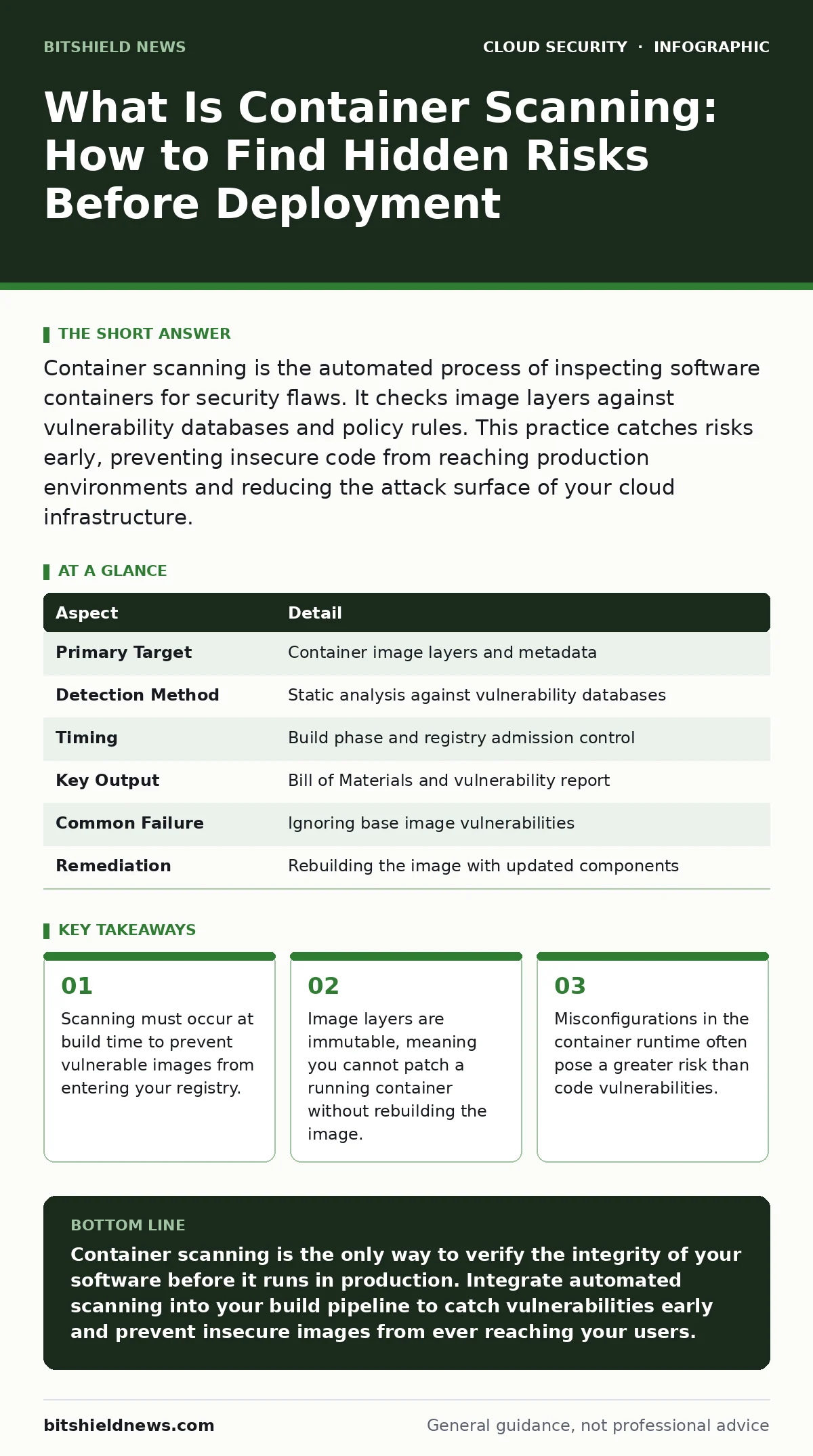
Container scanning is the automated process of inspecting software containers for security flaws. It checks image layers against vulnerability databases and policy rules. This practice catches risks early, preventing insecure code from reaching production environments and reducing the attack surface of your cloud infrastructure.
What Is Container Scanning
Container scanning is the automated analysis of container images to identify security vulnerabilities, misconfigurations, and compliance violations. It examines every layer of the image, from the base operating system to the application code, before the container is deployed. This process answers the fundamental question of what is container scanning by revealing the hidden contents of your software packages. You use it to ensure that the software you deploy does not contain known weaknesses. The goal is to shift security left, catching issues when they are cheapest to fix.
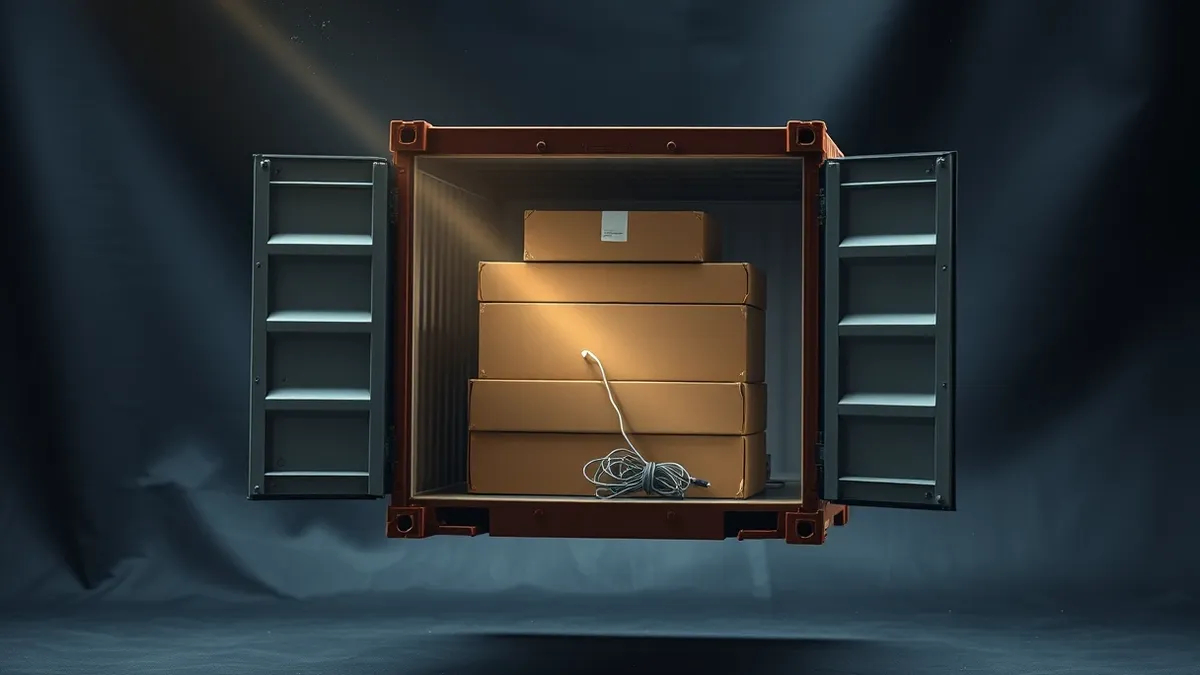
Imagine you are shipping a sealed box across the country. You do not know what is inside the box, but you suspect it might contain hazardous materials. Container scanning is like x-raying that box before it leaves the warehouse. You check for prohibited items, structural weaknesses, and incorrect labeling. If the scan fails, you do not ship the box. You fix the contents and rescan. This prevents dangerous materials from reaching their destination, where they could cause harm or be intercepted by attackers.
| Aspect | Detail |
|---|---|
| Primary Target | Container image layers and metadata |
| Detection Method | Static analysis against vulnerability databases |
| Timing | Build phase and registry admission control |
| Key Output | Bill of Materials and vulnerability report |
| Common Failure | Ignoring base image vulnerabilities |
| Remediation | Rebuilding the image with updated components |
How Container Scanning Works
The scanner pulls the container image and decomposes it into its constituent layers. Each layer represents a set of instructions, such as installing a package or copying a file. The scanner analyzes the filesystem of each layer to identify installed packages and their versions. It then compares these versions against a database of known vulnerabilities. This database contains details about software flaws, such as buffer overflows or privilege escalation bugs. The scanner also checks for misconfigurations, such as running as root or exposing unnecessary ports.
You must understand that container images are immutable. Once an image is built, you cannot change its contents. You cannot patch a running container like you patch a traditional server. If a vulnerability is found, you must rebuild the entire image. This rebuild process involves updating the vulnerable package and creating a new image layer. The new image then replaces the old one in your deployment pipeline. This immutability ensures consistency but requires a disciplined build process.
Who Is Affected by Image Risks
Every organization using containers is affected by image risks. Developers create the images, so they are responsible for choosing secure base images and minimizing the number of installed packages. Security teams define the policies that determine which vulnerabilities are acceptable and which are not. Operations teams deploy the images, so they need assurance that the images they run are safe. If any part of this chain fails, the entire system is exposed.
The impact extends beyond the immediate application. A vulnerable container can be used as a foothold to attack other systems in the network. Attackers often exploit container vulnerabilities to gain access to the underlying host machine. From there, they can move laterally to access sensitive data or other services. This is why container security is not just an application concern. It is a core component of your broader cloud security posture management (CSPM) strategy. You must view containers as critical infrastructure, not just disposable code.
What To Do About Container Vulnerabilities
You must implement scanning at two key points: during the build process and at registry admission. Build-time scanning catches issues early, allowing developers to fix them before the image is shared. Registry admission control prevents vulnerable images from being stored in your private registry. This ensures that no one can deploy a known-bad image, even if they bypass the build pipeline. You need both controls to create a defense-in-depth strategy.
Start by selecting a base image that is maintained and secure. Minimal images, such as those based on Alpine Linux, have fewer packages and therefore fewer potential vulnerabilities. Then, install only the packages your application strictly needs. Every additional package increases your attack surface. Finally, automate the scanning process in your continuous integration pipeline. Fail the build if critical vulnerabilities are found. This automation removes human error and ensures consistent security checks.
Common Misconceptions About Scanning
Many teams believe that scanning only the final image is sufficient. This is a mistake. You must scan every intermediate layer. Vulnerabilities in lower layers can be hidden by upper layers, but they are still present and exploitable. Another common error is ignoring low-severity vulnerabilities. While a single low-severity bug may seem harmless, attackers often chain multiple low-severity flaws to create a high-impact attack. You must assess risk based on context, not just severity scores.
People also often confuse container scanning with runtime protection. Scanning checks the image before it runs. Runtime protection monitors the container while it is active, looking for suspicious behavior. These are complementary tools. Scanning prevents bad images from starting. Runtime protection stops bad behavior if a vulnerability is exploited. You need both to secure your environment. Relying on only one leaves significant gaps in your defense.
See also: 7 CSPM Mistakes That Leave Cloud Configurations Exposed · What Is Disaster Recovery in Cloud Computing: A Practical Blueprint
Integrating Scanning Into Your Pipeline
You need to integrate scanning into your continuous integration and continuous deployment pipeline. This integration should be automated and mandatory. When a developer pushes code, the pipeline builds the image and runs the scanner. If the scan passes, the image is tagged and pushed to the registry. If it fails, the pipeline stops and notifies the developer. This feedback loop ensures that security is part of the development process, not an afterthought.
You should also define clear policies for vulnerability acceptance. Not all vulnerabilities can be fixed immediately. Some may require waiting for a vendor patch or refactoring code. Your policy should specify which severities block deployment and which can be accepted with a temporary waiver. This balance allows you to maintain security without slowing down development. Regularly review and update these policies to reflect new threats and business needs.
The Hidden Cost of Insecure Images
The cost of an insecure container image goes beyond the initial breach. It includes the time spent investigating the incident, the downtime of affected services, and the reputational damage to your organization. If the image contains sensitive data, such as API keys or database credentials, the cost increases further. You must treat image security as a business risk, not just a technical issue. The investment in scanning and secure practices pays off by preventing these costly incidents.
Imagine a scenario where a vulnerable image is deployed to production. An attacker exploits the vulnerability to deploy cryptocurrency mining software. The extra CPU usage slows down your application, causing customer complaints. You must take the service offline to investigate and remediate. During this downtime, you lose revenue and trust. Had you scanned the image before deployment, this incident would have been prevented. The small cost of scanning is negligible compared to the cost of an outage.
Building a Culture of Image Security
Security is not just a tool; it is a culture. You must educate your developers on the importance of secure image creation. They should understand why minimal images are better and why they should avoid running as root. Regular training and clear documentation help reinforce these practices. When developers understand the "why" behind the rules, they are more likely to follow them.
Collaborate with your security and operations teams to define shared responsibilities. Developers build secure images, security teams define policies, and operations teams enforce them. This shared model ensures that everyone is accountable for security. By working together, you create a robust defense against container threats. This collaboration is the foundation of a secure and resilient cloud environment.
Key takeaways
- Scanning must occur at build time to prevent vulnerable images from entering your registry.
- Image layers are immutable, meaning you cannot patch a running container without rebuilding the image.
- Misconfigurations in the container runtime often pose a greater risk than code vulnerabilities.
Container scanning is the only way to verify the integrity of your software before it runs in production. Integrate automated scanning into your build pipeline to catch vulnerabilities early and prevent insecure images from ever reaching your users.
Frequently asked questions
Does container scanning replace runtime security?
No, scanning checks the image before deployment, while runtime security monitors active containers for suspicious behavior. You need both layers to protect against different types of threats.
How often should I scan my container images?
You should scan every time an image is built and again when it is pushed to the registry. Regularly rescan existing images for new vulnerabilities that may be discovered after initial deployment.
Can I scan images in a private registry?
Yes, most scanning tools support private registries. You can configure them to scan images as they are pushed or pull them for periodic analysis to ensure ongoing compliance.
What is the difference between static and dynamic scanning?
Static scanning analyzes the image files without running the container. Dynamic scanning runs the container and monitors its behavior. Static is faster and finds known flaws; dynamic finds runtime anomalies.
How this guide was produced: written by the BitShield News editorial team with AI assistance, checked against the public references listed below, and reviewed when the facts change. See our editorial policy or report an error.