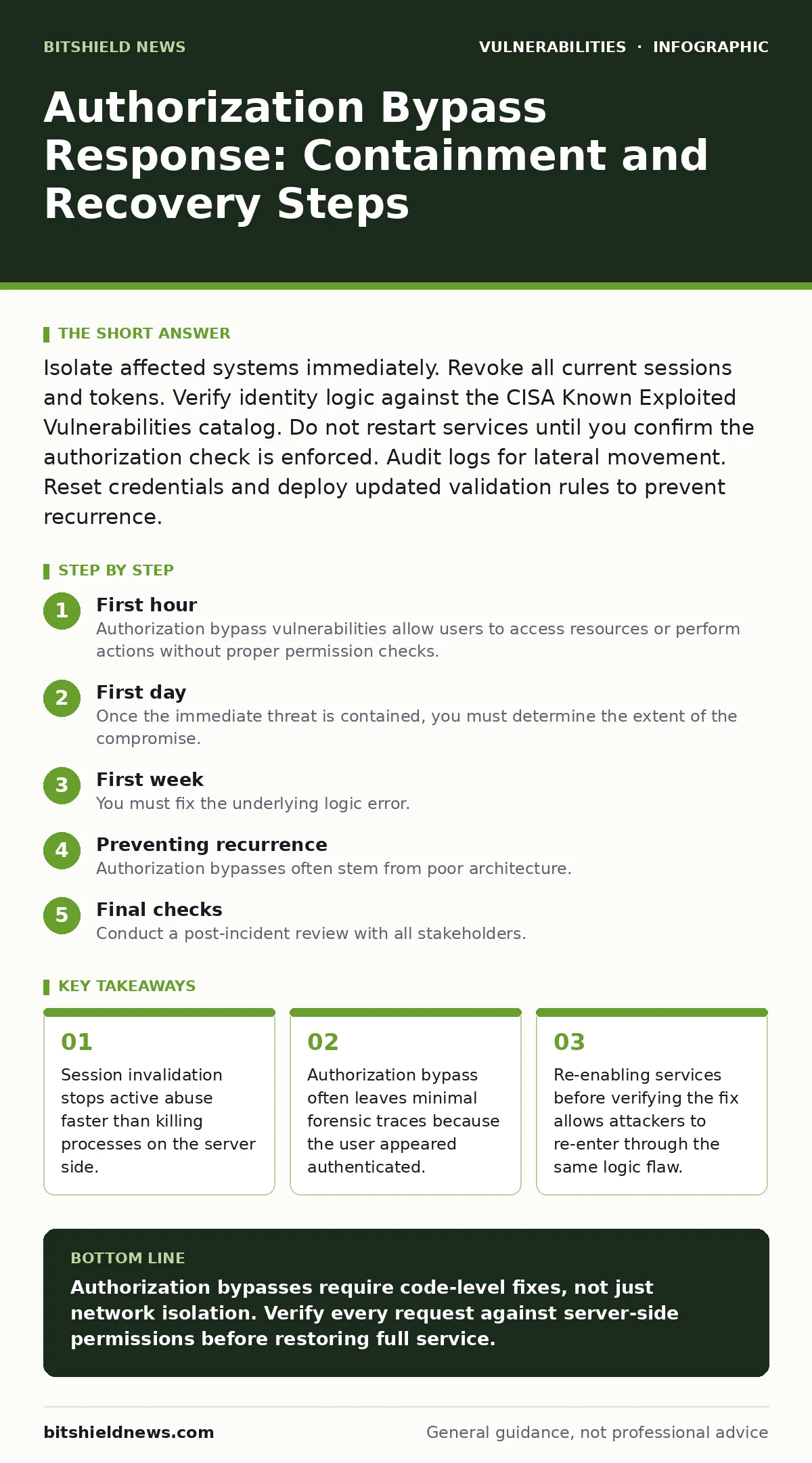
Isolate affected systems immediately. Revoke all current sessions and tokens. Verify identity logic against the CISA Known Exploited Vulnerabilities catalog. Do not restart services until you confirm the authorization check is enforced. Audit logs for lateral movement. Reset credentials and deploy updated validation rules to prevent recurrence.
First hour
Immediate containment actions
Authorization bypass vulnerabilities allow users to access resources or perform actions without proper permission checks. The immediate goal is to stop the unauthorized activity without destroying forensic evidence. You must assume the attacker is already inside the perimeter and moving laterally.
- Isolate the affected application server from the internal network.
- Disable the specific API endpoint or web page triggering the bypass.
- Revoke all active session tokens and authentication cookies for the affected service.
- Enable verbose logging on the application and the reverse proxy.
- Notify the security operations center to monitor for lateral movement.
Why isolation matters
Isolating the server prevents the attacker from using the compromised account to access other systems. If the application connects directly to a database, you must also restrict database access from that specific application host. This limits the blast radius. You are not fixing the code yet; you are stopping the bleeding.
Check the access logs for requests that succeeded when they should have failed. Look for patterns where a low-privilege user accessed high-privilege resources. Note the timestamps and the specific endpoints. This data helps you determine if the attacker exfiltrated data or modified records.
First day
Forensic analysis and scope
Once the immediate threat is contained, you must determine the extent of the compromise. Authorization bypasses are insidious because the attacker appears to be a legitimate user. Standard intrusion detection systems may miss this activity because the traffic looks normal.
- Identify the specific parameter or header the attacker manipulated.
- Determine if the bypass was horizontal (same privilege level, different user) or vertical (elevated privilege).
- Check for changes in user permissions or new admin accounts created during the window.
Review the application code to understand how the authorization decision is made. Many developers rely on client-side checks or hidden form fields for security decisions. These are never reliable. The server must independently verify every request against the user’s actual permissions.
Assessing related risks
An authorization bypass often indicates a broader failure in the application’s security posture. You should review your attack surface to see if other endpoints rely on similar flawed logic. If the application uses LDAP injection vulnerabilities in its directory queries, the attacker might have modified user attributes to gain permanent access.
Check for directory listing exposure on the server. If the attacker can list files, they may have downloaded source code or configuration files containing secrets. These secrets could allow them to bypass other security controls entirely.
First week
Code remediation and testing
You must fix the underlying logic error. The most common cause is missing authorization checks on specific functions. The application must check permissions on every single request, not just at login. This is known as server-side enforcement.
Do not rely on web application firewalls to fix this. WAFs can block known exploit patterns, but they cannot understand the business logic of your application. If the authorization check is missing in the code, the WAF will not stop a valid-looking request that violates policy.
Implement least privilege access for the application service account. Even if an attacker bypasses authorization, they should not have the ability to modify system files or access unrelated databases. This limits the damage they can do.
Verification and monitoring
Before deploying the fix, test it thoroughly. Use automated tools to check for missing authorization headers. Perform manual penetration testing to attempt the bypass again. Verify that the fix blocks the attack without breaking legitimate user functionality.
Deploy the fix to a staging environment first. Monitor the logs closely for any errors or unexpected behavior. Once verified, deploy to production. Continue to monitor for signs of the exploit for at least 30 days. Attackers may have backdoors installed during the initial breach.
Communication and documentation
You must document the incident for compliance and future reference. Record the timeline, the impact, and the remediation steps. This documentation helps you improve your security processes and demonstrates due diligence to regulators.
Inform affected users if their data was accessed. Be transparent about what happened and what you are doing to fix it. Trust is hard to rebuild, but honesty is the only way to start.
Preventing recurrence
Architecture review
Authorization bypasses often stem from poor architecture. You should review your application’s design to ensure that authorization checks are centralized and consistent. Use a library or framework that enforces authorization policies automatically. This reduces the chance of developers forgetting to add checks.
Implement role-based access control (RBAC) or attribute-based access control (ABAC) consistently across all modules. Ensure that the authorization decision is made by the server, not the client. Never trust data sent by the user.
Continuous testing
Integrate security testing into your development pipeline. Include tests for authorization bypasses in your automated test suite. These tests should verify that users cannot access resources they are not permitted to see.
Regularly review your CISA Known Exploited Vulnerabilities catalog to see if your application uses any components with known bypass vulnerabilities. Even if you do not use those components directly, libraries you depend on might.
Training and awareness
Developers need to understand the difference between authentication and authorization. Authentication verifies who you are. Authorization verifies what you can do. Both are necessary for security.
Train your team on common authorization pitfalls. Show them examples of bypasses and how to fix them. Make security a shared responsibility, not just the job of the security team.
See also: National Cyber Emergency Declarations: What They Mean for Your Infrastructure
Final checks
Post-incident review
Conduct a post-incident review with all stakeholders. Discuss what went wrong, what went right, and what could be improved. Use this feedback to update your security policies and procedures.
Update your incident response plan to include specific steps for authorization bypasses. Ensure that everyone knows their role in the response. Practice these steps regularly through tabletop exercises.
Ongoing vigilance
Security is not a one-time event. It is a continuous process. You must remain vigilant against new threats and vulnerabilities. Regularly review your application’s security posture and update your defenses as needed.
Stay informed about the latest security trends and best practices. Attend conferences, read blogs, and participate in security communities. The more you know, the better you can protect your organization.
Key takeaways
- Session invalidation stops active abuse faster than killing processes on the server side.
- Authorization bypass often leaves minimal forensic traces because the user appeared authenticated.
- Re-enabling services before verifying the fix allows attackers to re-enter through the same logic flaw.
Authorization bypasses require code-level fixes, not just network isolation. Verify every request against server-side permissions before restoring full service.
Frequently asked questions
How do I know if an authorization bypass occurred?
Look for successful requests from low-privilege users to high-privilege endpoints in your logs, especially if the authentication logs do not show elevated access grants.
Can a WAF prevent authorization bypass attacks?
A web application firewall can block known exploit signatures, but it cannot enforce business logic permissions. You must implement server-side authorization checks in your code.
Is restarting the server a good first step?
Restarting the server may preserve attacker sessions in persistent storage or destroy volatile memory evidence. Isolate the network and revoke tokens first.
How long should I monitor after fixing the issue?
Monitor for at least 30 days to detect any persistent backdoors or delayed exfiltration attempts that the attacker may have installed during the breach.
How this guide was produced: written by the BitShield News editorial team with AI assistance, checked against the public references listed below, and reviewed when the facts change. See our editorial policy or report an error.