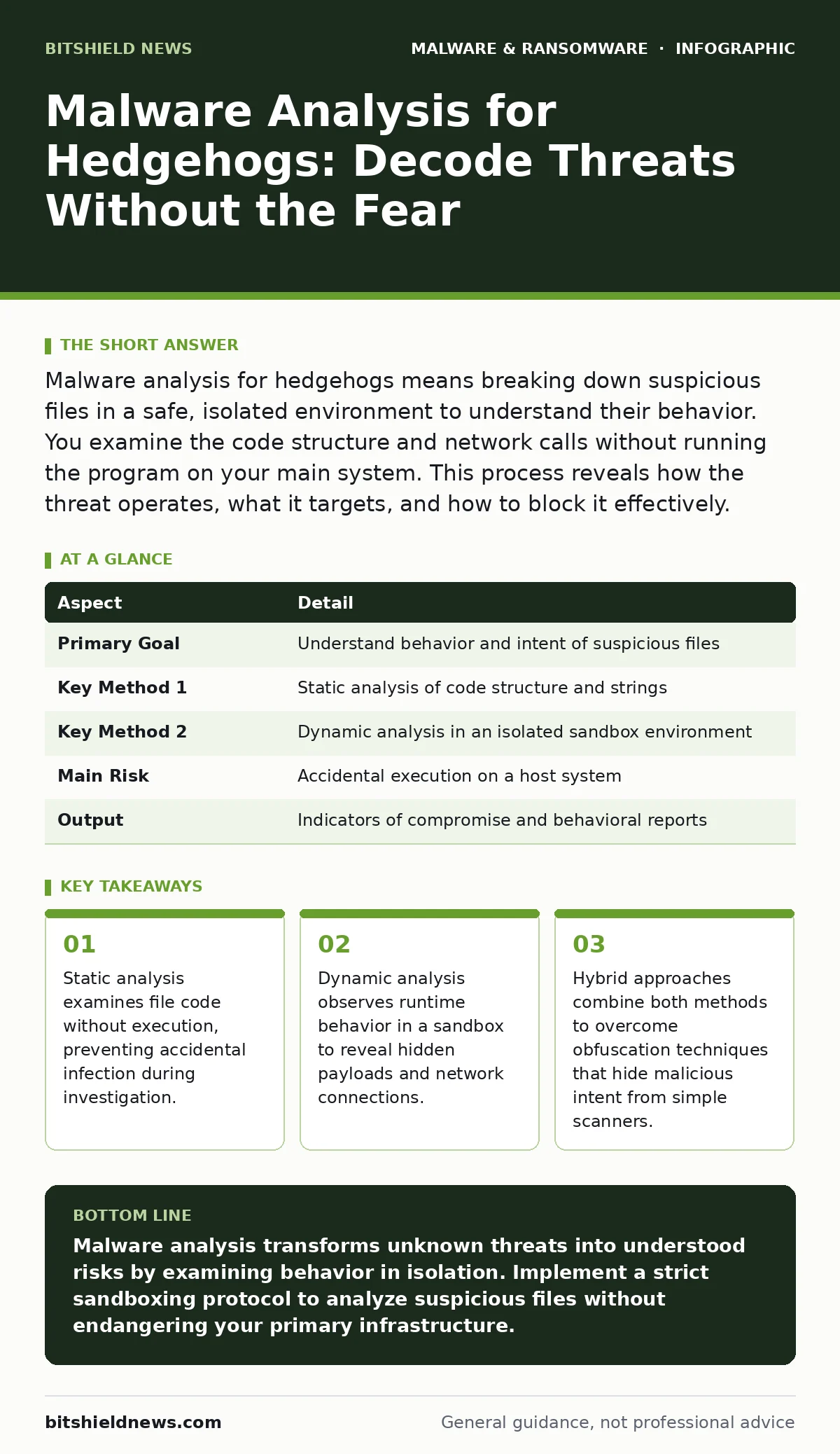
Malware analysis for hedgehogs means breaking down suspicious files in a safe, isolated environment to understand their behavior. You examine the code structure and network calls without running the program on your main system. This process reveals how the threat operates, what it targets, and how to block it effectively.
What Is Malware Analysis for Hedgehogs?
Malware analysis for hedgehogs is the process of dissecting malicious software to understand its capabilities, origin, and impact. It functions as a digital autopsy, allowing you to determine exactly what a file does without letting it harm your live systems. This practice affects anyone who handles suspicious attachments, downloads, or network traffic, from individual users to large enterprise security teams. You perform this work to create precise detection rules and remove threats that standard antivirus software might miss. The goal is not just deletion, but understanding the mechanism of attack so you can prevent recurrence.
| Aspect | Detail |
|---|---|
| Primary Goal | Understand behavior and intent of suspicious files |
| Key Method 1 | Static analysis of code structure and strings |
| Key Method 2 | Dynamic analysis in an isolated sandbox environment |
| Main Risk | Accidental execution on a host system |
| Output | Indicators of compromise and behavioral reports |
The Everyday Analogy of Digital Autopsy
Imagine finding a strange, locked box in your mail. You do not open it immediately because you suspect it might contain something hazardous. Instead, you shake it, weigh it, and listen to the contents. You note the weight distribution and any rattling sounds. This is similar to static analysis. You gather clues about the box without exposing yourself to its contents. If you still need to know what is inside, you place the box in a sealed, transparent room and open it there. You observe what happens without stepping inside. This isolation mimics the sandbox environment used in dynamic analysis.
How Static Analysis Works
Static analysis involves examining a file without executing it. You look at the raw code, headers, and embedded strings. This method is safe because the malware never runs. You use tools to extract text strings that might reveal file paths, URLs, or error messages. These strings often contain clues about the malware’s target or its command structure. You also check the file’s digital signatures and hash values. A hash is a unique fingerprint of the file. If this fingerprint matches a known bad file in a database, you have an immediate identification. Static analysis is fast but can be fooled by obfuscation, which scrambles the code to hide its true nature.
The Role of Dynamic Analysis
Dynamic analysis requires running the malware in a controlled environment. This environment is usually a virtual machine with no network connection to your main infrastructure. You observe the changes the file makes to the system. Does it create new files? Does it modify registry keys? Does it attempt to connect to specific IP addresses? These actions reveal the malware’s true intent. Some malware detects it is being watched and stops its malicious activity. This is known as anti-analysis behavior. To counter this, you may need to use advanced sandboxing techniques that mimic a real user’s presence, such as mouse movements and keyboard input, to trick the malware into activating.
Common Misconceptions About Threat Dissection
Many people believe that antivirus software alone is sufficient for threat detection. This is a dangerous assumption. Antivirus relies on known signatures, which are patterns of previously identified malware. New or modified threats, known as zero-day attacks, will not match these signatures. Malware analysis allows you to detect these novel threats by understanding their behavior rather than their appearance. Another common error is assuming that a file is safe because it has a valid digital signature. Attackers often steal valid certificates to sign their malicious code, making it appear legitimate. You must always verify the publisher and the file’s behavior, not just its signature.
See also: Detect Remote Access Trojans: Logs, Tools and Blind Spots
What People Usually Get Wrong
People often confuse malware analysis with simple scanning. Scanning checks a file against a database of known bad files. Analysis investigates an unknown file to determine if it is bad. Scanning is passive; analysis is active and investigative. Another frequent error is neglecting the environment. If you analyze a file on a machine that has internet access, the malware might communicate with its command and control servers.
This allows the attackers to know they have been detected and may trigger additional attacks against your network. Always isolate the analysis environment from the internet and your internal network. This isolation prevents data exfiltration and stops the malware from downloading additional payloads.
Integrating Analysis with Broader Security
Malware analysis does not exist in a vacuum. It connects directly to your incident response and threat intelligence processes. The indicators you find, such as IP addresses, domain names, and file hashes, become your blocking rules. You feed these indicators into your firewall and intrusion detection systems. This proactive blocking stops the malware from affecting other systems.
You also share these findings with your security community. This collective intelligence helps others defend against the same threat. Understanding the specific mechanics of a threat, such as how it bypasses macro security settings or how it installs web shells, allows you to harden your defenses against similar future attacks.
Practical Steps for Safe Examination
- Isolate the environment. Use a virtual machine with no network access.
- Snapshot the state. Take a snapshot of the virtual machine before any interaction.
- Run the file. Execute the suspicious file within the sandbox.
- Observe changes. Monitor file system changes, registry modifications, and network attempts.
- Revert and repeat. Restore the snapshot and try different execution paths if the malware is dormant.
- Document findings. Record all indicators of compromise and behavioral observations.
- Update defenses. Add new blocking rules based on your findings.
- Dispose securely. Delete the virtual machine and the sample after analysis.
Why Depth Matters for Security Teams
Deep analysis provides context that surface-level tools cannot. It reveals the attacker’s tactics, techniques, and procedures. This knowledge helps you prioritize your defenses. For instance, knowing that a specific threat targets IoT malware vulnerabilities allows you to focus your patching efforts on those devices. Understanding how malicious browser extensions harvest credentials helps you implement stricter browser policies. When you understand the root cause, you can fix the vulnerability that allowed the attack, rather than just cleaning up the aftermath. This depth turns reactive cleanup into proactive resilience.
Key takeaways
- Static analysis examines file code without execution, preventing accidental infection during investigation.
- Dynamic analysis observes runtime behavior in a sandbox to reveal hidden payloads and network connections.
- Hybrid approaches combine both methods to overcome obfuscation techniques that hide malicious intent from simple scanners.
Malware analysis transforms unknown threats into understood risks by examining behavior in isolation. Implement a strict sandboxing protocol to analyze suspicious files without endangering your primary infrastructure.
Frequently asked questions
Can I perform malware analysis on my personal laptop?
No, you should never analyze malware on a device connected to your personal data or network. Use a dedicated, isolated virtual machine instead.
What is the difference between static and dynamic analysis?
Static analysis examines the code without running it, while dynamic analysis observes the behavior of the file as it executes in a sandbox.
How do I know if a file is obfuscated?
Obfuscated files often have high entropy, meaning the data appears random or compressed. They may also contain unusual strings or lack recognizable code structures.
Is malware analysis legal?
Analyzing malware you have discovered on your own systems is generally legal. However, downloading malware from the internet for analysis may violate laws in some jurisdictions. Consult legal counsel if unsure.
How this guide was produced: written by the BitShield News editorial team with AI assistance, checked against the public references listed below, and reviewed when the facts change. See our editorial policy or report an error.