
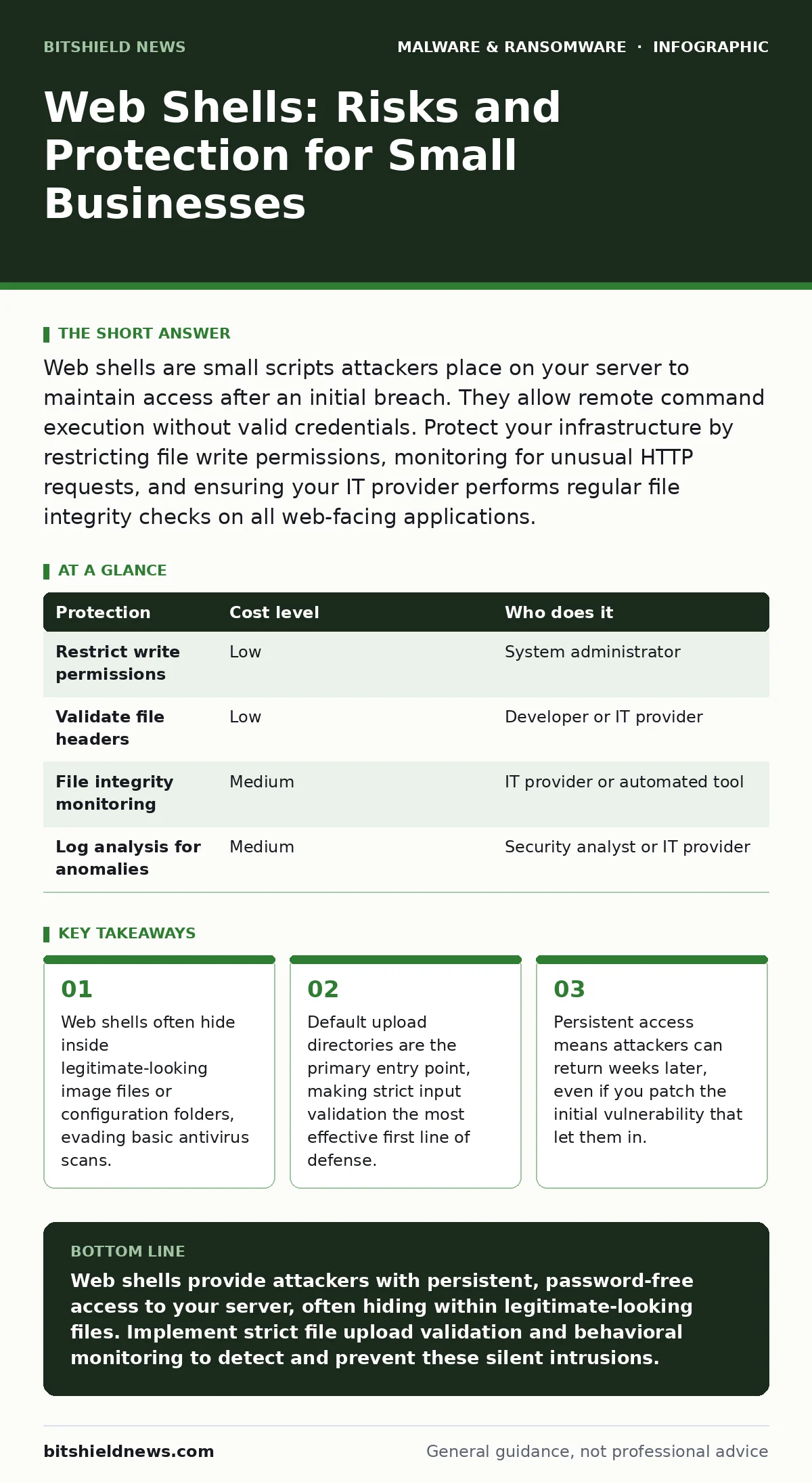
Web shells are small scripts attackers place on your server to maintain access after an initial breach. They allow remote command execution without valid credentials. Protect your infrastructure by restricting file write permissions, monitoring for unusual HTTP requests, and ensuring your IT provider performs regular file integrity checks on all web-facing applications.
The Silent Persistence Mechanism
A web shell is a script uploaded to a web server that allows an attacker to execute commands on the host machine. Unlike a traditional virus that replicates, a web shell is a tool for persistence. Once placed, it acts as a backdoor, granting the attacker a direct line to the server’s operating system. You do not need to crack a password to use it. The attacker simply sends an HTTP request to the script’s URL.
This mechanism is dangerous because it blends in with normal web traffic. The server processes the request as if it were a standard page load. The response might look like a normal HTML page to an observer, but it actually contains the output of a system command. This makes detection difficult for network tools that only look for known malicious signatures.
The danger extends beyond the web server itself. If the web server has access to other resources, the web shell becomes a bridge. Attackers can use it to scan your internal network, move laterally to database servers, or exfiltrate sensitive files. The web server becomes a foothold for deeper intrusion.
Why Small Organizations Are Primary Targets
Small organizations often lack the dedicated security teams that large enterprises employ. This creates a perception of easy access for attackers. Automated scanning tools constantly probe the internet for vulnerable web applications. When they find an open upload field or an outdated plugin, they exploit it automatically.
You may assume that your small size makes you invisible. In reality, your size makes you attractive. Large targets have heavy defenses and legal scrutiny. Small targets often have weaker controls and less visibility. Attackers know that a breach in a small business might go unnoticed for weeks. This window of opportunity allows them to install web shells and establish long-term access.
Another factor is the reliance on third-party services. Many small businesses use managed hosting or generic content management systems. If the host or the software vendor fails to secure the platform, you inherit the risk. You might believe your IT provider handles security, but if they do not specifically monitor for web shells, you are exposed.
The Hidden Cost of Default Configurations
Most web applications allow users to upload files. This feature is necessary for functionality but dangerous if misconfigured. By default, many systems allow any file type to be uploaded to public directories. An attacker can disguise a web shell as an image file with a double extension, such as image.jpg.php. Some servers will execute the PHP code despite the image extension.
This is a non-obvious consequence of convenience. You enable uploads for your customers, but you also enable uploads for attackers. If the server does not validate the file content, only the extension, the attacker wins. Even if you block known script extensions, attackers can use encoded payloads or alternative script languages that your server supports but you did not consider.
The cost of this misconfiguration is total compromise. Once the script is live, the attacker controls the server. They can delete logs, install additional malware, or encrypt files for ransom. The initial vulnerability might be minor, but the outcome is catastrophic. This is why understanding the mechanics of file handling is more valuable than simply installing an antivirus.
Low-Cost Protections That Actually Work
You do not need expensive security suites to mitigate web shell risks. The most effective protections are configuration changes and disciplined monitoring. Start by restricting file write permissions. The web server process should only be able to write to specific directories, not the entire web root. This limits where an attacker can place a malicious script.
Implement strict input validation on all upload forms. Reject any file that does not match a strict whitelist of allowed types. Do not rely on the file extension. Inspect the file header to ensure it matches the claimed type. For example, an image file must start with specific bytes that identify it as a JPEG or PNG. This prevents disguised scripts from being accepted.
Regularly scan your web directories for unauthorized changes. Use file integrity monitoring to alert you when a file is created, modified, or deleted. This helps you detect web shells even if they are hidden. Combine this with log analysis. Look for HTTP requests that contain unusual parameters or commands. These patterns often indicate an attacker interacting with a web shell.
| Protection | Cost level | Who does it |
|---|---|---|
| Restrict write permissions | Low | System administrator |
| Validate file headers | Low | Developer or IT provider |
| File integrity monitoring | Medium | IT provider or automated tool |
| Log analysis for anomalies | Medium | Security analyst or IT provider |
What to Ask Your IT Provider
Many small businesses outsource their IT needs. This is efficient, but it requires clear expectations. Your provider must understand that standard antivirus is not enough. Web shells are often undetected by signature-based scanners because the scripts are unique and custom-written for each target.
Ask your provider how they detect unauthorized script execution. They should monitor for processes spawned by the web server that are unusual, such as command shells or network connections. This is behavioral detection, which is more effective than signature matching. If they cannot explain this, they may not be protecting you against web shells.
Also ask about their patching process for web applications. Outdated plugins and themes are common entry points. Your provider must apply security updates promptly. Delays leave you exposed to known exploits. Finally, ask if they perform regular audits of user-uploaded directories. These areas are the most likely to harbor web shells.
- Does your provider monitor for unusual HTTP requests that indicate command execution?
- How do you validate file uploads to prevent disguised scripts from being stored on the server?
- What is your process for detecting and removing web shells that evade signature-based detection?
- Do you restrict the web server’s ability to write files outside of designated upload directories?
- How frequently do you audit user-uploaded directories for unauthorized changes?
See also: Detect Ransomware-as-a-Service: Log Signals and Blind Spots · Real-Time Protection Myths: What Endpoint Security Actually Does
The Limitations of Standard Security Tools
Standard antivirus software relies on known signatures. It compares files against a database of known malware. Web shells are often one-of-a-kind. An attacker modifies the script code slightly to avoid detection. This means the signature does not match, and the antivirus ignores it.
This is a hidden cost of relying solely on signatures. You feel protected, but you are not. The web shell sits in your directory, active and waiting. It may not trigger alerts because it does not behave like a traditional virus. It behaves like a legitimate web script, but with malicious intent.
To counter this, you need behavioral monitoring. This looks for what the file does, not what it looks like. If a web script starts a command shell or connects to an external IP address, it is suspicious. This approach catches web shells that signatures miss. It requires more sophisticated tools and expertise, but it is necessary for true protection.
Integrating Broader Security Practices
Web shells are rarely the end goal. They are a means to an end. Once inside, attackers may install remote access trojans to maintain control. These trojans provide a more stable connection and additional features. Understanding this progression helps you prioritize your defenses.
You should also consider the risk of malicious browser extensions. These can inject scripts into your web traffic, potentially uploading web shells if your server is vulnerable. Securing the client side is part of the equation. If your employees use compromised browsers, your server is at risk.
Furthermore, isolating infected devices is critical. If you detect a web shell, you must assume the attacker has access to other parts of your network. Segment your network to limit lateral movement. This prevents the web shell from becoming a gateway to your entire infrastructure. For more on this, see our guide on isolating infected devices.
Static malware analysis can help identify the capabilities of a web shell. By examining the code without executing it, you can understand what commands it can run. This information helps you tailor your response. It is not a prevention method, but it is a valuable investigative tool.
Key takeaways
- Web shells often hide inside legitimate-looking image files or configuration folders, evading basic antivirus scans.
- Default upload directories are the primary entry point, making strict input validation the most effective first line of defense.
- Persistent access means attackers can return weeks later, even if you patch the initial vulnerability that let them in.
Web shells provide attackers with persistent, password-free access to your server, often hiding within legitimate-looking files. Implement strict file upload validation and behavioral monitoring to detect and prevent these silent intrusions.
Frequently asked questions
Can a web shell steal my passwords?
Yes, a web shell can access any data the web server process can reach, including configuration files that may contain database credentials or user information.
Do firewalls stop web shells?
Firewalls control network traffic but cannot inspect the content of HTTP requests for malicious scripts. A web shell operates over standard web ports, which firewalls typically allow.
How do I know if I have a web shell?
Look for unexpected files in upload directories, unusual HTTP requests in your logs, or processes spawned by the web server that should not exist, such as command shells.
Is deleting the web shell enough?
No, deleting the file removes the tool but not the attacker’s access. The attacker may have installed other backdoors or compromised credentials. You must investigate the full extent of the breach.
How this guide was produced: written by the BitShield News editorial team with AI assistance, checked against the public references listed below, and reviewed when the facts change. See our editorial policy or report an error.