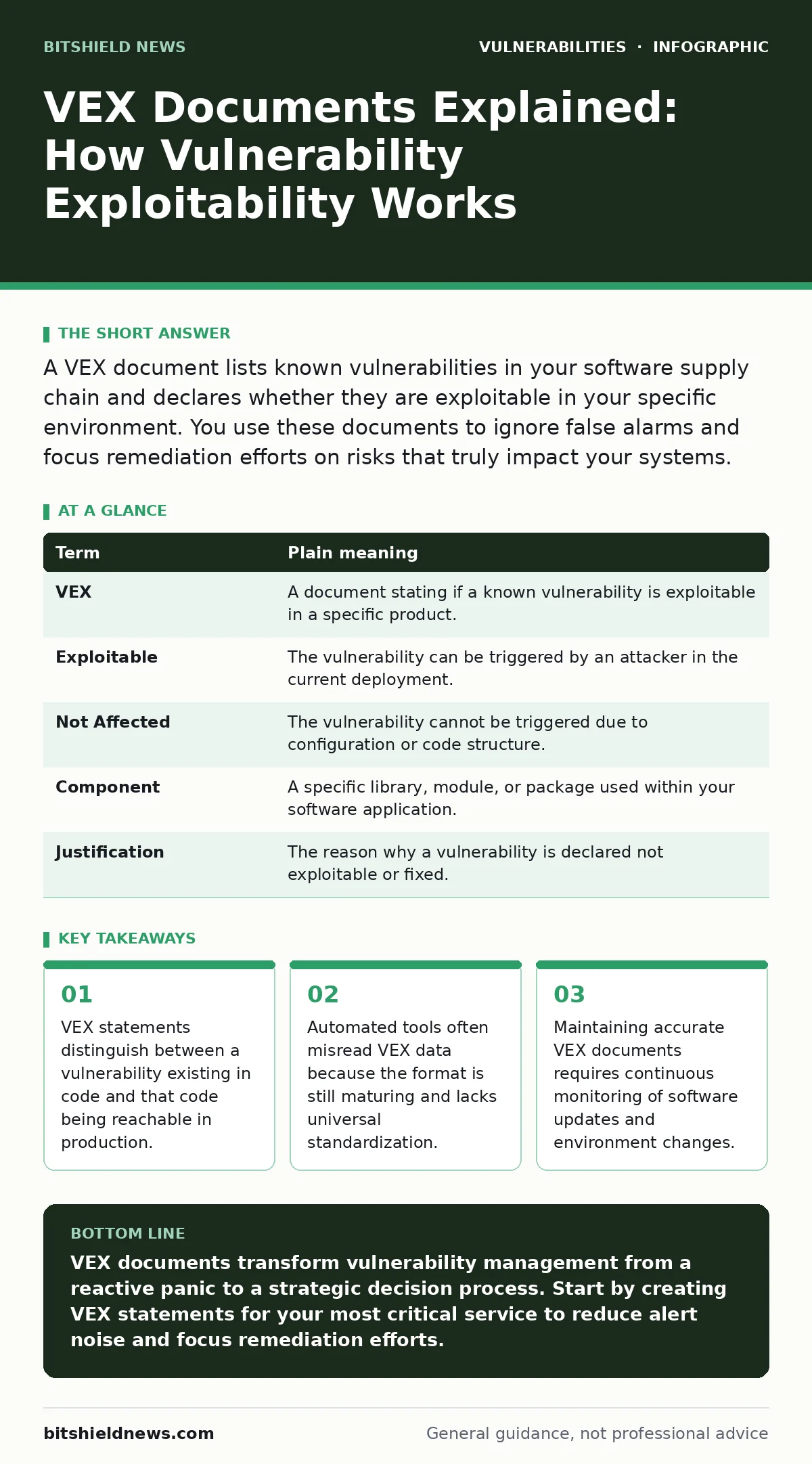
A VEX document lists known vulnerabilities in your software supply chain and declares whether they are exploitable in your specific environment. You use these documents to ignore false alarms and focus remediation efforts on risks that truly impact your systems.
The Airport Security Analogy
Imagine an airport security checkpoint that scans every passenger for prohibited items. The scanner beeps for everyone carrying a metal belt buckle. A traditional vulnerability scan treats every beep as a threat requiring immediate removal. A Vulnerability Exploitability eXpression (VEX) document acts like the security officer who checks the bag. The officer sees the buckle is part of the clothing and not a weapon. The officer marks the alarm as a false positive for that specific passenger. You stop worrying about the buckle and focus on actual threats.
This analogy helps clarify why many alerts are noise. The vulnerability exists in the software component, just as the metal exists in the buckle. However, the exploitability depends on the context. The buckle is harmless in the pocket. The software flaw is harmless if the function is disabled. VEX provides the context that raw scans lack.
Key Terms Defined
Understanding VEX requires clarity on specific terminology. These terms define the relationship between the flaw and your environment. Use this table to align your team on definitions.
| Term | Plain meaning |
|---|---|
| VEX | A document stating if a known vulnerability is exploitable in a specific product. |
| Exploitable | The vulnerability can be triggered by an attacker in the current deployment. |
| Not Affected | The vulnerability cannot be triggered due to configuration or code structure. |
| Component | A specific library, module, or package used within your software application. |
| Justification | The reason why a vulnerability is declared not exploitable or fixed. |
Common Points of Confusion
Teams often mistake VEX for a magic fix. It is not a remediation tool. It is a decision record. Another common error is assuming VEX replaces patching. It does not. If a flaw is exploitable, you must patch or apply compensating controls. VEX only helps you skip work for flaws that cannot hurt you.
Confusion also arises around scope. A VEX document applies to a specific version of a product. If you update the software, the old VEX may no longer be valid. You must generate new statements for new versions. This creates administrative overhead. The benefit is reduced alert fatigue. You must weigh the effort of creating VEX against the time saved ignoring false positives.
The Hidden Cost of Automation
Many organizations try to automate VEX generation entirely. This approach often fails because context is hard to machine-read. Automated tools might declare a library "not affected" because it is not imported. However, the library might be loaded dynamically at runtime. The tool misses this nuance.
Imagine a server that loads plugins from a folder. The main application code does not reference the plugin. A static scan sees no usage. A VEX tool might declare vulnerabilities in the plugin as "not affected." An attacker can place a malicious plugin in that folder. The server loads it. The vulnerability is exploited. The VEX document was wrong because it lacked runtime context. You must verify automated VEX outputs with manual checks for complex architectures.
Integration with Security Processes
VEX documents fit into the broader security workflow. They complement other security measures. For example, you might use HTTP security headers to restrict how browsers handle your content. This reduces the attack surface for certain web vulnerabilities. VEX helps you decide if you need to patch a library that handles HTML parsing. If the VEX says the library is not used in the rendering path, you may delay patching.
This integration is critical for large systems. You cannot patch everything at once. VEX allows prioritization. It tells you which vulnerabilities are urgent and which can wait. This is especially useful for dependencies like OpenSSL vulnerabilities where patches are frequent and breaking changes are common. You focus on the OpenSSL versions that are actually exposed to network traffic.
See also: Attack Surface Management: 8 Questions Answered for Secure Operations · Why the CISA Known Exploited Vulnerabilities Catalog Matters for Security
Best Practices for Implementation
Start small when implementing VEX. Do not try to cover every dependency immediately. Pick one critical service. Identify its top five dependencies. Create VEX statements for known vulnerabilities in those components. Validate the statements manually. This builds confidence in the process.
- Inventory your critical software components and their versions.
- Identify known vulnerabilities in those components from public databases.
- Determine if each vulnerability is exploitable in your specific configuration.
As you scale, automate the inventory step. Use tools that can ingest VEX documents and update your ticketing system. Ensure that developers understand the "Not Affected" justification. They must be able to explain why a flaw is safe. This documentation protects you during audits. It shows due diligence.
Managing False Negatives
VEX documents can create a false sense of security. If you mark a vulnerability as "Not Affected," you might stop monitoring it. But your environment changes. You might enable a new feature that uses the previously unused library. The vulnerability becomes exploitable. Your old VEX document is now dangerous.
You must treat VEX as a living document. Review statements when you change configurations. Review them when you update software. A quarterly review is a good minimum. Check if the justifications still hold. If the library is now imported, change the status to "Exploitable" or "Affected." This discipline prevents drift. It ensures your security posture matches your actual deployment.
Real-World Application Scenarios
Suppose you run a web application that uses a popular framework. A critical vulnerability is disclosed in the framework's core. The VEX document for your application states "Not Affected" because you disabled the specific function that is vulnerable. You do not patch immediately. You monitor for attacks targeting that function. If you see traffic attempting to exploit it, you patch. This saves downtime.
Imagine a different scenario. You use a database driver. The VEX says "Affected." You must patch. But the patch breaks compatibility with your old database version. You cannot patch immediately. You implement network segmentation to isolate the database. You apply compensating controls to limit access. You plan a database upgrade. VEX helped you make this risk-based decision. It provided the data to justify the delay.
Key takeaways
- VEX statements distinguish between a vulnerability existing in code and that code being reachable in production.
- Automated tools often misread VEX data because the format is still maturing and lacks universal standardization.
- Maintaining accurate VEX documents requires continuous monitoring of software updates and environment changes.
VEX documents transform vulnerability management from a reactive panic to a strategic decision process. Start by creating VEX statements for your most critical service to reduce alert noise and focus remediation efforts.
Frequently asked questions
Does VEX replace the need to patch software?
No, VEX only identifies which patches are unnecessary. You must still patch vulnerabilities that are marked as exploitable or affected in your environment.
How do I create a VEX document for my software?
Start by listing your software components. Check for known vulnerabilities. Analyze your code and configuration to see if the vulnerable code is reachable. Document your findings using a standard format.
Can automated tools generate accurate VEX documents?
Automated tools can generate initial drafts, but they often miss runtime context. You should manually verify VEX statements, especially for complex applications with dynamic loading features.
What happens if my VEX document is wrong?
If you mark an exploitable vulnerability as "Not Affected," you remain at risk. Regular reviews and monitoring for exploit attempts help catch these errors before they lead to a breach.
How this guide was produced: written by the BitShield News editorial team with AI assistance, checked against the public references listed below, and reviewed when the facts change. See our editorial policy or report an error.