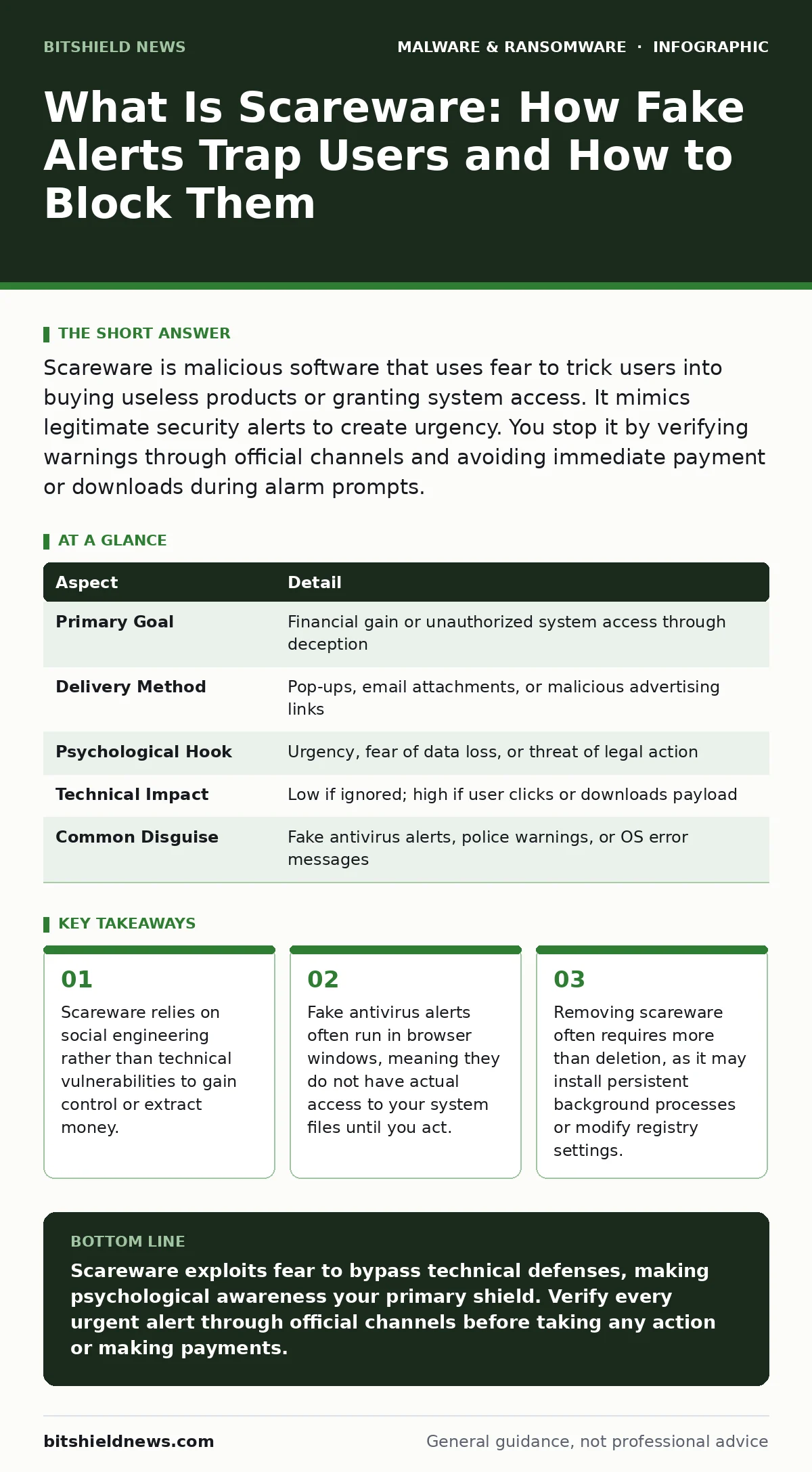
Scareware is malicious software that uses fear to trick users into buying useless products or granting system access. It mimics legitimate security alerts to create urgency. You stop it by verifying warnings through official channels and avoiding immediate payment or downloads during alarm prompts.
Everyday Analogy for Digital Threats
Imagine a stranger knocks on your door wearing a police uniform. They shout that your house is on fire and demand immediate payment for emergency services. You feel panic rising. Your logical mind knows to call the fire department directly, but the fear overrides caution. You hand over cash to stop the perceived threat. Scareware operates on this exact psychological principle. It creates a false emergency to bypass your rational defenses. The attacker does not need to break down your door. They simply convince you to open it voluntarily. This distinction separates scareware from traditional malware that relies on code execution vulnerabilities.
At a Glance: Scareware Mechanics
| Aspect | Detail |
|---|---|
| Primary Goal | Financial gain or unauthorized system access through deception |
| Delivery Method | Pop-ups, email attachments, or malicious advertising links |
| Psychological Hook | Urgency, fear of data loss, or threat of legal action |
| Technical Impact | Low if ignored; high if user clicks or downloads payload |
| Common Disguise | Fake antivirus alerts, police warnings, or OS error messages |
What Is Scareware Exactly
What is scareware? Scareware is a category of malicious software or social engineering tactic that uses fear to coerce users into taking specific actions. These actions usually involve purchasing fake security software or granting remote access to the computer. The term combines "scare" and "software," highlighting the psychological manipulation at its core. Unlike viruses that replicate themselves, scareware often starts as a simple webpage or pop-up. It only becomes dangerous when the user interacts with it. The deception is the primary weapon. The technical payload may be minimal initially, but the goal is to exploit the user's reaction to stress.
How the Deception Unfolds
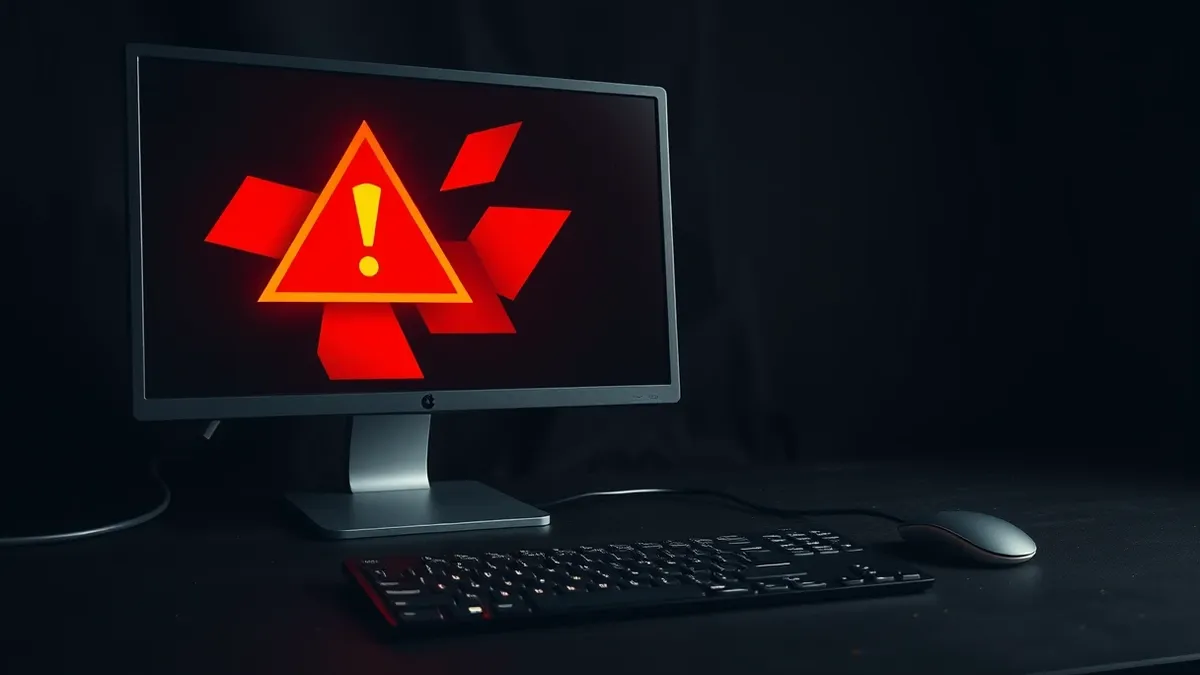
The attack begins with exposure. You might click a misleading advertisement or open an email with a urgent subject line. The screen then fills with a realistic-looking alert. It claims your system is infected with hundreds of threats. The interface mimics legitimate operating system dialogs or well-known security vendors. Red warning icons and countdown timers increase the pressure.
The message instructs you to download a "fix" or call a support number. This is the critical moment. If you follow the instructions, you download actual malware. This secondary payload might include ransomware-as-a-service kits that encrypt your files. The initial scare was merely the lure. The real damage happens after you comply.
Who Faces the Greatest Risk
Scareware targets anyone who uses digital devices, but certain behaviors increase vulnerability. Users who rarely update their systems or ignore security warnings are prime targets. The attackers know that unfamiliarity with system behavior makes it harder to spot fakes. Older adults are often targeted because they may be less familiar with modern security interfaces.
However, technical professionals are not immune. Stress and time pressure can cause even experts to overlook subtle signs of deception. The risk is universal because the attack vector is human psychology, not just software flaws. Understanding this helps you recognize that vigilance is a continuous practice, not a one-time setup.
See also: Debunking AI Phishing Myths: What Attackers Really Want
Common Misconceptions About Scareware
Many users believe that having antivirus software installed protects them from scareware. This is a dangerous assumption. Traditional antivirus tools scan for known malicious code signatures. Scareware pop-ups often run in the browser sandbox. They do not execute code on the system until you download the fake fix. Therefore, your security software may not flag the alert itself. Another common mistake is assuming that a realistic-looking alert is legitimate. Attackers spend significant resources making their interfaces look authentic. They copy fonts, colors, and logos from real vendors. You cannot trust the appearance of the warning. You must verify the source independently.
How to Respond and Recover
If you encounter a suspicious alert, do not interact with it. Close the browser window entirely. Do not call any numbers provided in the message. Do not download any files. Verify the status of your system by opening your actual security software manually. Check for legitimate alerts through the official interface. If you already downloaded a file, disconnect from the internet immediately.
Run a full system scan with your security tools. Check for new applications in your program list. Look for unknown processes in your task manager. If you suspect deeper compromise, consider malware analysis of the downloaded file by a specialist. This helps determine if the scareware installed additional components like keyloggers or web shells.
Preventing Future Attacks
Prevention focuses on reducing the effectiveness of the psychological hook. Keep your operating system and browsers updated. Updates often include patches that block known malicious advertising networks. Use a reputable ad blocker. This reduces the surface area for malicious pop-ups. Educate yourself on how your operating system displays real warnings. Real system alerts rarely demand immediate payment or phone calls.
They usually provide a clear path to official support. Train your staff or family to pause before reacting to urgent messages. A five-second pause can break the panic cycle. Regularly review browser extensions. Malicious browser extensions can inject scareware ads into otherwise safe websites. Remove any extension you do not recognize or use.
The Hidden Cost of Panic
The immediate cost of scareware is financial loss or data theft. The hidden cost is the erosion of trust in legitimate security tools. After being scared by a fake alert, users may disable their real antivirus software. They might ignore genuine warnings because they fear another false alarm. This desensitization leaves systems vulnerable to actual threats.
Attackers know this. They may use scareware to prepare the ground for more serious infections. By creating confusion and fear, they make it harder for you to distinguish between real and fake threats. Maintaining a calm, verified response process is the only way to preserve your security posture. Do not let fear dictate your actions. Verify first, then act.
Key takeaways
- Scareware relies on social engineering rather than technical vulnerabilities to gain control or extract money.
- Fake antivirus alerts often run in browser windows, meaning they do not have actual access to your system files until you act.
- Removing scareware often requires more than deletion, as it may install persistent background processes or modify registry settings.
Scareware exploits fear to bypass technical defenses, making psychological awareness your primary shield. Verify every urgent alert through official channels before taking any action or making payments.
Frequently asked questions
Can scareware infect my phone?
Yes, mobile devices are common targets. Fake alerts may appear in browsers or as malicious apps that mimic system notifications.
Is scareware the same as ransomware?
No, but they are related. Scareware tricks you into paying or downloading something. Ransomware encrypts your files and demands payment to unlock them. Scareware can deliver ransomware.
How do I know if an alert is real?
Real alerts come from your operating system or installed security software. They do not demand immediate credit card payments or phone calls. Verify by opening the application manually.
Should I call the number on the scareware alert?
Never call numbers provided in unsolicited alerts. These connect to criminals who will try to gain remote access to your device or steal personal information.
How this guide was produced: written by the BitShield News editorial team with AI assistance, checked against the public references listed below, and reviewed when the facts change. See our editorial policy or report an error.