
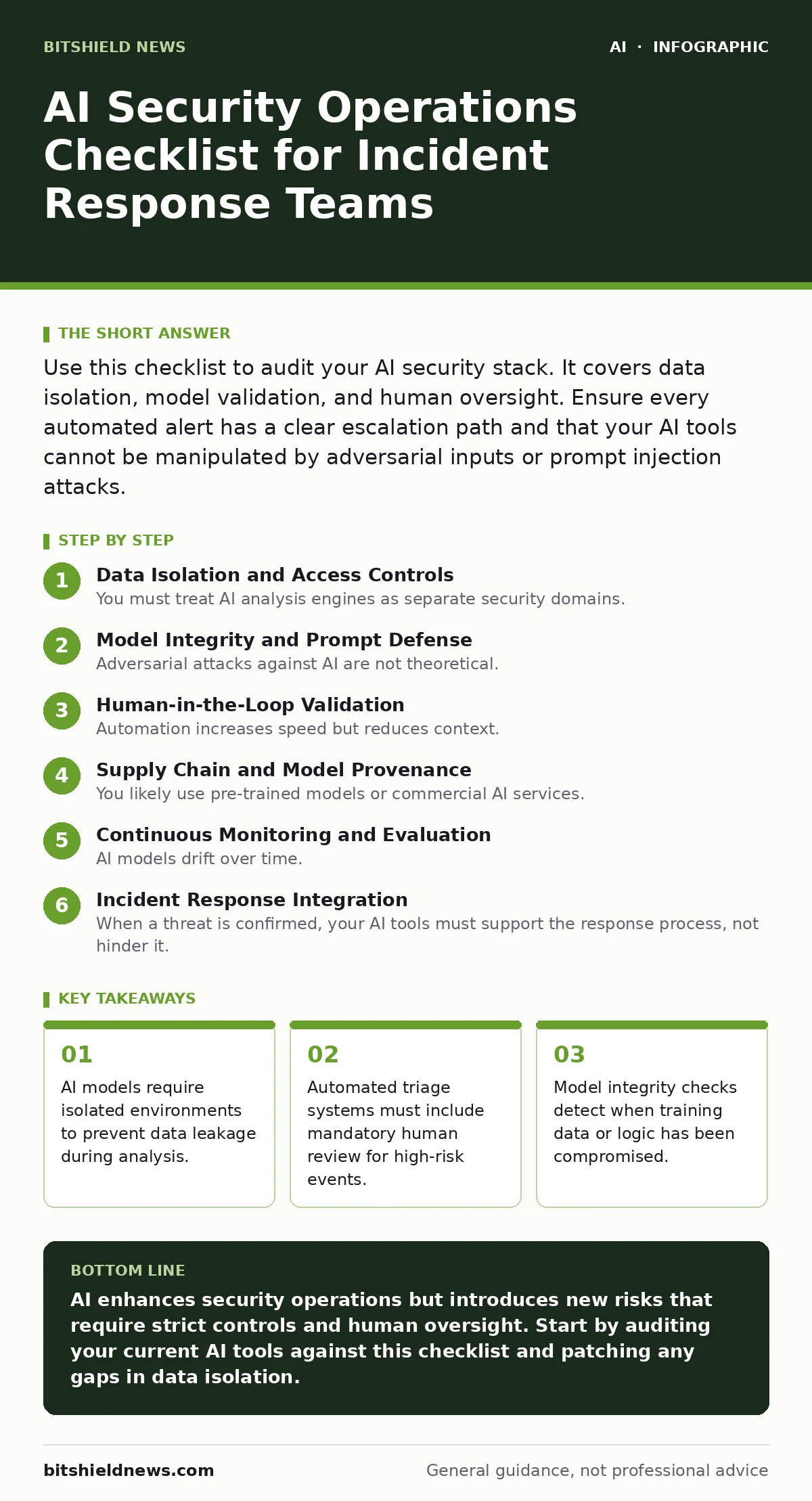
Use this checklist to audit your AI security stack. It covers data isolation, model validation, and human oversight. Ensure every automated alert has a clear escalation path and that your AI tools cannot be manipulated by adversarial inputs or prompt injection attacks.
Data Isolation and Access Controls
You must treat AI analysis engines as separate security domains. When an AI model processes security logs, it often ingests sensitive metadata. If the model is connected to a shared network segment, an attacker who compromises the AI service can pivot to your core infrastructure.
- Implement strict network segmentation for AI inference servers: prevents lateral movement if the AI service is compromised.
- Encrypt data in transit between SIEM and AI engines: ensures log integrity during transmission.
- Apply least-privilege access to AI model weights: stops unauthorized users from extracting training data.
- Audit API keys used by AI plugins: prevents credential theft via insecure AI plugins and agents.
Model Integrity and Prompt Defense
Adversarial attacks against AI are not theoretical. Attackers craft inputs designed to bypass safety filters or extract secrets. This technique, known as prompt injection, tricks the model into ignoring its original instructions. You must assume your AI interface is an attack surface.
- Sanitize all user inputs before feeding them to the model: prevents prompt injection attacks.
- Monitor for anomalous token usage patterns: detects attempts to exhaust resources or extract data.
- Validate outputs against known safe templates: catches hallucinations or manipulated responses.
- Regularly update model versions with security patches: addresses newly discovered vulnerabilities in the underlying architecture.
Human-in-the-Loop Validation
Automation increases speed but reduces context. An AI system might flag a benign process as malicious because it matches a rare pattern. If you rely solely on automated blocking, you risk disrupting business operations. You need a process for humans to review ambiguous alerts.
- Define clear escalation criteria for AI-generated alerts: ensures critical threats get immediate human attention.
- Maintain a feedback loop to retrain models on false positives: improves accuracy over time.
- Document every automated decision for audit trails: provides accountability for actions taken by AI.
- Train analysts to question AI recommendations: prevents blind trust in algorithmic outputs.
Supply Chain and Model Provenance
You likely use pre-trained models or commercial AI services. These components carry their own risks. If the upstream provider suffers a breach or injects malicious code, your security operations are compromised. You must verify the source and integrity of every model you deploy.
- Verify the cryptographic signature of model files: ensures the model has not been tampered with.
- Audit third-party AI service SLAs for security requirements: guarantees the provider meets your compliance standards.
- Maintain an inventory of all AI libraries and dependencies: helps you patch vulnerabilities quickly.
- Review provider incident response plans: ensures you know how to react if their system is breached.
Continuous Monitoring and Evaluation
AI models drift over time. The patterns they learned yesterday may not apply to today’s traffic. This drift can cause the model to miss new threats or flag benign activity. You need ongoing metrics to track performance degradation.
- Track false positive and false negative rates weekly: identifies when the model needs retraining.
- Monitor system latency introduced by AI processing: ensures security tools do not slow down operations.
- Log all AI decisions for post-incident analysis: helps you understand why a threat was missed or caught.
- Test AI resilience against simulated attacks: validates the effectiveness of your defenses.
Incident Response Integration
When a threat is confirmed, your AI tools must support the response process, not hinder it. This includes providing clear explanations for their decisions and allowing analysts to override automated actions. Integration with existing ticketing and communication tools is necessary for coordination.
- Integrate AI alerts with existing incident management platforms: streamlines workflow and documentation.
- Enable manual override for all automated blocking actions: prevents accidental disruption of critical services.
- Ensure AI tools provide explainable reasoning for alerts: helps analysts understand the basis of the detection.
- Test failover procedures if AI services go offline: ensures security operations continue without AI assistance.
Key takeaways
- AI models require isolated environments to prevent data leakage during analysis.
- Automated triage systems must include mandatory human review for high-risk events.
- Model integrity checks detect when training data or logic has been compromised.
AI enhances security operations but introduces new risks that require strict controls and human oversight. Start by auditing your current AI tools against this checklist and patching any gaps in data isolation.
Frequently asked questions
How do I prevent AI models from leaking sensitive data?
Use strict network segmentation and encrypt all data in transit. Ensure the AI service cannot access data it does not explicitly need for analysis.
What is the biggest risk of using AI in security operations?
The risk is false confidence. Teams may trust automated decisions without verification, missing sophisticated attacks that mimic normal behavior.
Should I use open-source or commercial AI models?
Both carry risks. Open-source models allow you to audit the code but require more maintenance. Commercial models offer support but introduce supply chain risks.
How often should I retrain my AI security models?
Retrain regularly based on performance metrics. If false positive rates increase or new threat patterns emerge, retraining is necessary to maintain accuracy.
How this guide was produced: written by the BitShield News editorial team with AI assistance, checked against the public references listed below, and reviewed when the facts change. See our editorial policy or report an error.