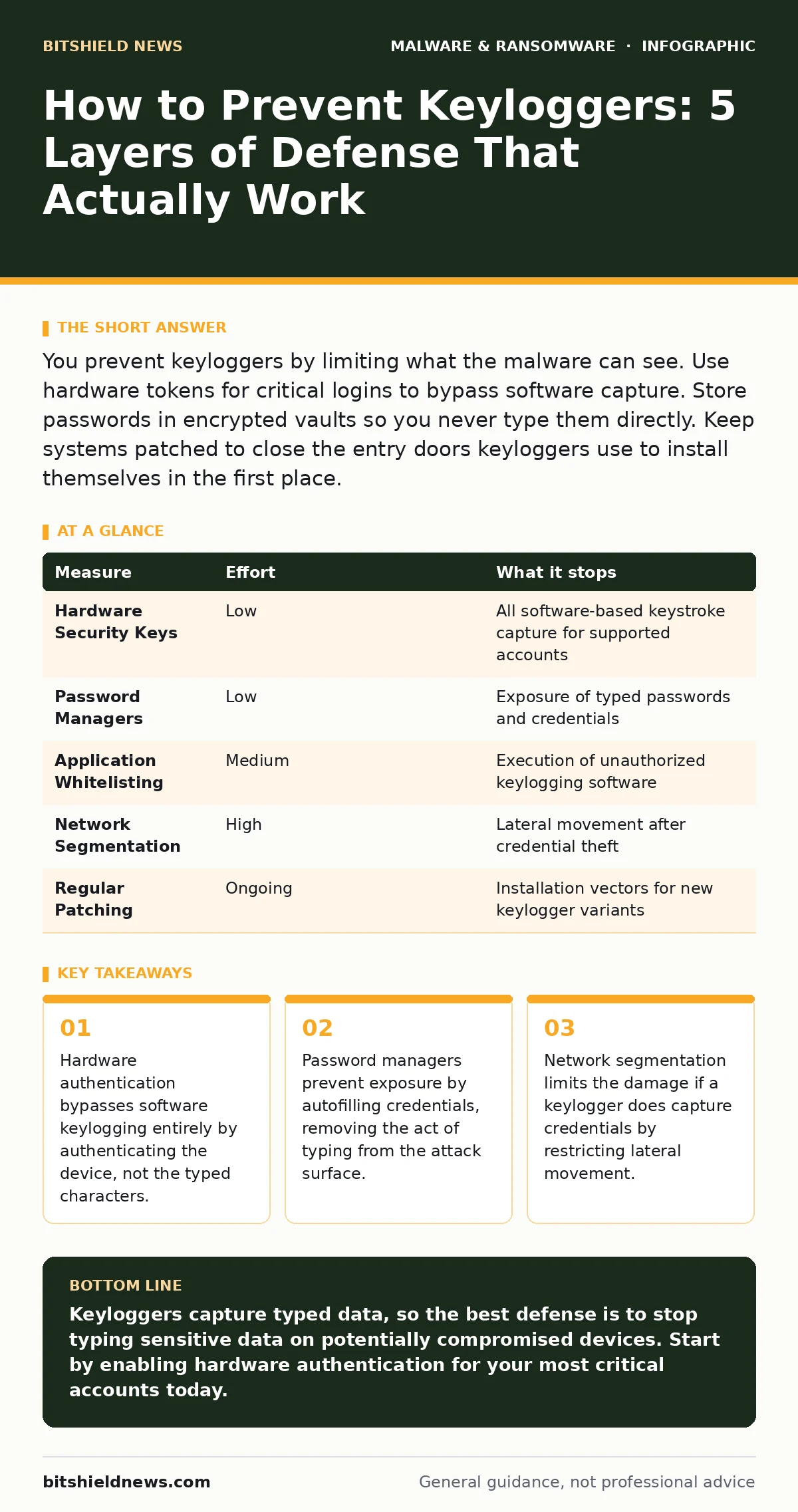
You prevent keyloggers by limiting what the malware can see. Use hardware tokens for critical logins to bypass software capture. Store passwords in encrypted vaults so you never type them directly. Keep systems patched to close the entry doors keyloggers use to install themselves in the first place.
Why Standard Prevention Fails Against Modern Keyloggers
Keyloggers record every keystroke you type, capturing passwords, messages, and financial data. Traditional advice focuses on antivirus scans, but this approach often fails. Modern keyloggers use legitimate system APIs to read input, making them look like normal application behavior to security software. They do not need to "hack" your keyboard; they simply ask the operating system for the input stream. This means standard detection often misses them until they have already captured sensitive data. You must assume the operating system environment is compromised and build defenses that do not rely on the integrity of the input stream.
How to Prevent Keyloggers With Hardware Isolation
The most effective way to prevent keylogger impact is to stop typing sensitive data altogether. Hardware security keys provide this isolation. These small devices store cryptographic keys internally and sign authentication challenges directly. When you use a hardware key, your computer never sees the secret credential. The keylogger records nothing because there are no keystrokes to capture. This method removes the risk entirely for any account that supports it. You should prioritize enabling hardware authentication for email, banking, and administrative accounts. This single change neutralizes the primary goal of most keylogging malware.
| Measure | Effort | What it stops |
|---|---|---|
| Hardware Security Keys | Low | All software-based keystroke capture for supported accounts |
| Password Managers | Low | Exposure of typed passwords and credentials |
| Application Whitelisting | Medium | Execution of unauthorized keylogging software |
| Network Segmentation | High | Lateral movement after credential theft |
| Regular Patching | Ongoing | Installation vectors for new keylogger variants |
Password Managers Eliminate the Typing Risk
Even if you cannot use hardware keys everywhere, a password manager acts as a strong barrier. You log into the manager once, often with a hardware key or biometric factor. The manager then autofills credentials into websites and applications. The keylogger sees the manager’s interface activity, but it does not see the actual password characters being typed. This breaks the direct link between your fingers and the sensitive data. You must ensure the manager itself is protected with strong authentication. This approach reduces the value of any keylogger installed on your system to near zero for most accounts.
Limiting Execution Stops Keyloggers From Installing
Prevention starts before the keylogger runs. Keyloggers need permission to execute on your system. Application whitelisting ensures that only approved, signed programs can run. If a malicious script tries to launch a keylogger, the system blocks it because it is not on the approved list. This is more effective than blacklisting, which tries to block known bad files. Attackers constantly rename and repackage their tools to evade blacklists. Whitelisting assumes nothing is trusted unless you explicitly say so. This strategy requires initial setup but provides continuous protection without constant updates.
Network Segmentation Contains the Breach
Suppose a keylogger bypasses all local defenses and captures your domain administrator password. The attacker now has high-level access. Network segmentation limits what they can do with that access. By dividing your network into smaller zones, you prevent the attacker from moving freely. The keylogger might capture credentials, but those credentials only grant access to the specific segment where the breach occurred. This containment strategy buys you time to detect and respond. It does not prevent the keylogger from capturing data, but it prevents the catastrophic spread that usually follows.
See also: What Is Command and Control: How Malware Steers Your Systems · What Is Scareware: How Fake Alerts Trap Users and How to Block Them
Real-Time Protection Adds Detection Layers
Real-time protection monitors system behavior for anomalies. While it may not block the keylogger from installing, it can detect the unusual behavior of a program reading input from multiple applications simultaneously. This behavioral analysis complements signature-based detection. You should configure alerts for processes that access the keyboard driver or input APIs unexpectedly. This does not stop the theft, but it provides early warning. Early warning allows you to isolate the machine before the attacker uses the stolen credentials. This layer is reactive, not preventive, but it is necessary for a complete defense.
What Does Not Work On Its Own
Many users believe that changing passwords frequently prevents keylogger damage. This is a misconception. If a keylogger is active, it captures the new password the moment you type it. Changing passwords does not remove the malware or stop the capture. Similarly, using complex passwords does not help if the attacker sees them being typed. The only way to defeat an active keylogger is to stop typing the secret or to use a method that does not involve typing. Focus your efforts on isolation and execution control rather than password complexity.
Closing Checklist for Immediate Action
You need to act today to reduce your exposure. Start by identifying the three most critical accounts in your organization. Enable hardware authentication for these accounts immediately. Next, enforce the use of a password manager for all user accounts. Configure the manager to autofill credentials wherever possible. Finally, review your application whitelisting policies. Ensure that only necessary applications are allowed to run on critical systems. These steps create multiple layers of defense that keyloggers cannot easily bypass.
- Enable hardware keys for top 3 critical accounts
- Deploy password manager with autofill enabled
- Audit and tighten application whitelisting rules
Key takeaways
- Hardware authentication bypasses software keylogging entirely by authenticating the device, not the typed characters.
- Password managers prevent exposure by autofilling credentials, removing the act of typing from the attack surface.
- Network segmentation limits the damage if a keylogger does capture credentials by restricting lateral movement.
Keyloggers capture typed data, so the best defense is to stop typing sensitive data on potentially compromised devices. Start by enabling hardware authentication for your most critical accounts today.
Frequently asked questions
Can a keylogger be hidden in a browser extension?
Yes, malicious browser extensions can capture keystrokes within the browser context. They operate at the application level and can bypass some system-level protections. Always audit installed extensions and remove any that are unnecessary or from unknown developers.
Do virtual keyboards stop keyloggers?
Virtual keyboards can stop basic screen-scraping malware, but they do not stop advanced keyloggers. Modern keyloggers can hook into the operating system’s input API, capturing clicks on virtual keyboards just as they capture physical keystrokes. They provide a false sense of security.
How do I know if I have a keylogger?
Look for unusual system behavior, such as slow performance or unexpected network traffic. Check for unknown processes that access input devices. Use behavioral analysis tools to detect applications that monitor keyboard activity. Regular audits of installed software and permissions are also effective.
Can ransomware-as-a-service include keylogging features?
Yes, many modern ransomware kits include modules for data theft. These kits often bundle keyloggers to capture credentials before encrypting files. This allows attackers to sell stolen data or use it for further attacks. Treat any ransomware threat as a potential data theft risk as well.
How this guide was produced: written by the BitShield News editorial team with AI assistance, checked against the public references listed below, and reviewed when the facts change. See our editorial policy or report an error.