
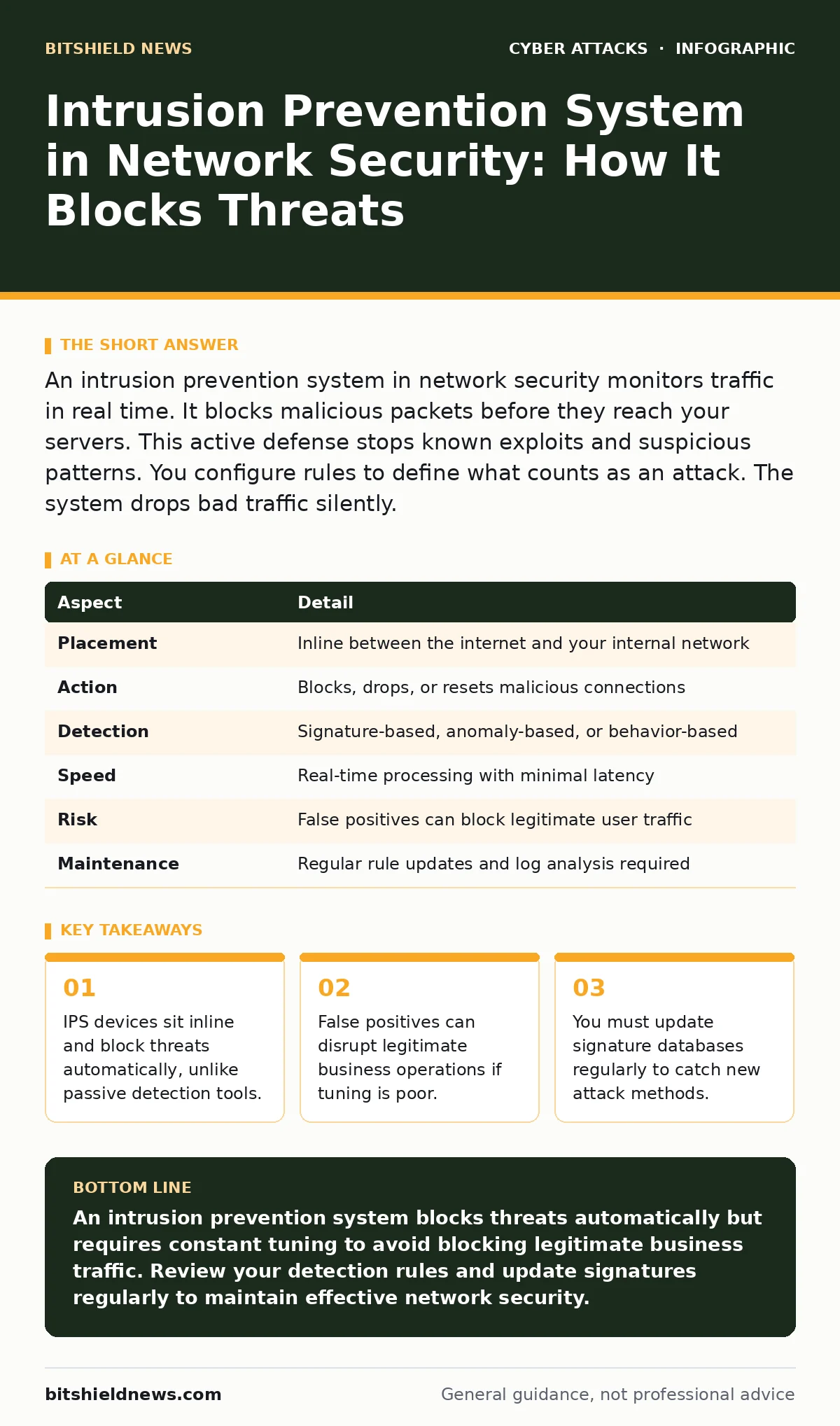
An intrusion prevention system in network security monitors traffic in real time. It blocks malicious packets before they reach your servers. This active defense stops known exploits and suspicious patterns. You configure rules to define what counts as an attack. The system drops bad traffic silently.
The Traffic Cop Analogy
Imagine a busy highway intersection. A traffic camera records every car that passes. If a car runs a red light, the camera saves the footage. You see the violation later. This is passive monitoring. An intrusion prevention system acts like a traffic cop standing in the middle of the road. The cop sees a car speeding toward a pedestrian. The cop blows a whistle and raises a hand. The car stops immediately. The pedestrian is safe. The intrusion prevention system intercepts the threat before it causes harm.
At a Glance: IPS Mechanics
| Aspect | Detail |
|---|---|
| Placement | Inline between the internet and your internal network |
| Action | Blocks, drops, or resets malicious connections |
| Detection | Signature-based, anomaly-based, or behavior-based |
| Speed | Real-time processing with minimal latency |
| Risk | False positives can block legitimate user traffic |
| Maintenance | Regular rule updates and log analysis required |
How an Intrusion Prevention System in Network Security Works
You place the device directly in the path of network traffic. Every packet destined for your internal servers must pass through it. The system inspects each packet against a database of known threats. This is signature-based detection. It matches the packet header and payload to a known attack pattern. If it finds a match, it drops the packet. The attacker receives no response. The connection fails silently.
The system also looks for anomalies. It learns what normal traffic looks like for your environment. If a server suddenly sends 10,000 requests in one second, the system flags it. This is behavior-based detection. It catches new attacks that have no known signature yet. The system compares the current flow to the baseline. Deviations trigger an alert or a block. You define the baseline during the initial setup phase.
Who It Affects and Why It Matters
The device protects your critical assets. Databases, email servers, and customer portals sit behind the firewall. The intrusion prevention system adds a second layer of defense. Firewalls check source and destination addresses. They allow or deny traffic based on ports and protocols. They do not inspect the content of the packet. The intrusion prevention system reads the content. It stops a malicious payload even if it arrives on an allowed port.
Users experience little change if the system works correctly. Legitimate traffic passes through without delay. Malicious traffic stops before it reaches the user’s browser. If the system blocks a legitimate request, the user sees an error. This is a false positive. It requires immediate investigation. Your security team must review the logs. You adjust the rules to allow the legitimate traffic. Poor tuning causes more downtime than attacks.
What People Usually Get Wrong
Many organizations treat the device as a set-and-forget appliance. They install it and assume it provides complete protection. This is a dangerous assumption. Attackers change their tactics daily. New vulnerabilities appear every week. You must update the signature database regularly. Without updates, the system only blocks old threats. It misses new attacks entirely.
Another common error is ignoring the logs. The system generates thousands of alerts daily. Most are noise. You must filter the noise. Focus on high-severity alerts. Investigate every block that affects critical services. Do not simply clear the alerts to reduce the count. Each blocked packet tells a story. It reveals where attackers are targeting your network. You use this data to harden your defenses.
See also: Detect Ransomware-as-a-Service: Log Signals and Blind Spots
The Hidden Cost of False Positives
A false positive occurs when the system blocks legitimate traffic. This happens when a benign application uses a protocol that looks like an attack. For example, a database query might resemble a SQL injection attempt. The system sees the keywords and blocks the request. The application crashes. Users cannot log in. Business operations halt.
You mitigate this risk through careful tuning. Start with strict rules. Monitor the traffic closely. Identify which applications generate false alerts. Create exceptions for those specific applications. Do not disable the entire rule. Disable only the specific condition that causes the error. This balances security with usability. You maintain protection while allowing business continuity.
Integrating With Other Security Layers
The device does not work in isolation. It complements other security measures. You should pair it with incident response plans. When the system blocks a massive attack, your team needs a procedure. The plan defines who calls whom. It outlines how to isolate affected systems. It ensures a rapid recovery.
You also need privileged access management. If an attacker bypasses the network defenses, they may target admin accounts. Limiting who has root access reduces the damage. The intrusion prevention system stops external attacks. Privileged access management limits internal movement. Together, they create a defense in depth.
Common Misconceptions About Protection
Some believe the device replaces a firewall. This is incorrect. Firewalls enforce policy. They decide who can talk to whom. The intrusion prevention system inspects what they say. You need both. A firewall blocks unauthorized access. The intrusion prevention system blocks malicious content from authorized users. They serve different purposes.
Others think it stops all malware. It catches known malware signatures. It stops command-and-control communications. It does not scan every file on your hard drive. Endpoint protection handles that. The device protects the network perimeter. It stops threats from entering. It does not clean infections already inside. You need layered security to cover all vectors.
Maintaining Your Defense Posture
Regular maintenance keeps the system effective. You review logs weekly. You update signatures daily. You test the rules quarterly. Simulation tests verify that the system blocks expected threats. You send harmless test packets to the device. You confirm it drops them. This proves the system is active and configured correctly.
You also review the baseline. Business patterns change. New applications launch. Traffic volumes shift. You update the anomaly detection thresholds. This prevents false positives from new business activities. You keep the system aligned with your current operations. Static settings lead to blind spots. Dynamic tuning ensures continuous protection.
Key takeaways
- IPS devices sit inline and block threats automatically, unlike passive detection tools.
- False positives can disrupt legitimate business operations if tuning is poor.
- You must update signature databases regularly to catch new attack methods.
An intrusion prevention system blocks threats automatically but requires constant tuning to avoid blocking legitimate business traffic. Review your detection rules and update signatures regularly to maintain effective network security.
Frequently asked questions
Does an intrusion prevention system replace a firewall?
No. Firewalls control access based on addresses and ports. Intrusion prevention systems inspect packet content for malicious payloads. You need both for layered security.
How do I reduce false positives?
Tune your rules carefully. Create exceptions for known benign applications. Monitor logs closely after changing rules. Adjust anomaly thresholds to match your current traffic patterns.
Can it detect zero-day attacks?
It can detect some zero-day attacks using anomaly-based detection. It flags traffic that deviates from the established baseline. It cannot block every new exploit if the behavior looks normal.
Where should I place the device?
Place it inline between your internet connection and your internal network. This ensures all inbound traffic passes through the inspection engine before reaching your servers.
How this guide was produced: written by the BitShield News editorial team with AI assistance, checked against the public references listed below, and reviewed when the facts change. See our editorial policy or report an error.